POWER & SQRT Exponential Math Formulas
Learn how to calculate exponents, square roots, and nth roots in Excel with POWER and SQRT. Learn fractional powers and solve compound growth cleanly.

POWER & SQRT Exponential Math Formulas
Exponential growth, compound interest, physics simulations, and statistical standard deviations all depend on powers and roots. When you first search for root formulas in Excel, you will quickly locate SQRT for square roots.
However, when you need a cube root or a 5th root, you will discover that Excel has no function named CUBEROOT. Many users get stuck, not realizing that all mathematical roots are simply fractional exponents. Taking the cube root of a number is identical to raising that number to the power of 1/3.
By pairing the POWER formula (or the caret operator ^) with SQRT, you can calculate any exponential power or root degree cleanly.
SQRT Formula
Specialized function for calculating square roots (power of 0.5). Rejects negative numbers with a #NUM! error.
POWER Formula and Caret (^)
Raises any base to any power—including negative powers (division) and fractional powers (cube and nth roots).
Quick Comparison: SQRT vs POWER vs Caret (^)
| Calculation Type | Formula Syntax | Equivalent Math | Handles Nth Roots? | Best Used For |
|---|---|---|---|---|
| Square Root | =SQRT(64) | 64 ^ (1/2) = 8 | No (square root only) | Standard deviation and basic geometry |
| POWER Formula | =POWER(64, 3) | 64³ = 262,144 | Yes (=POWER(64, 1/3)) | Formal models, clear readable arguments |
| Caret Operator (^) | =64 ^ 3 | 64³ = 262,144 | Yes (=64 ^ (1/3)) | Quick formula writing and compound growth |
Both POWER(base, power) and base ^ power evaluate to the identical computational result in Excel's calculation engine.
How the Exponential Engine Works
1. Syntax of POWER
=POWER(number, power)- number: The base value you wish to multiply.
- power: The exponent to which the base is raised.
2. The Golden Rule of Fractional Roots
To calculate an Nth root, use a fraction as the exponent:
=POWER(BaseCell, 1 / N)
=BaseCell ^ (1 / N)
Warning: Always wrap the fraction in parentheses! If you type =64^1/3, Excel's order of operations evaluates (64^1) / 3, returning 21.33 instead of the correct answer 4.
3. Handling Negative Numbers with SQRT
Taking the square root of a negative number produces a #NUM! error because real numbers cannot have negative square roots. If you are analyzing variances where the sign does not matter, wrap the input in ABS first:
=SQRT(ABS(VarianceCell))Real-Life Workplace Scenarios
1. Compound Annual Growth Rate (CAGR)
Financial analysts calculate the annual growth rate of an investment over multiple years using fractional roots:
=(EndingValue / BeginningValue) ^ (1 / Years) - 12. Physics and Structural Engineering
Engineers calculate acoustic wave attenuation and structural stress formulas using square root variance equations.
Common Mistakes to Avoid
- Forgetting Parentheses in Exponents: Writing
=A2^1/3instead of=A2^(1/3)produces incorrect results due to mathematical operator precedence. - Supplying Negatives to SQRT: Always verify inputs are positive or protected with ABS.
Calculate exponential powers and roots in our spreadsheet playground below.
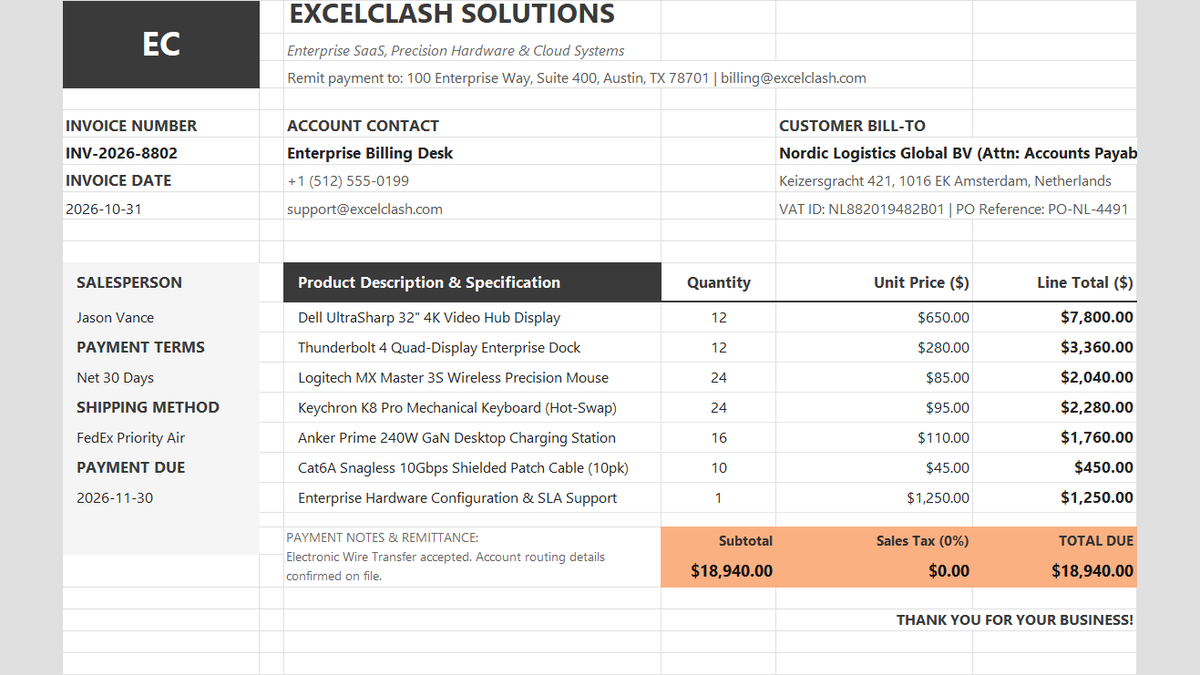
Ready to apply POWER & SQRT Exponential Math Formulas in a real workbook?
See how math formulas automate row totals, tiered discounts, and tax computations.
Open Automated Commercial Sales InvoiceShare This Lesson
Spread the word with your peers and challenge your friends