Few things cause more friction with valuable corporate clients than sending an invoice with calculation errors or confusing payment terms. When accounts payable finds even a one-dollar discrepancy in line item math, your payment gets sent to the back of the verification queue for weeks.
In this hands-on exercise, we will build a clean, bulletproof Commercial Sales Invoice Calculator in Microsoft Excel. Designed around single-sheet enterprise standards, this template automatically computes line totals, enforces uniform accounting decimal formatting, and presents clear payment terms that get your invoices approved on the first pass.
Laying Out the Commercial Invoice Layout & Columns
A dependable commercial invoice needs to give your buyer three things immediately: who is billing them, what products were delivered, and exactly how and when to remit funds.
Our workbook organizes these details into three distinct vertical zones on a single worksheet: the company and customer bill-to header (rows 2 through 9), the product order ledger (rows 12 through 19), and the reconciliation summary banner (rows 21 through 24).
Review the schema below to understand how each column supports clean accounts payable verification:
| Field Name | Cell Range | Data Type | How It Is Used | |
|---|---|---|---|---|
| B | Invoice Metadata | Text / Date | B6:B19 | Invoice number (INV-2026-8802), issue date, payment terms (Net 30), and due date. |
| D | Product Description | Text | D13:D19 | Hardware specifications and deliverables (e.g., Dell UltraSharp Displays, Docks, Support SLA). |
| E | Quantity | Integer | E13:E19 | Shipped physical units or billable service milestones. |
| F | Unit Price ($) | Currency | F13:F19 | Contracted wholesale price per unit formatted with two decimal places. |
| G | Line Total ($) | Formula | G13:G19 | Computed line commitment calculated dynamically via =E13*F13. |
| J:M | Wholesale Catalog | Lookup Table | J12:M19 | Central SKU reference database for standard pricing lookups. |
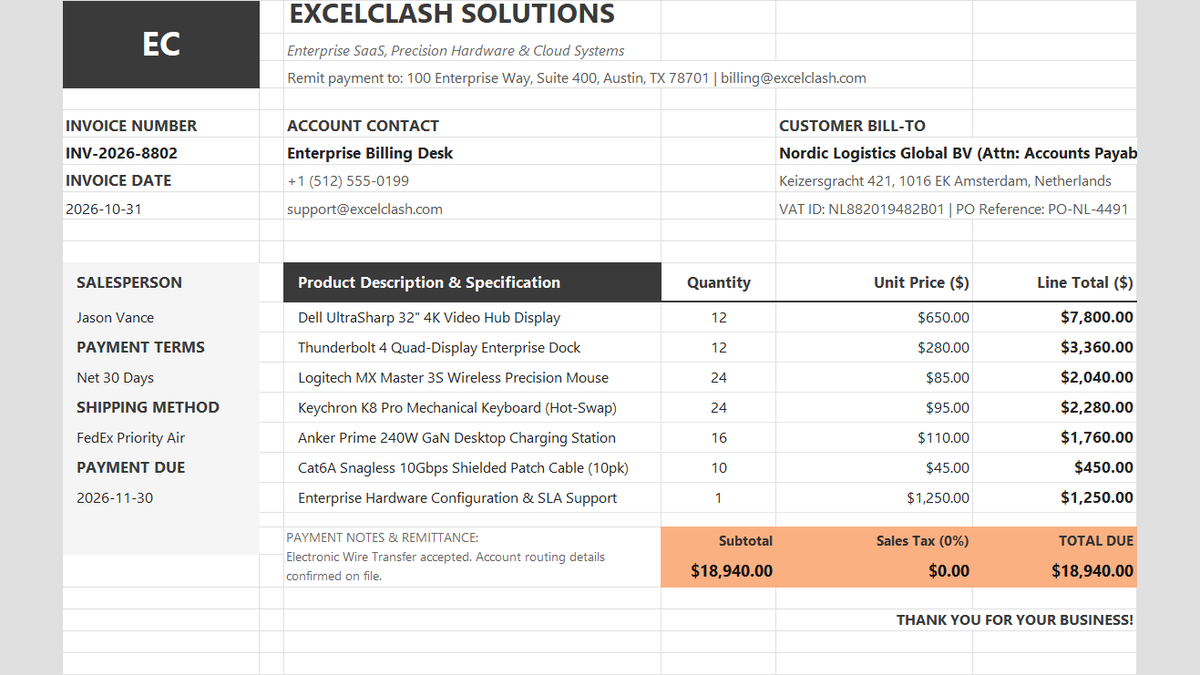
Workbook Blueprint: The clean single-sheet Commercial Sales Invoice featuring header metadata, line item order matrix, and warm peach remittance banner.
Now that our invoice layout and data columns are properly structured, let us connect the mathematical formulas that calculate our order commitments.
Calculating Line Item Totals & Currency Formatting (Action vs Result)
Calculating invoice lines manually in your head or typing static values is a dangerous habit. If a client changes an order quantity from 12 to 16, manual numbers easily fall out of sync with your final bill.
We will configure dynamic multiplication formulas and enforce strict currency masks across the entire order schedule.
1Action: Multiplying Quantity by Unit Price
To calculate the first line total for our Dell UltraSharp displays, select cell G13.
Type the formula: =E13*F13 and press Enter. Excel multiplies the quantity of 12 units in cell E13 by the contracted rate of $650.00 in cell F13, returning an exact total of $7,800.00.
Double-click the small square fill handle at the bottom-right corner of cell G13 to copy this calculation down through cell G19.
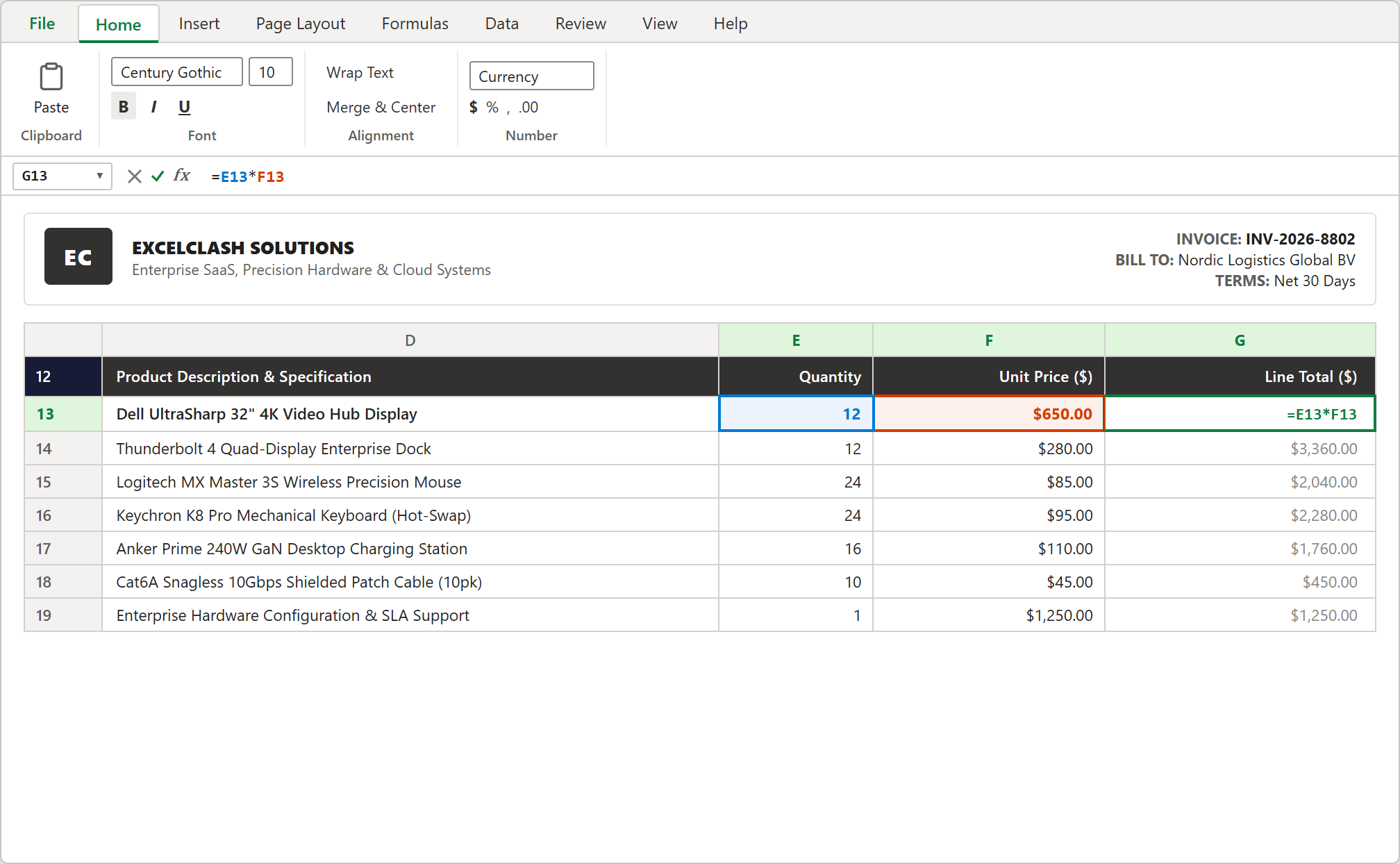
Step 1 [Action]: Calculating line totals with =E13*F13 in cell G13 with active colored cell references.
2Action: Applying Clean Currency Formatting with Format Cells
Raw numbers like 7800 or inconsistent decimal places look unprofessional and confuse automated invoice scanning software.
Highlight your line totals in range G13:G19, then press Ctrl + 1 to open the native Format Cells dialog box.
In the Category list, click Currency. Set Decimal places to 2 and confirm the Symbol is set to $ English (United States). Click OK to lock in two-decimal precision across all invoice rows.
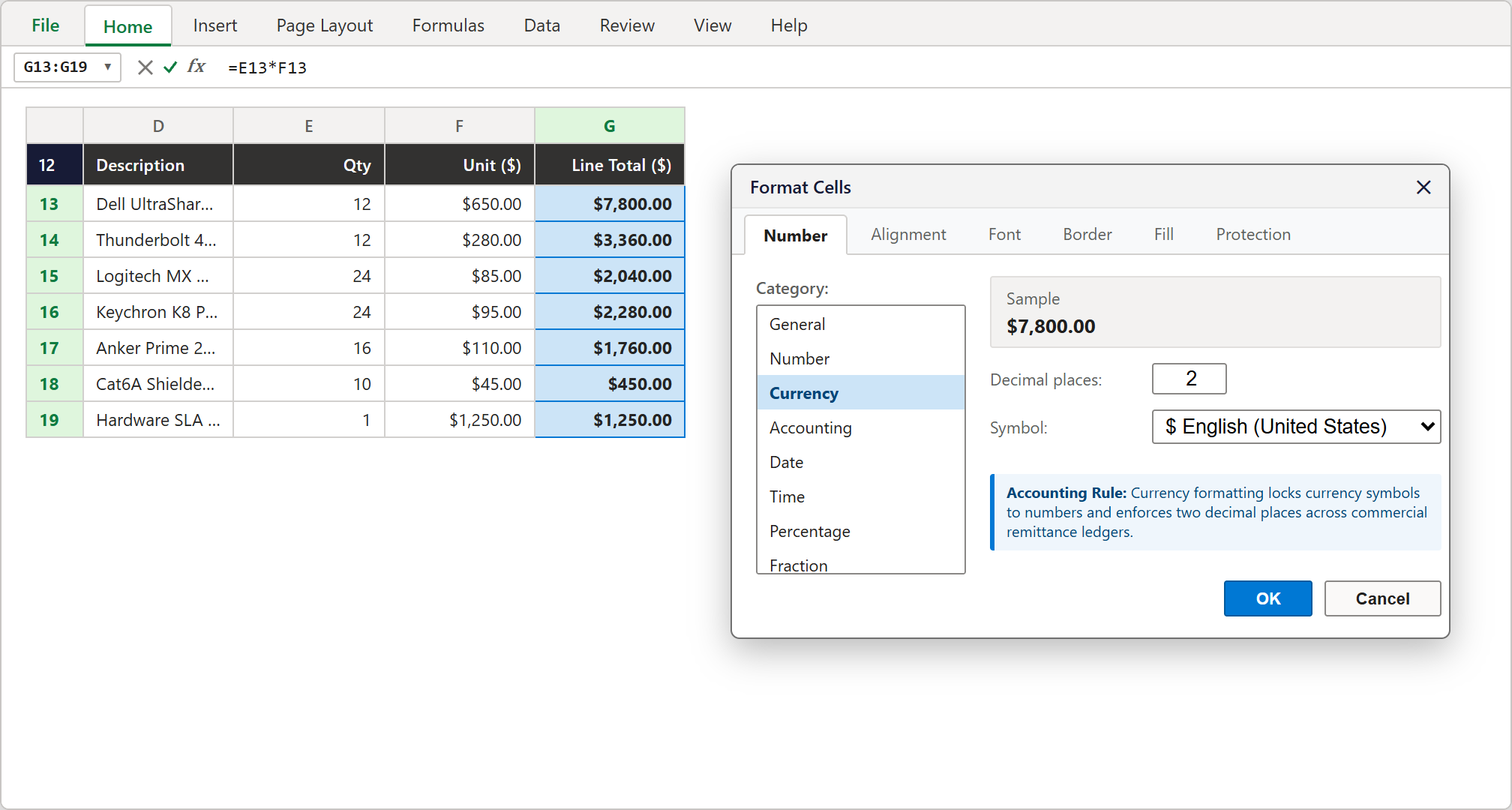
Step 2 [Action]: Locking in two decimal places and standard dollar currency formatting via the Format Cells modal dialog.
3Result: A Professional, Audit-Proof Ledger
Each hardware shipment row now shows a crystal-clear, formatted monetary figure that updates automatically if quantities or unit rates change.
Whether billing for 24 mechanical keyboards ($2,280.00) or an enterprise SLA support package ($1,250.00), your line item ledger remains completely consistent and audit-ready.
Calculating Order Subtotal, Sales Tax, and Grand Total Due (Action vs Result)
With line items verified, the next priority is aggregating the order commitment into an unmistakable payment summary at the bottom of the worksheet.
1Action: Aggregating Line Items with SUM
Instead of writing lengthy addition formulas like =G13+G14+G15... which break if rows are inserted later, we use Excel's built-in SUM function.
Select cell E22 in the peach summary block and enter: =SUM(G13:G19).
Excel instantly tallies all seven delivery lines and outputs our order pre-tax subtotal of $18,940.00.
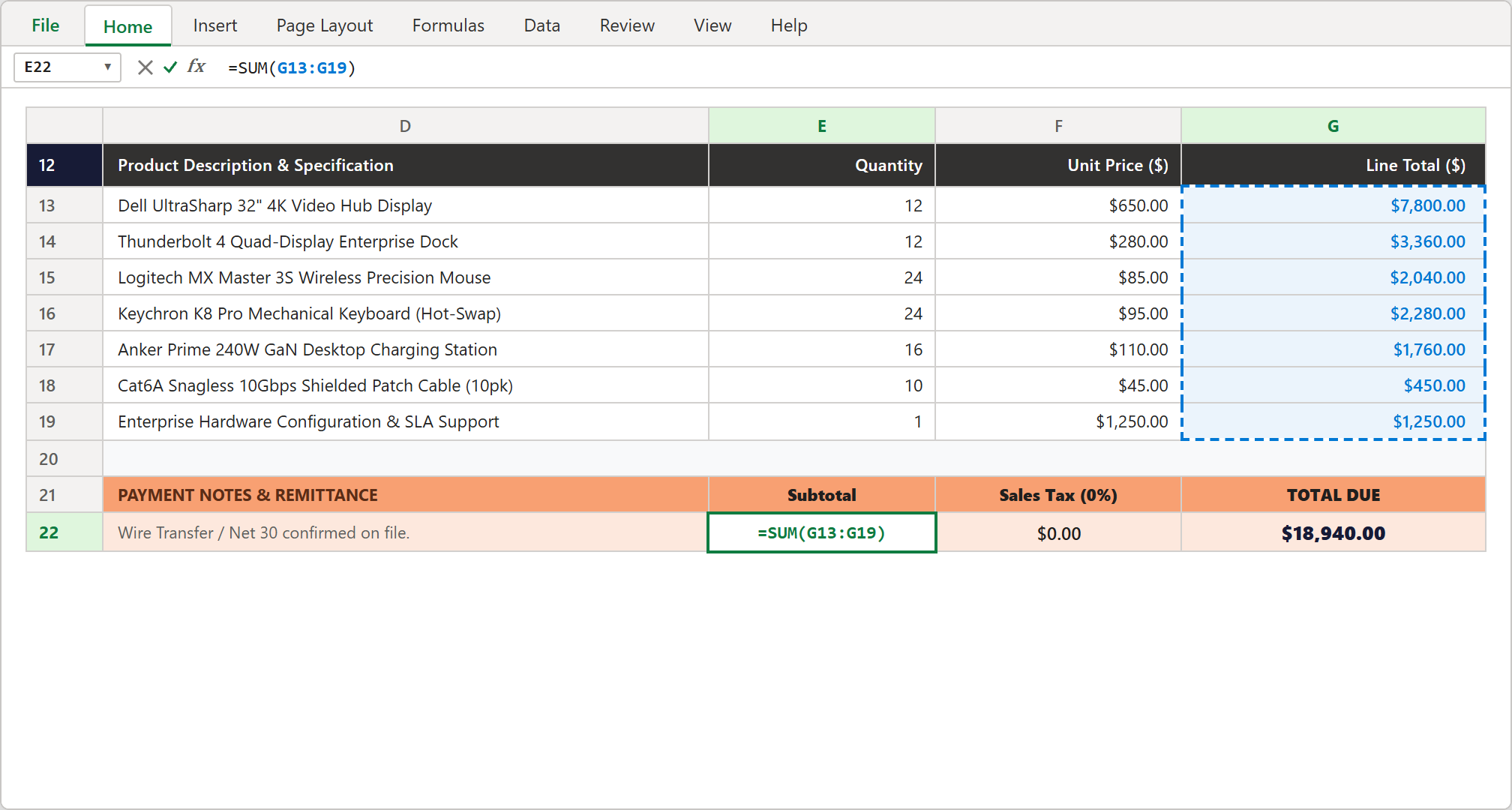
Step 3 [Action]: Aggregating line items using =SUM(G13:G19) inside cell E22 with marching dashed selection marquee.
2Action: Applying Tax Exemptions & Zero-Rate Rules
In international B2B commerce, cross-border hardware shipments often qualify for reverse-charge VAT or zero-rated sales tax when registered tax IDs are on file.
In cell F22, we enter: =E22*0%. Because Nordic Logistics provided verified VAT registration NL882019482B01, the tax liability correctly computes to $0.00.
If you ever bill domestic clients, you can simply adjust the formula to your local rate (e.g., =E22*8.25%) and downstream totals will recalculate instantly.
3Result: Reconciling the Net 30 Total Due Banner
Now let us finalize the grand remittance amount that client executives need to sign off on.
In cell G22, enter: =E22+F22. Adding the subtotal of $18,940.00 to our zero tax liability displays the final $18,940.00 in bold dark text.
Positioned against the high-contrast warm peach background, accounts payable specialists can find the final payment number in less than two seconds.
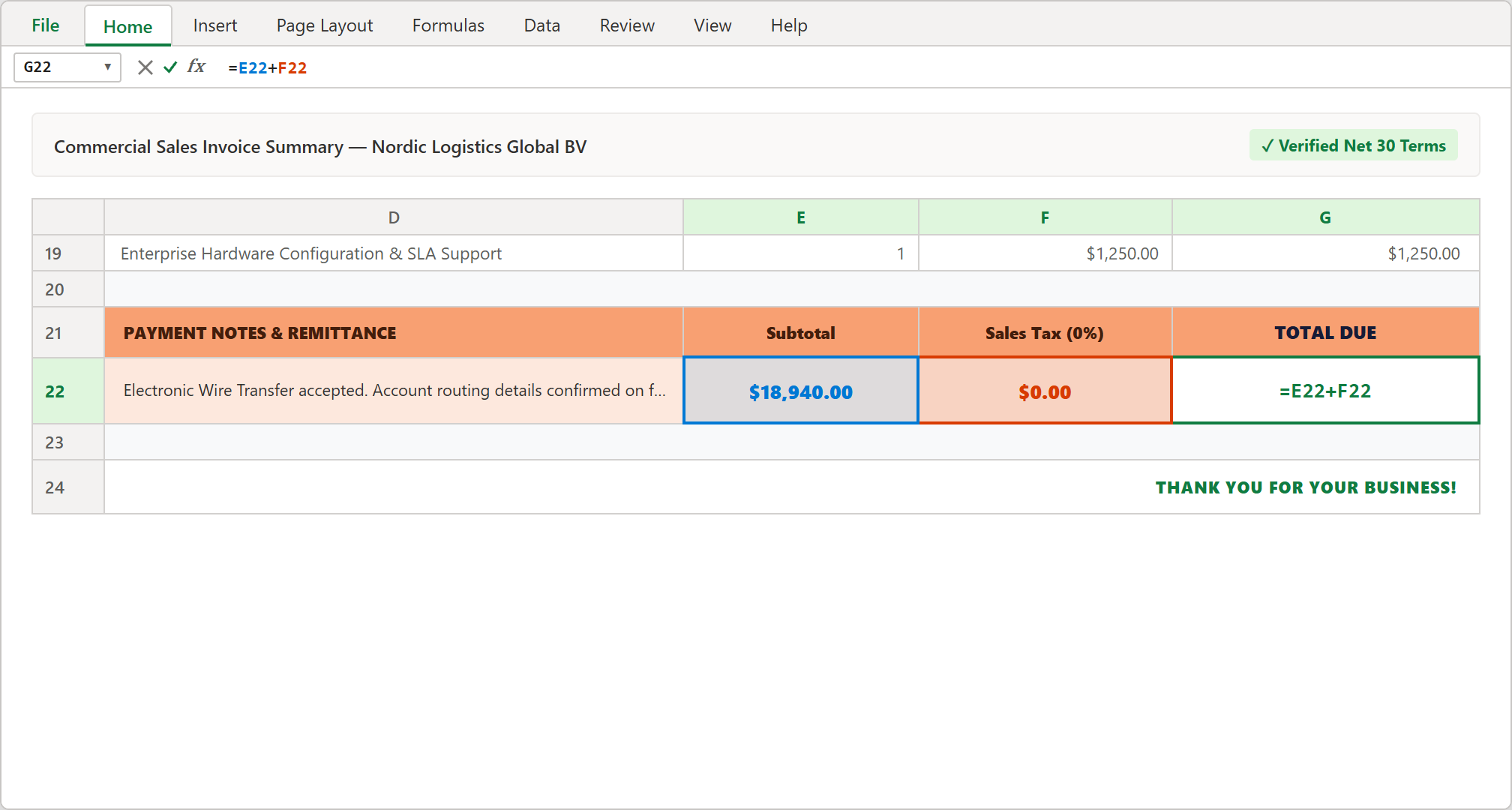
Step 4 [Result]: Reconciling final remittance commitment using =E22+F22 inside the high-visibility order summary banner.
Formula Auditing & Payment Verification
Before emailing an invoice to a customer, financial controllers perform a rapid formula audit to guarantee that no cells were accidentally hardcoded or skipped.
1Action: Verifying Calculation Integrity with Trace Precedents
Select cell E22 containing our subtotal calculation.
Navigate to the Formulas tab on the Ribbon and click Trace Precedents (or press Alt → M → P).
Excel draws an authentic royal blue tracer line directly from the line totals in column G into your subtotal cell. This visual audit confirms that every single billable line item is safely included in your final charge.
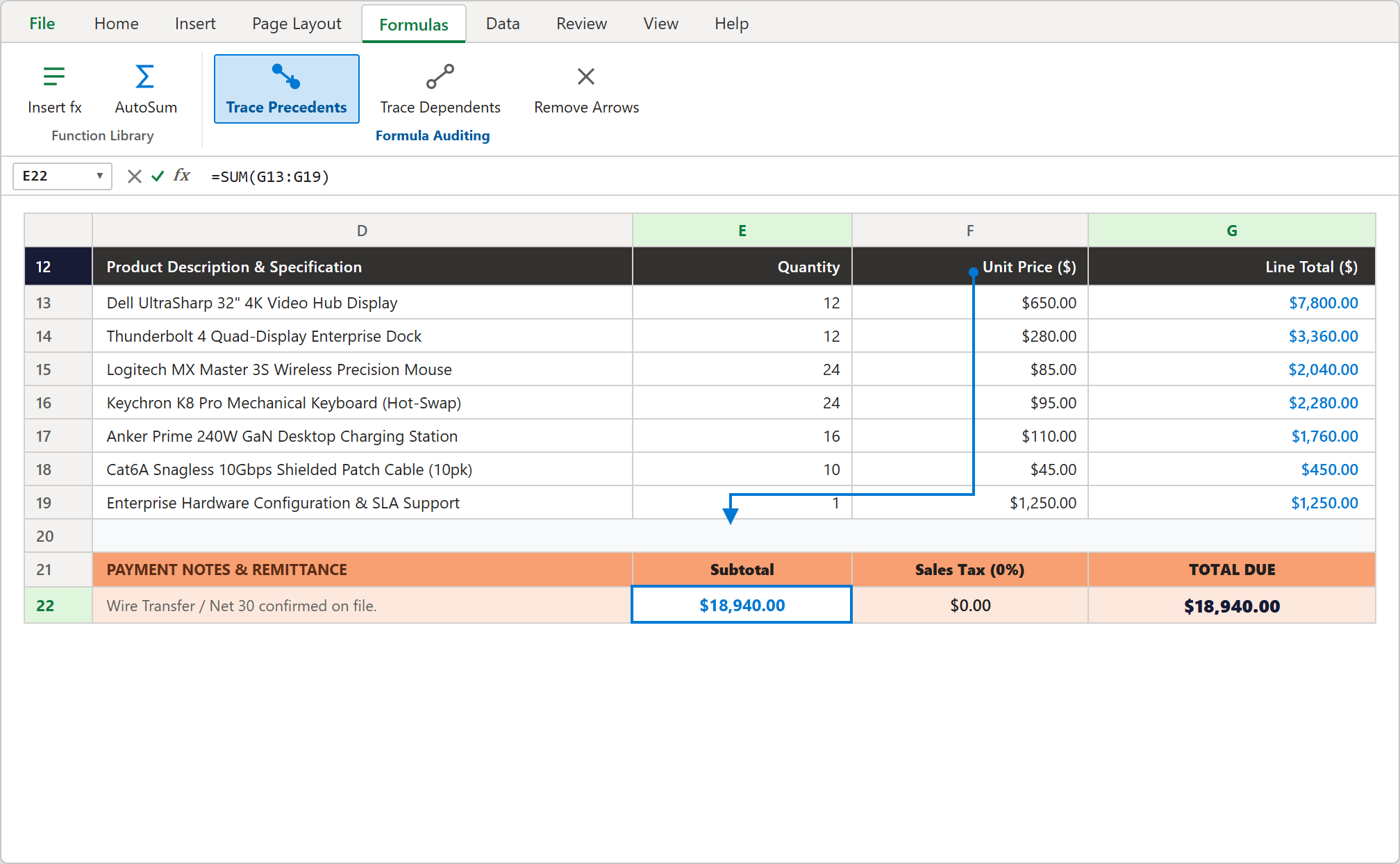
Step 5 [Action]: Formula auditing with Trace Precedents drawing blue arrows from line totals into the Subtotal reconciliation cell.
2Result: Clear Payment Terms that Prevent Client Delays
With calculations verified and remittance guidelines clearly documented (Wire Transfer, Net 30 Days due November 30, 2026), your invoice has zero ambiguities.
Pressing Ctrl + P lets you export or print the workbook as a clean single-page PDF with no clipped tables or messy column runoffs.
Conclusion & Next Steps
You have successfully built an executive-ready Commercial Sales Invoice Calculator in Microsoft Excel following modern corporate billing standards.
With dynamic multiplication formulas, uniform currency formatting, automated subtotal aggregations, and visual precedent auditing, your billing workflow is completely protected from costly clerical errors.
Download the completed template below to use immediately in your business, or test your formula speed directly in the ExcelClash Spreadsheet Playground!

Spreadsheet educator and web developer passionate about hands-on interactive spreadsheet practice.
Related Practical Exercises
Explore more hands-on spreadsheet models with downloadable practice workbooks.
 Sales
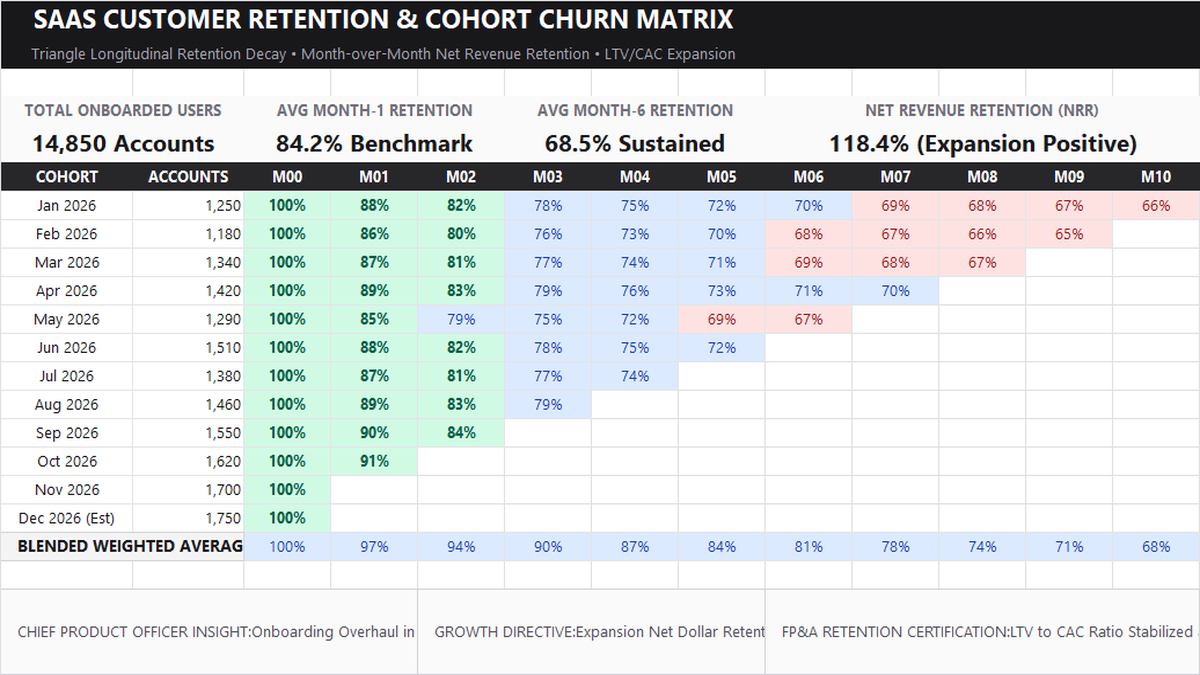
Customer Retention Cohort Analysis Excel Template
Learn SaaS subscription cohort modeling in Microsoft Excel. Build a triangular longitudinal customer retention matrix, calculate Month-1 through Month-10 decay rates, configure multi-color gradient heatmaps, and track executive LTV/CAC expansion metrics.
 Operations
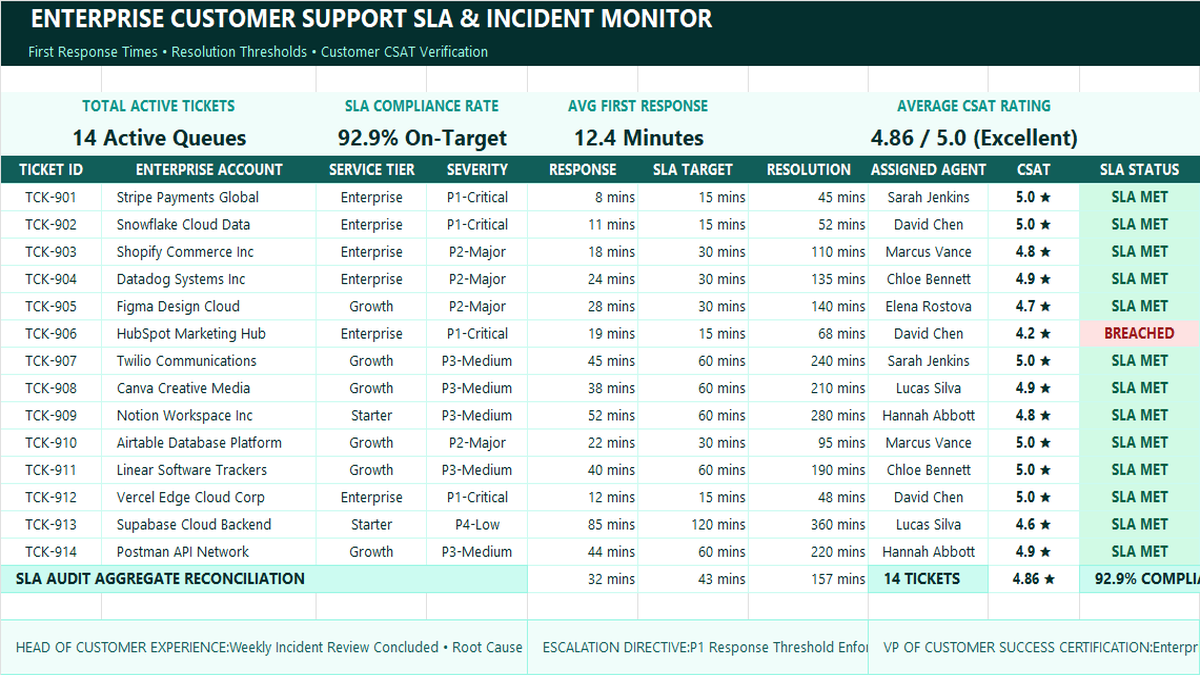
Customer Support SLA Tracker Excel Template
Learn how to build an enterprise customer support SLA tracker in Microsoft Excel featuring severity-based response thresholds, automated breach alerts, team velocity metrics, and CSAT satisfaction scorecards.
 Operations
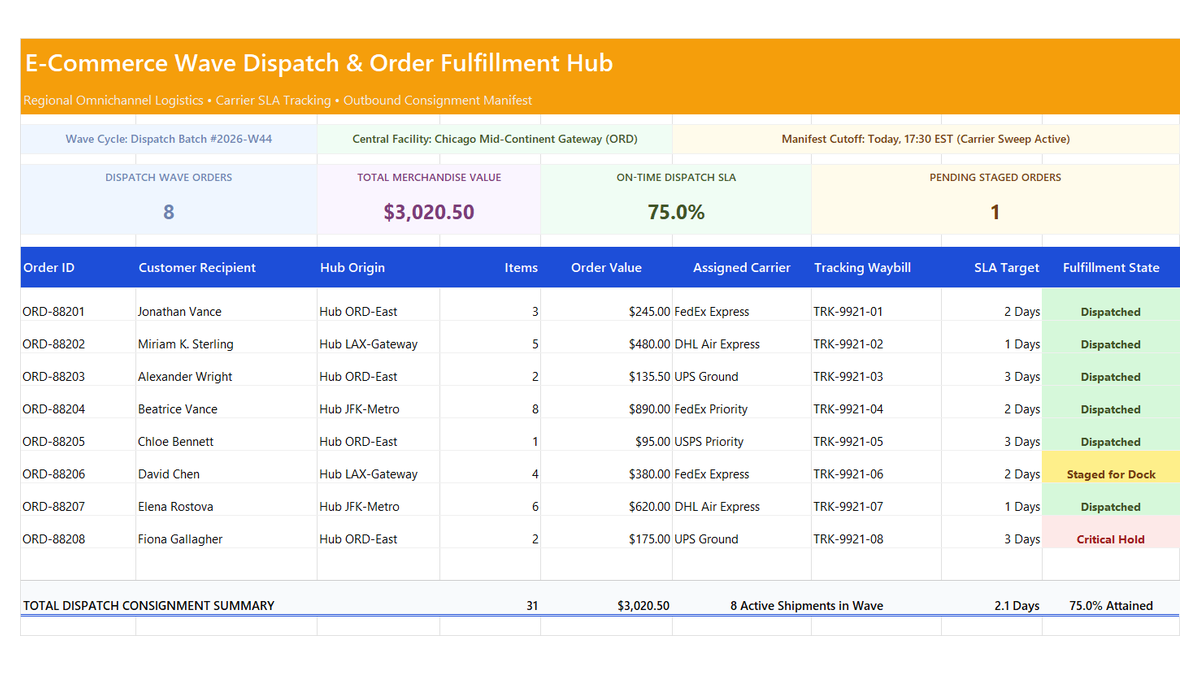
E-Commerce Order Fulfillment Tracker Excel Template
Learn how to engineer an e-commerce order fulfillment tracker in Microsoft Excel featuring wave dispatch cycles, carrier SLA attainment ratios, staged order monitors, and fulfillment manifest scorecards.
 Human Resources
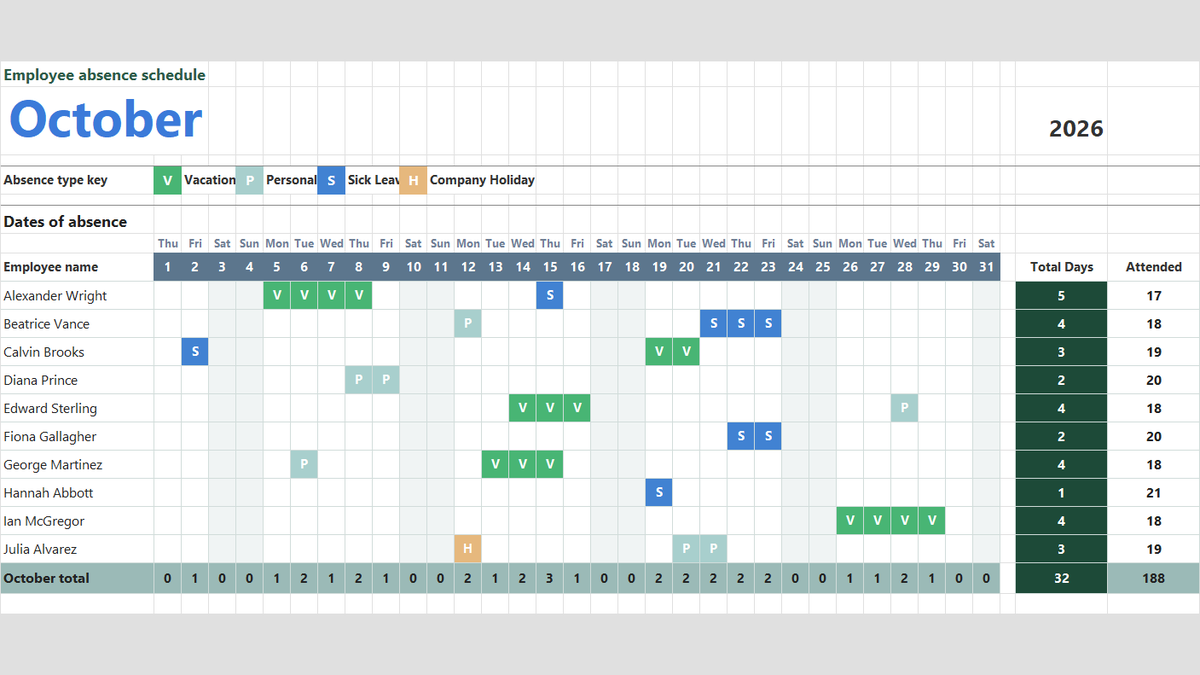
Employee Attendance Tracker Excel Template
Manage team attendance, vacation days, and sick leave in Microsoft Excel. Build a clean monthly absence schedule featuring dropdown absence keys with Data Validation, automatic color-coded badges via Conditional Formatting, and dynamic attendance totals with COUNTA.
 Human Resources
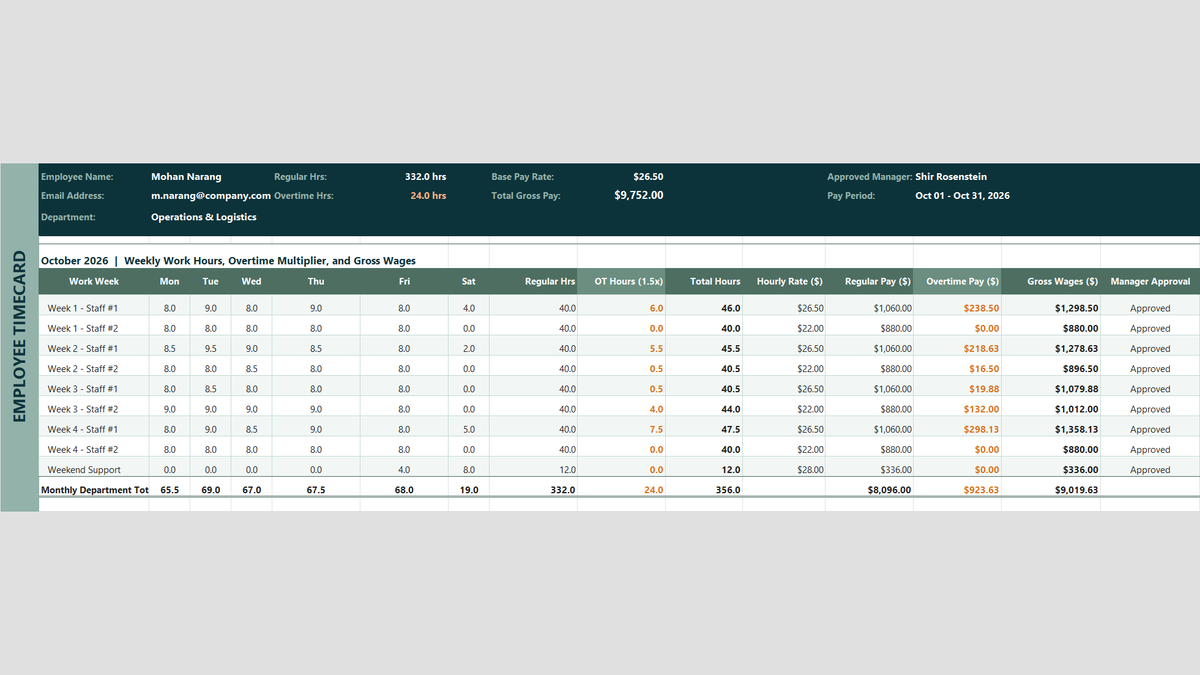
Employee Payroll Calculator Excel Template
Payroll Friday should not be stressful. Learn how to build an employee payroll calculator in Microsoft Excel that automatically tallies timecards, caps regular hours at 40 with MIN, computes 1.5x overtime with MAX, and locks penny-perfect wages with ROUND.
Discussion
Ask questions, share formula tips, or discuss alternative approaches with fellow spreadsheet builders.
Loading discussion...