MOD Modulo Remainder Math Formula
Learn the Excel MOD formula. Calculate division remainders, fix overnight shift hours crossing midnight, and build cyclic repeating schedules cleanly.

MOD Modulo Remainder Math Formula
When packing inventory, determining recurring schedules, or calculating night-shift payroll, standard division leaves you with awkward decimal fractions. For example, dividing 145 bottles into 12-bottle boxes produces 12.0833 boxes. While you know that 12 full boxes are filled, how many loose bottles are left over on the packing table?
An even more infamous problem occurs with overnight time tracking. A warehouse employee clocks in at 22:00 and clocks out at 06:00 the next morning. If you calculate the elapsed time with simple subtraction (=06:00 - 22:00), Excel returns a negative serial number and displays a row of unreadable hashtag errors (#####).
The MOD formula elegantly solves both challenges. It calculates the remainder after integer division and provides a clean mathematical trick for solving overnight time spans in a single step.
Inventory Remainder
Returns the exact whole units remaining after dividing by a standard batch or box capacity without tricky decimal multiplication.
Overnight Time Solution
Using MOD with divisor 1 converts negative midnight time differences into correct 24-hour decimal fractions instantly.
Quick Comparison: Division vs INT vs MOD
| Operation on 145 / 12 | Formula | Result | Business Meaning |
|---|---|---|---|
| Standard Division | =145 / 12 | 12.0833 | Raw decimal fraction of boxes |
| Integer Boxes | =INT(145 / 12) | 12 | Completed, sealed shipping cartons |
| Remainder Units | =MOD(145, 12) | 1 | Loose leftover bottles requiring partial packing |
| Overnight Shift Fix | =MOD(End - Start, 1) | 0.3333 (8:00 hrs) | Accurate elapsed shift duration across midnight |
Understanding this balance allows operations managers to account for every single manufactured item: Units = (INT * Capacity) + MOD.
How the Remainder Calculation Engine Works
1. The Mathematical Formula Behind MOD
The MOD function follows this exact algebraic definition:
MOD(n, d) = n - d * INT(n / d)Because the result follows the sign of the divisor (d), dividing by a positive number always produces a positive remainder, even if the input number is negative:
=MOD(-7, 3)     ' Returns 2 (because divisor 3 is positive)
=MOD(7, -3)     ' Returns -2 (because divisor -3 is negative)
2. The Midnight Time Crossing Trick
In Excel, 1 full day equals the number 1.0. A shift starting at 22:00 (0.9167) and ending at 06:00 (0.2500) yields a raw subtraction of -0.6667. When passed into MOD with a divisor of 1:
=MOD(EndTime - StartTime, 1)Because INT(-0.6667) is -1, the formula evaluates as -0.6667 - (1 * -1) = +0.3333 (which represents exactly 8 hours). It works whether the shift crosses midnight or takes place entirely within daytime hours, eliminating messy IF statements!
3. Creating Repeating Cyclic Patterns
To rotate tasks among four teams (Teams 1, 2, 3, 4) down a spreadsheet list, combine MOD with the row index:
=MOD(ROW() - 2, 4) + 1Real-Life Workplace Scenarios
1. Cash Register Currency Breakdown
When calculating cash change in hundred, twenty, and one-dollar bills, cashiers use MOD to isolate the remaining cents after allocating larger paper bills.
2. Factory Equipment Maintenance Scheduling
Run preventative machine maintenance every 500 operating hours. By testing =IF(MOD(OperatingHours, 500) = 0, "Service Due", "OK"), Excel highlights service triggers automatically.
Common Mistakes to Avoid
- Dividing by Zero: Passing 0 as the second argument (
=MOD(A2, 0)) triggers a#DIV/0!error. - Floating-Point Inaccuracies: On tiny fractional decimals (like 0.0001), computer binary floating-point math can leave microscopic remainders (like
0.000000000000001). Wrap fractional modulo operations inROUNDif testing for exact equality with zero.
Practice calculating leftovers and night shifts in our spreadsheet playground below.
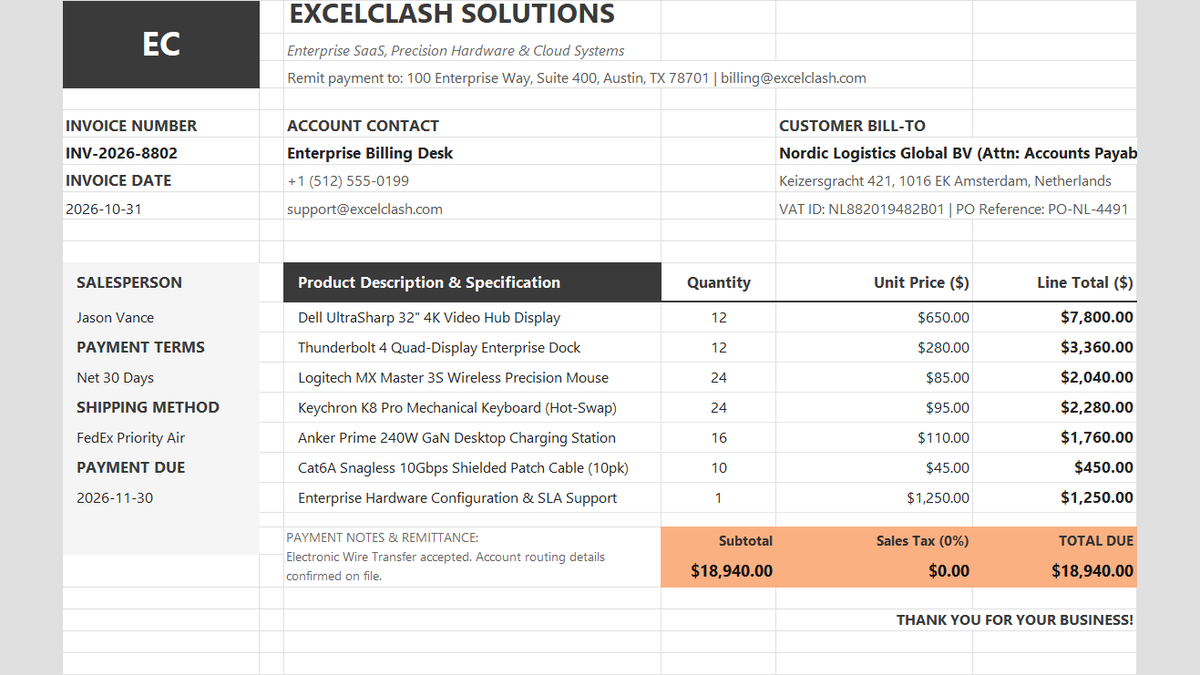
Ready to apply MOD Modulo Remainder Math Formula in a real workbook?
See how math formulas automate row totals, tiered discounts, and tax computations.
Open Automated Commercial Sales InvoiceShare This Lesson
Spread the word with your peers and challenge your friends