UPPER, LOWER & PROPER Text Casing
Learn how to change letter casing in Excel using UPPER, LOWER, and PROPER. Clean messy name capitalization, fix email formats, and standardize lists.

Customer contact lists collected from online sign-up forms often arrive with inconsistent capitalization: some users type in all lowercase ("john doe"), some in all caps ("ALICE SMITH"), and some in mixed cases ("mArCuS vAnCe").
Sending client newsletters with greetings like "Dear ALICE SMITH" looks automated and unprofessional. Excel provides three essential casing formulas to clean customer text: UPPER, LOWER, and PROPER.
Quick Comparison: The Three Casing Styles
| Formula | Transformation Rule | Example Output for "hello WORLD" | Best Fit in Real Work |
|---|---|---|---|
UPPER(text) |
Converts all letters to CAPITAL LETTERS | "HELLO WORLD" |
Country codes (USA, GBR), airport tags, and invoice codes. |
LOWER(text) |
Converts all letters to lowercase | "hello world" |
Standardizing customer email addresses and website URLs. |
PROPER(text) |
Capitalizes the First Letter of Every Word | "Hello World" |
Customer names, company titles, and street addresses. |
Behavior on Numbers and Punctuation
Numbers, symbols, and punctuation marks are completely ignored by all three casing functions. Only alphabetic letters are converted.
Hands-on Practice Playground
Standardize customer names and emails in the CRM contact directory below. Follow each objective to complete the exercise.
In cell B2, convert the text in A2 into uppercase letters using UPPER.
In cell B2, convert the raw text in A2 into all capital letters using the UPPER formula.
In cell D2, convert the text into clean Title Case using PROPER.
In cell D2, capitalize the first letter of each word in name A2 using the PROPER formula for clean customer greetings.
In cell C3, convert the uppercase email in A3 into lowercase using LOWER.
In cell C3, convert the uppercase email address in A3 into clean lowercase letters using the LOWER formula.
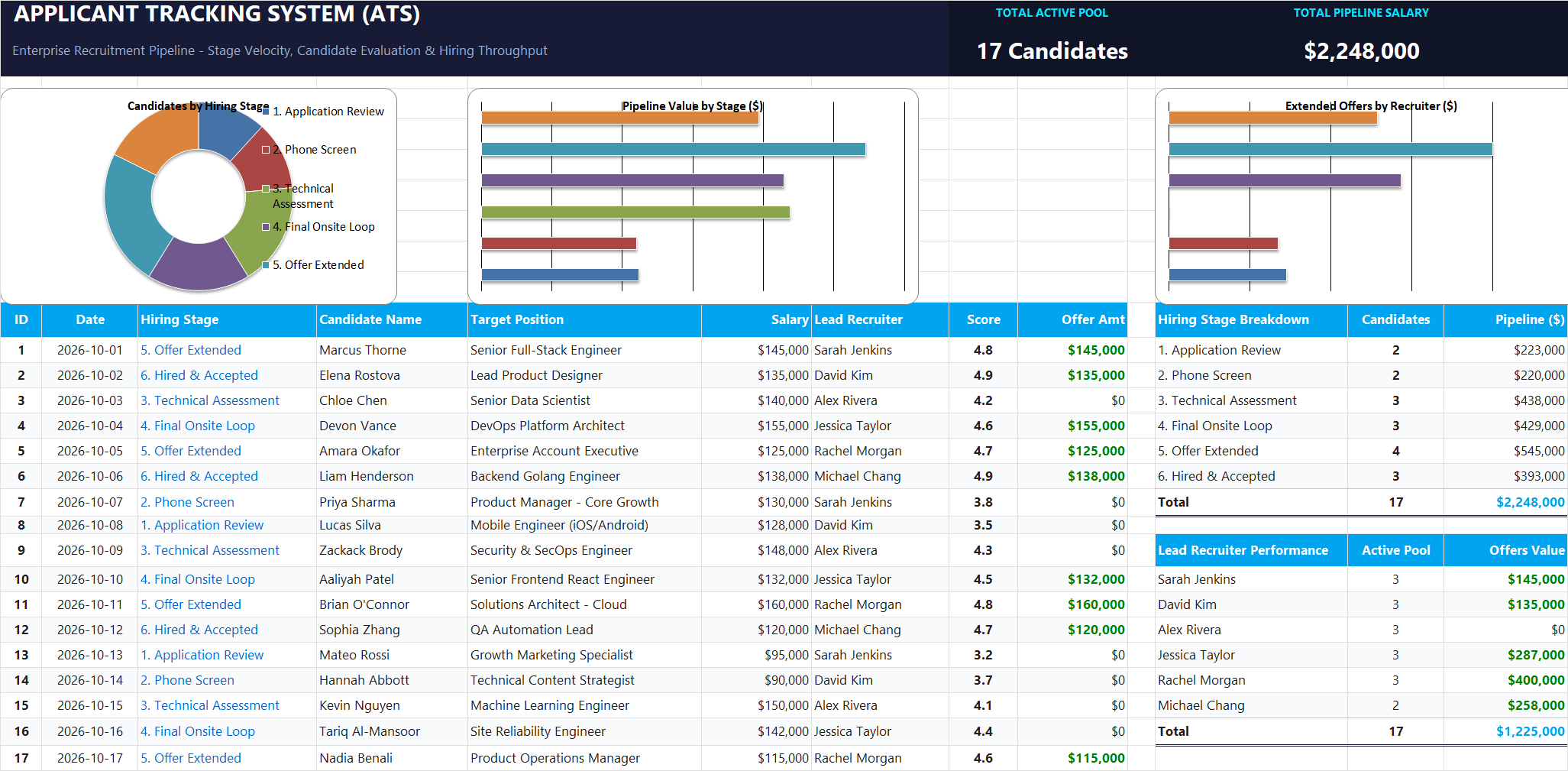
Ready to apply UPPER, LOWER & PROPER Text Casing in a real workbook?
Clean and format applicant names, email strings, and internal tracking codes with text formulas.
Open Applicant Tracking System (ATS)Share This Lesson
Spread the word with your peers and challenge your friends