EXACT Case-Sensitive Text Formula
Learn how to compare text in Excel with the EXACT formula. Discover how to detect password case differences, match inventory codes, and spot tiny typos.

In warehouse inventory management and security access systems, part codes often have case-specific meanings. For example, part code "PART-88-b" might represent a low-voltage component, while "PART-88-B" represents high-voltage industrial equipment.
When analysts compare them using the standard equals operator (=A2=B2), Excel returns TRUE because standard comparisons ignore capitalization completely. Excel provides EXACT to perform strict, case-sensitive character comparisons.
Quick Comparison: Equals (=) vs EXACT
| Method | Case Sensitive? | Result for "CODE" vs "code" | Best Fit in Real Work |
|---|---|---|---|
=A2=B2 |
No | TRUE | General text matching, customer names, and state abbreviations. |
EXACT(text1, text2) |
Yes | FALSE | Serial number verification, password audits, and case-sensitive part codes. |
The Trailing Space Trap
If cell A2 contains "CODE" and cell B2 contains "CODE " (with an invisible space at the end), EXACT returns FALSE because a space is an actual character. To ignore accidental spaces while checking case, pair it with TRIM: =EXACT(TRIM(A2), TRIM(B2)).
Hands-on Practice Playground
Compare warehouse part codes in the audit table below to test standard equals versus strict case matching. Follow each objective to complete the exercise.
In cell C2, compare the codes using the standard equals operator (=A2=B2).
In cell C2, compare code A2 and scanned code B2 using the standard equals operator (=A2=B2) to see normal Excel behavior.
In cell D2, test the same codes with strict case sensitivity using EXACT.
In cell D2, perform a strict case-sensitive match between code A2 and scanned code B2 using the EXACT formula.
In cell D3, verify row 3 with EXACT to see it catch the lowercase "b" mismatch.
In row 3, one code has a lowercase "b" and the other uppercase "B". In cell D3, verify them with the EXACT formula.
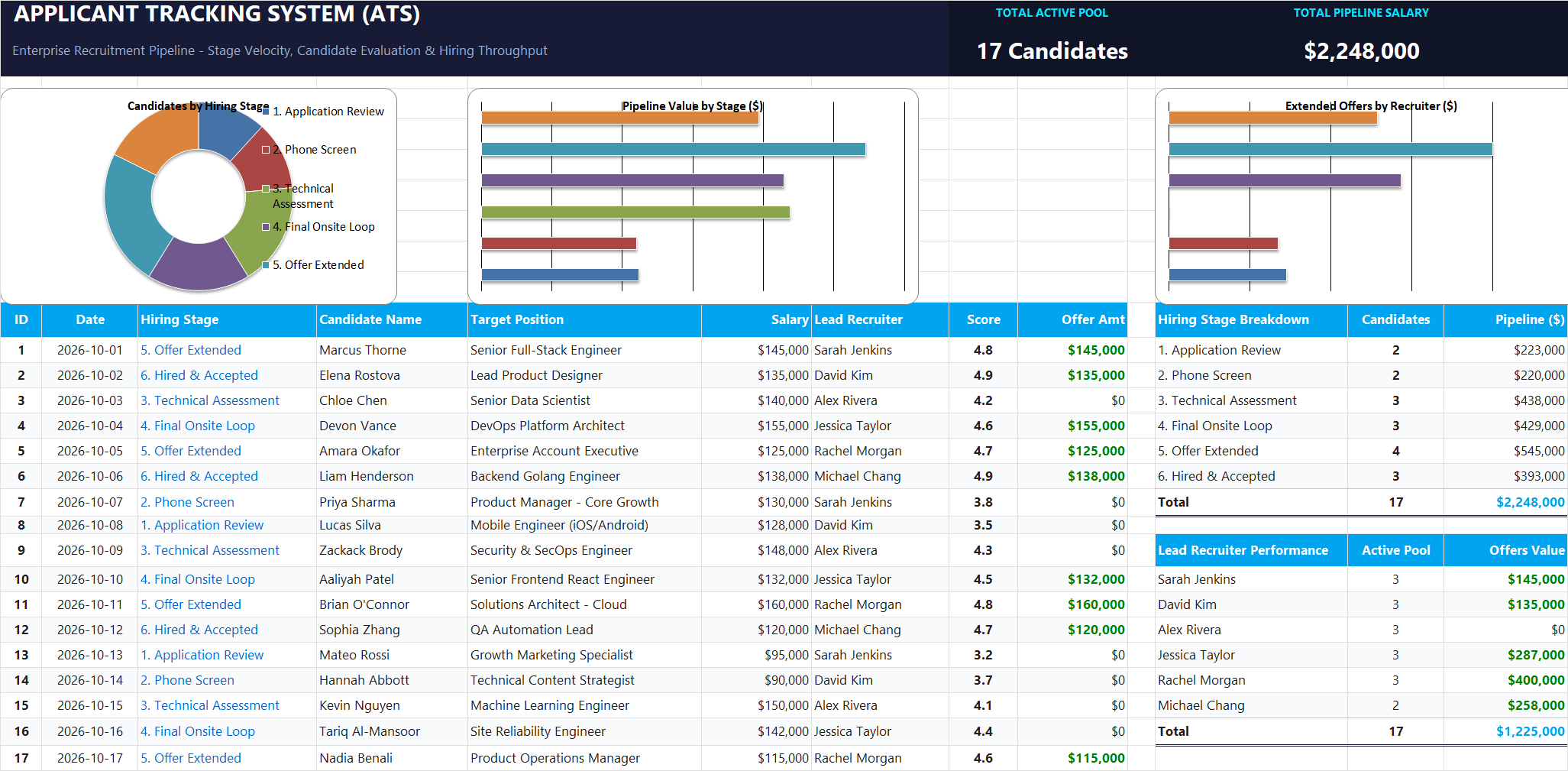
Ready to apply EXACT Case-Sensitive Text Formula in a real workbook?
Clean and format applicant names, email strings, and internal tracking codes with text formulas.
Open Applicant Tracking System (ATS)Share This Lesson
Spread the word with your peers and challenge your friends