HLOOKUP Horizontal Data Lookup Formula
Learn how to search horizontally across columns in Excel using HLOOKUP. Pull quarterly targets, tax tables, and understand row index rules cleanly.

While most business spreadsheets are structured vertically with column headers, financial summaries and quarterly plans often run horizontally across the top (Q1, Q2, Q3, Q4) with financial metrics stacked down the rows.
Because VLOOKUP only searches vertically down columns, trying to use it on a horizontal table fails. Excel provides HLOOKUP (Horizontal Lookup) to scan across the top row and pull values from a specified row below.
Syntax and Four Arguments
=HLOOKUP(lookup_value, table_array, row_index_num, [range_lookup])- lookup_value: The horizontal header you are matching (e.g.
F2containing "Q3"). - table_array: The data matrix to search. Lock it with dollar signs:
$B$1:$E$6. - row_index_num: The row position within your table array to pull data from (Row 1 is headers, Row 2 is Sales Target, Row 3 is Bonus Rate).
- range_lookup: Set to
FALSEfor exact matches.
Key Rules for Horizontal Lookups
1. Top Row Rule
The lookup value must always reside in the top row of the table array. HLOOKUP cannot look upward to rows located above the header row.
2. Exact Match Requirement
Just like VLOOKUP, HLOOKUP defaults to an approximate match if the 4th argument is omitted. Always specify FALSE or 0 when looking up exact text codes like quarters or month abbreviations.
Hands-on Practice Playground
Use the horizontal quarterly targets matrix below to look up commission bonus rates. Follow each objective to complete the exercise.
In cell G2, retrieve the bonus rate for active quarter F2 (Q3) from range $B$1:$E$6 (row 3) using HLOOKUP.
In cell G2, retrieve the bonus rate for active quarter F2 (Q3) from horizontal matrix table $B$1:$E$6 (row 3) using HLOOKUP with exact match (FALSE).
In cell G3, pull the bonus rate for quarter Q1.
In cell G3, pull the bonus rate for quarter F3 (Q1) from horizontal table $B$1:$E$6 using HLOOKUP with exact match.
In cell G4, look up the bonus rate for quarter Q4.
In cell G4, look up the bonus rate for quarter F4 (Q4) from the same horizontal range using HLOOKUP with exact match.
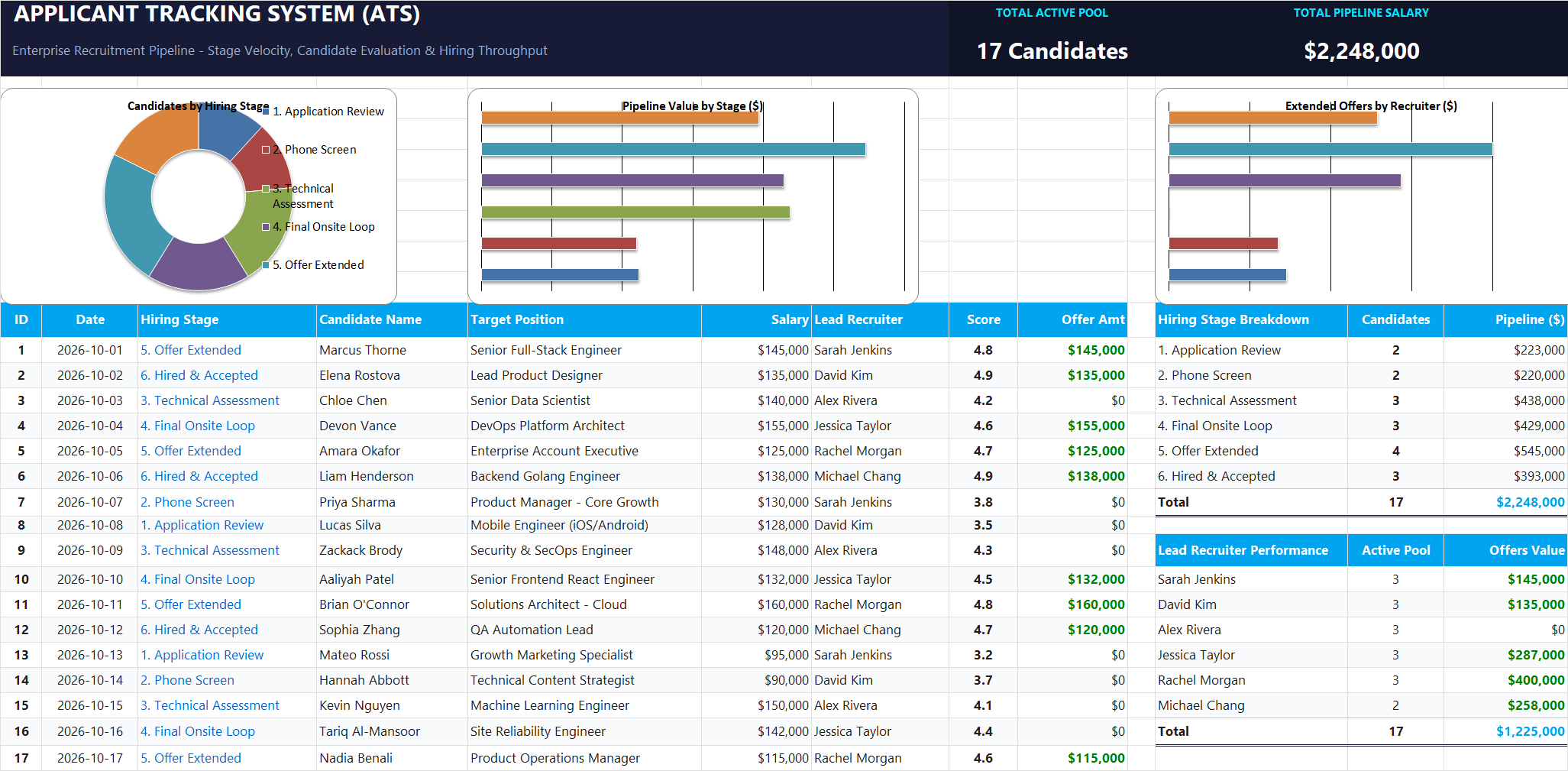
Ready to apply HLOOKUP Horizontal Data Lookup Formula in a real workbook?
Apply lookup and reference formulas to search and organize structured candidate pipelines.
Open Applicant Tracking System (ATS)Share This Lesson
Spread the word with your peers and challenge your friends