FORMULATEXT Formula Inspection Tool
Learn how to display live formula syntax as text strings in Excel with FORMULATEXT. Build audit documentation tables and inspect calculation logic instantly.

Corporate financial audits and Excel training workshops require clear documentation of how summary numbers are calculated. In the past, analysts had to copy-paste formulas as text or prefix them with an apostrophe (') to display the underlying math.
When the original formula was updated, manual text comments immediately became obsolete. Excel provides FORMULATEXT to display the active formula running inside any cell as a live text string.
Syntax and Return Characteristics
=FORMULATEXT(reference)- Returns the exact formula string as seen in the Formula Bar, including the leading equals sign (
=). - Updates automatically if anyone modifies the formula in the target cell.
- Throws an
#N/Aerror if the referenced cell contains a static constant rather than a formula.
Auditing Spreadsheets for Hardcoded Numbers
Auditors can combine FORMULATEXT with search functions to scan for poor spreadsheet habits, such as hardcoded adjustments inside formulas:
=ISNUMBER(SEARCH("*1.15", FORMULATEXT(D2)))This allows automated audit checks across thousands of calculation cells.
Hands-on Practice Playground
Use the financial audit schedule below to document active calculation formulas. Follow each objective to complete the exercise.
In cell E2, extract the formula string used in gross revenue cell D2 using FORMULATEXT.
In cell E2, display the underlying formula text used to calculate gross revenue in cell D2 using the FORMULATEXT formula.
In cell E3, document the formula running inside tax reserve cell D3.
In cell E3, extract the exact formula syntax from tax reserve cell D3 using FORMULATEXT to verify tax multiplier logic.
In cell E4, inspect the formula syntax in net distribution cell D4.
In cell E4, document the formula logic in net distribution cell D4 using FORMULATEXT.
Ready to apply FORMULATEXT Formula Inspection Tool in a real workbook?
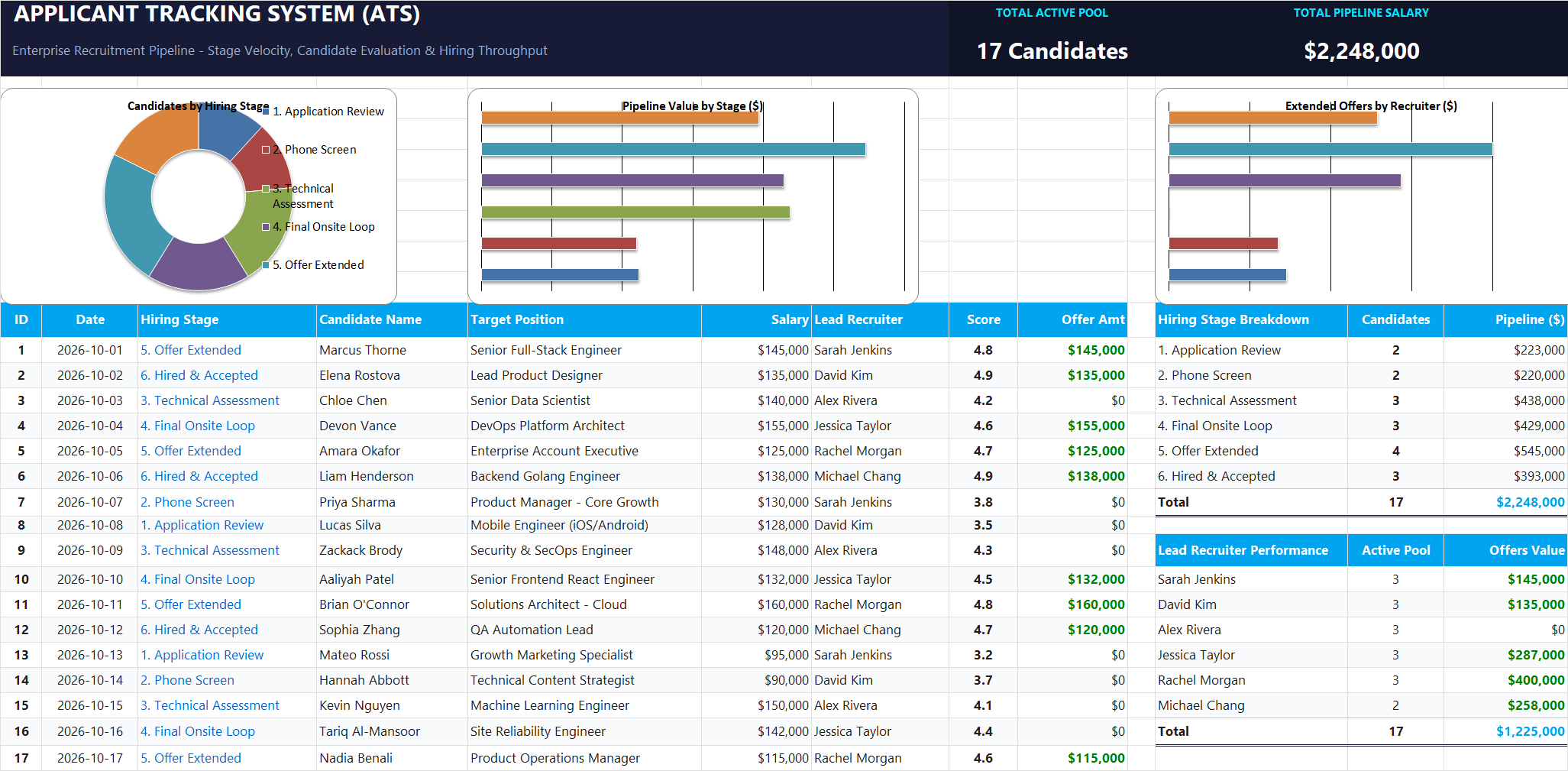
Apply lookup and reference formulas to search and organize structured candidate pipelines.
Open Applicant Tracking System (ATS)Share This Lesson
Spread the word with your peers and challenge your friends