WEEKNUM & ISOWEEKNUM Formulas
Learn how to use WEEKNUM and ISOWEEKNUM in Excel to group transactions into weekly cycles, track supply chain sprints, and align with ISO 8601.

Tracking orders and inventory on a monthly basis often hides short-term supply chain bottlenecks. If demand spikes during the second week of a month, monthly reports only reveal the problem after the month closes. To manage operations effectively, manufacturing teams and retailers group daily transactions into weekly cycles.
However, numbering weeks across international supply chains creates surprises. Traditional North American calendars count Week 1 starting January 1st regardless of what day it falls on. Meanwhile, European and global suppliers follow the ISO 8601 standard, where Week 1 must contain at least four days in the new year. Excel provides two formulas to handle these rules: WEEKNUM and ISOWEEKNUM.
Quick Comparison: WEEKNUM vs ISOWEEKNUM
Understanding which system your partners use prevents misaligned shipment schedules at the turn of the year.
| Formula | Week 1 Definition | Week Starts On | Return Range | Used By |
|---|---|---|---|---|
WEEKNUM(date, [type]) |
Week containing January 1st | Sunday (Default) or chosen day | 1 to 54 | North American retail calendars and general accounting. |
ISOWEEKNUM(date) |
First week with 4+ days in January | Monday (Strict) | 1 to 53 | European ERP systems, global shipping, and ISO 8601 manufacturing. |
WEEKNUM(date, 21) |
Identical to ISO 8601 | Monday (Strict) | 1 to 53 | Teams standardizing on the flexible WEEKNUM function syntax. |
Core Formula Mechanics
1. Traditional WEEKNUM Rules (System 1)
By default, WEEKNUM(date) uses System 1. The week containing January 1st is automatically considered Week 1. If January 1st falls on a Saturday, that single Saturday counts as Week 1, and Sunday, January 2nd immediately becomes Week 2.
2. The Global ISO 8601 Standard (System 2)
Under international ISO rules, weeks always start on Monday. Week 1 of any year is defined as the week containing the first Thursday of January (guaranteeing that at least 4 days of that week fall into the new year). If January 1st is a Friday, Saturday, or Sunday, those days belong to the final week (Week 52 or 53) of the previous year!
To follow this rule, use either =ISOWEEKNUM(date) or set return type 21: =WEEKNUM(date, 21).
3. Formatting Clean Week Labels
When presenting sprint data to executives, raw numbers like 5 or 12 can look ambiguous. Combine the week formula with the TEXT function to create clean labels:
="W" & TEXT(ISOWEEKNUM(B2), "00") // Returns "W01", "W02", etc.Hands-on Practice Playground
Use the order fulfillment table below to audit standard versus international week numbers. Follow each objective to complete the exercise.
In cell C2, calculate the standard calendar week number for order date B2.
In cell C2, calculate the standard calendar week number (1-54) for order date B2 using the WEEKNUM formula with default Sunday start.
In cell D2, calculate the ISO 8601 week number for the same order date.
For international supply chain reporting, determine the ISO 8601 week number for order B2 in cell D2 using the ISOWEEKNUM formula.
In cell C3, calculate the standard calendar week number for order date B3.
In cell C3, calculate the standard calendar week number for order date B3 using the WEEKNUM formula.
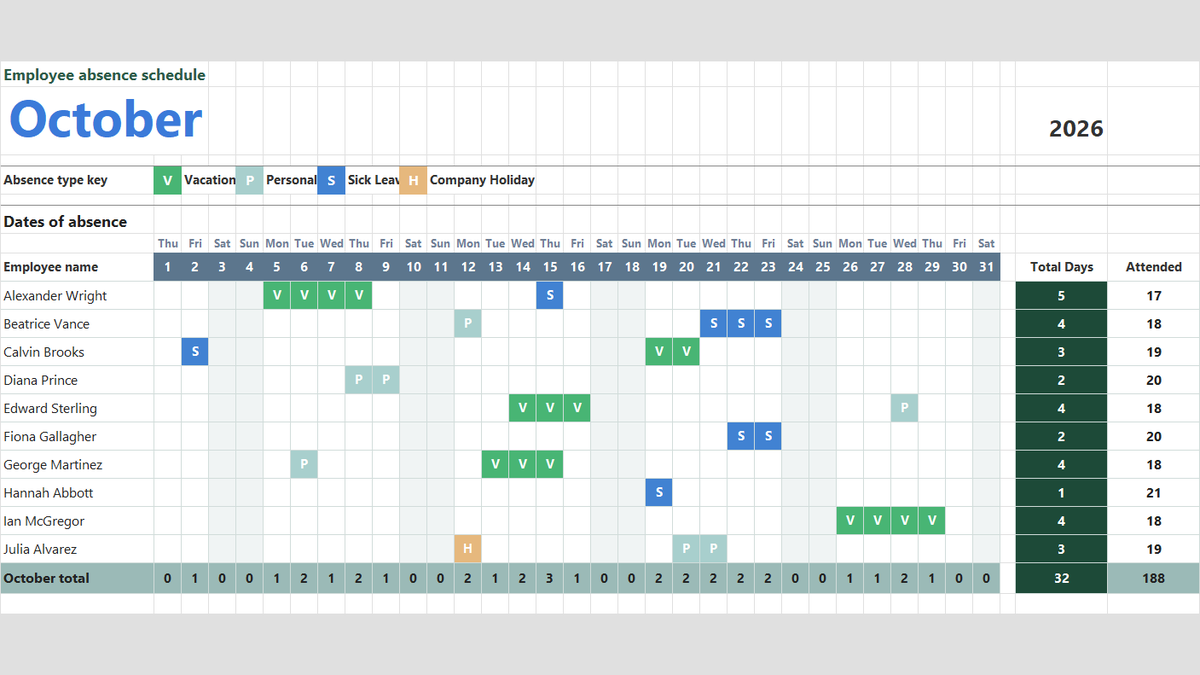
Ready to apply WEEKNUM & ISOWEEKNUM Formulas in a real workbook?
Handle shift hours, holiday adjustments, and scheduled work periods using date and time formulas.
Open Employee Attendance TrackerShare This Lesson
Spread the word with your peers and challenge your friends