Time Interval Duration Formula
Learn how to calculate elapsed time intervals and shift durations in Excel. Handle overnight midnight crossovers and format hours over 24.

Tracking time durations sounds straightforward until shifts cross midnight or machinery runs for dozens of hours without stopping. In logistics bays, trucking companies track turn-around times carefully because delays lead to detention penalties. In hospitals and factories, graveyard shifts begin late in the evening and end the following morning.
When you calculate duration with simple subtraction (=Departure - Arrival) across midnight, Excel often produces a column of hashtag symbols (#####). Understanding how Excel calculates time intervals allows you to solve overnight shifts cleanly and compute billing rates accurately.
Quick Comparison: Simple vs Midnight Durations
Choose your calculation method based on whether the time period crosses midnight or needs to be billed by the hour.
| Method / Formula | Best For | Midnight Safe? | Required Format |
|---|---|---|---|
=End - Start |
Daytime shifts occurring on the same calendar date | No (results in negative time error) | Time (hh:mm) |
=MOD(End - Start, 1) |
Overnight shifts crossing midnight | Yes (handles crossovers automatically) | Time (hh:mm) |
=(End - Start) * 24 |
Hourly billing, payroll calculations, and machine rates | Pair with MOD for night shifts | Number (0.00) |
Deep Technical Mechanics
1. Decimal Representation of Duration
Excel measures time as fractions of a 24-hour day. A duration of 0.5 represents exactly 12 hours. A duration of 0.25 represents 6 hours. To turn an Excel time duration into a standard decimal number of hours for billing or payroll, multiply the result by 24:
=DurationCell * 24 // e.g. 06:30 becomes 6.5 hours2. Why the Hashtag Error (#####) Occurs at Midnight
Consider a truck arriving at 21:30 (serial value 0.89583) and leaving at 03:45 the next morning (serial value 0.15625). Standard subtraction yields:
0.15625 - 0.89583 = -0.73958Under Excel's default 1900 date system, negative dates and times do not exist. Instead of displaying a negative clock, Excel displays #####.
3. The Elegant Modulo Solution: MOD(End - Start, 1)
The MOD function returns the remainder after division. When you apply modulo 1 to any negative fractional time, Excel automatically wraps the fraction around the 24-hour clock:
=MOD(03:45 - 21:30, 1) // Returns 0.26042, exactly 6 hours and 15 minutes!This avoids long, nested IF statements and works equally well for daytime and nighttime shifts.
4. Accumulating Hours Over 24: The [h]:mm Format
If you sum the total hours worked by a maintenance team across a week and the total reaches 32 hours, a standard time format (hh:mm) will reset every 24 hours, displaying only 08:00. To display the full cumulative total, use square brackets in your custom number format: [h]:mm.
Hands-on Practice Playground
Use the loading dock log below to practice calculating turnaround durations and handling overnight truck departures. Follow each objective to complete the exercise.
In cell D2, calculate the daytime turnaround duration for truck TRK-101.
In cell D2, calculate the elapsed turnaround duration for truck TRK-101 by subtracting the arrival time in B2 from the departure time in C2.
In cell E2, convert the elapsed duration from D2 into decimal hours.
Warehouse demurrage is billed per decimal hour. In cell E2, convert the elapsed duration from cell D2 into decimal hours by multiplying the time value by 24.
In cell D3, use the MOD formula to calculate the true duration for overnight truck TRK-102.
Truck TRK-102 arrived at night and departed early next morning. In cell D3, calculate the true turnaround duration using the MOD formula to smoothly solve the midnight crossing.
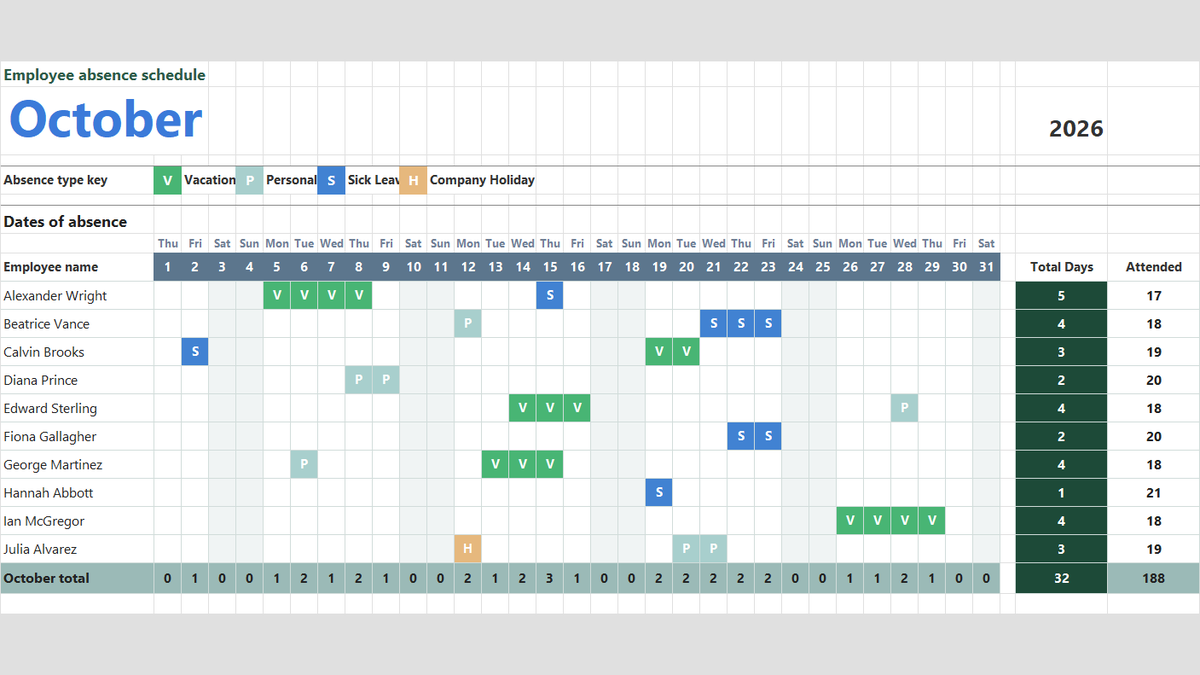
Ready to apply Time Interval Duration Formula in a real workbook?
Handle shift hours, holiday adjustments, and scheduled work periods using date and time formulas.
Open Employee Attendance TrackerShare This Lesson
Spread the word with your peers and challenge your friends