WEEKDAY Day Identification Formula
Learn how to use the WEEKDAY formula in Excel. Convert dates into day numbers, detect weekends automatically, and calculate payroll premiums.

Managing employee rosters in hospitality, healthcare, and customer support often involves pay adjustments based on the day of the week. Employees working on weekends frequently receive a higher differential hourly wage or special shift allowance.
Checking hundreds of dates by hand against a wall calendar is slow and invites payroll errors. The WEEKDAY formula turns any Excel date into a number from 1 to 7, allowing formulas and conditional rules to identify weekends automatically.
Quick Comparison: Default Type 1 vs Business Type 2
The WEEKDAY formula accepts an optional return_type argument. Choosing the right return type makes your conditional logic much simpler.
| Return Type | Week Starts On | Day Number Sequence | Weekend Detection Logic | Best Fit in Real Work |
|---|---|---|---|---|
1 (Default) |
Sunday | Sun = 1, Mon = 2, ..., Sat = 7 | OR(WEEKDAY=1, WEEKDAY=7) |
Traditional North American calendar systems. |
2 |
Monday | Mon = 1, Tue = 2, ..., Sun = 7 | WEEKDAY >= 6 |
Payroll systems and standard Monday-to-Friday workweeks. |
3 |
Monday (Zero-based) | Mon = 0, Tue = 1, ..., Sun = 6 | WEEKDAY >= 5 |
Programmers and zero-based index calculations. |
Core Formula Mechanics
1. Why Return Type 2 Is Preferred in Business
Under default Type 1, the weekend days (Sunday and Saturday) are split at opposite ends of the sequence (1 and 7). To check for weekends, your formula must check both ends:
=IF(OR(WEEKDAY(C2)=1, WEEKDAY(C2)=7), "Weekend Premium", "Standard")With Return Type 2, Monday through Friday are numbers 1 through 5, while Saturday and Sunday become 6 and 7. This allows you to check for weekends with a single comparison:
=IF(WEEKDAY(C2, 2) >= 6, "Weekend Premium", "Standard")2. The Blank Cell Trap
If you run =WEEKDAY(cell) on an empty blank cell, Excel treats empty cells as serial number 0. Because serial 0 corresponds to Saturday, January 0, 1900, the formula returns 7 (Saturday) by default!
To avoid mislabeling blank rows as Saturdays, wrap your formula with an empty check:
=IF(C2="", "", WEEKDAY(C2, 2))3. Converting Numbers to Day Names
If you simply want to display the full name of the day (such as "Saturday" or "Sunday"), you do not need the WEEKDAY function. Instead, apply a custom number format of dddd or use the TEXT formula:
=TEXT(C2, "dddd") // Returns "Saturday"Use WEEKDAY when the result needs to be evaluated numerically inside other mathematical formulas.
Hands-on Practice Playground
Use the shift roster below to practice extracting day numbers and applying return types for payroll auditing. Follow each objective to complete the exercise.
In cell D2, extract the standard day number (Sunday = 1) from shift date C2.
For standard calendar tracking, extract the day number from the shift date in C2 into cell D2 using the default WEEKDAY formula.
In cell E2, calculate the day number using return type 2 (Monday = 1).
Payroll prefers Monday as day 1 so weekends group as 6 and 7. In cell E2, calculate the day number for C2 using return type 2 in the WEEKDAY formula.
In cell D3, extract the standard day number for Justin Finch’s shift in C3.
Extract the default day number for Justin Finch’s shift in cell C3 into cell D3 to confirm if it lands on Saturday (day 7).
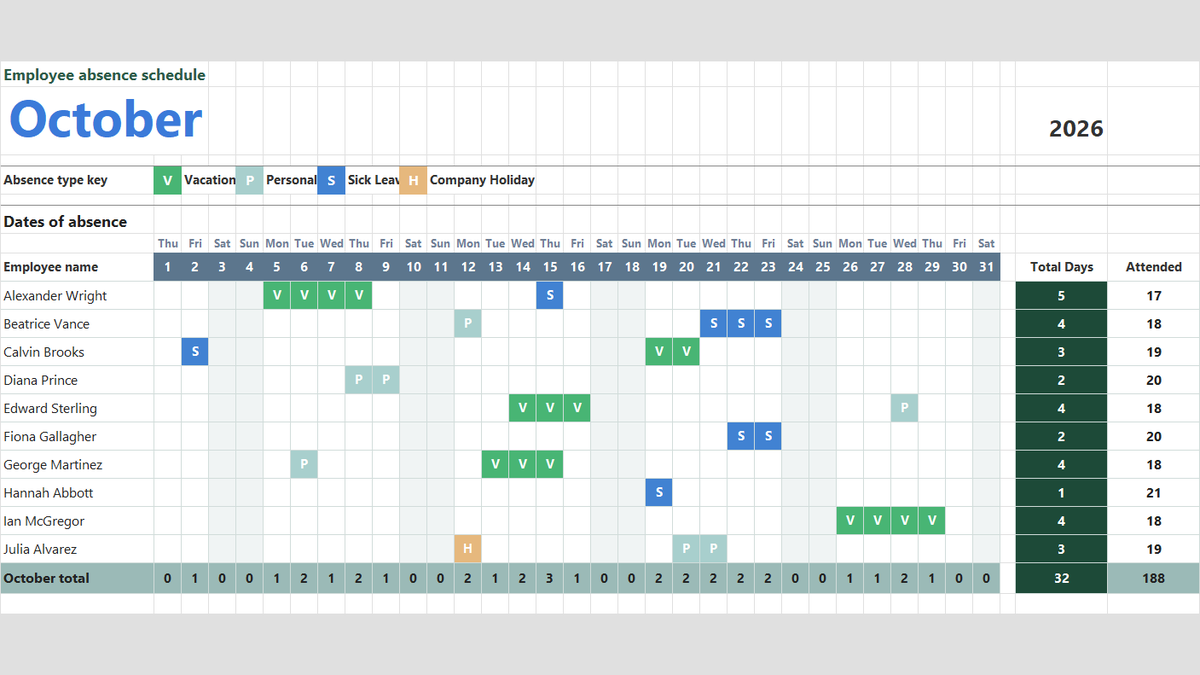
Ready to apply WEEKDAY Day Identification Formula in a real workbook?
Handle shift hours, holiday adjustments, and scheduled work periods using date and time formulas.
Open Employee Attendance TrackerShare This Lesson
Spread the word with your peers and challenge your friends