A 30-year mortgage is the biggest money promise most people ever make. Yet the bank gives you one number, the monthly payment, and very little about what is inside it.
This guide shows you how to build a Mortgage Calculator Excel Template that opens the box. You will enter a few loan inputs, find the payment, split every month into principal and interest, and watch your balance move across a full amortization schedule.
The Real Problem: A 30-Year Loan You Cannot See Inside
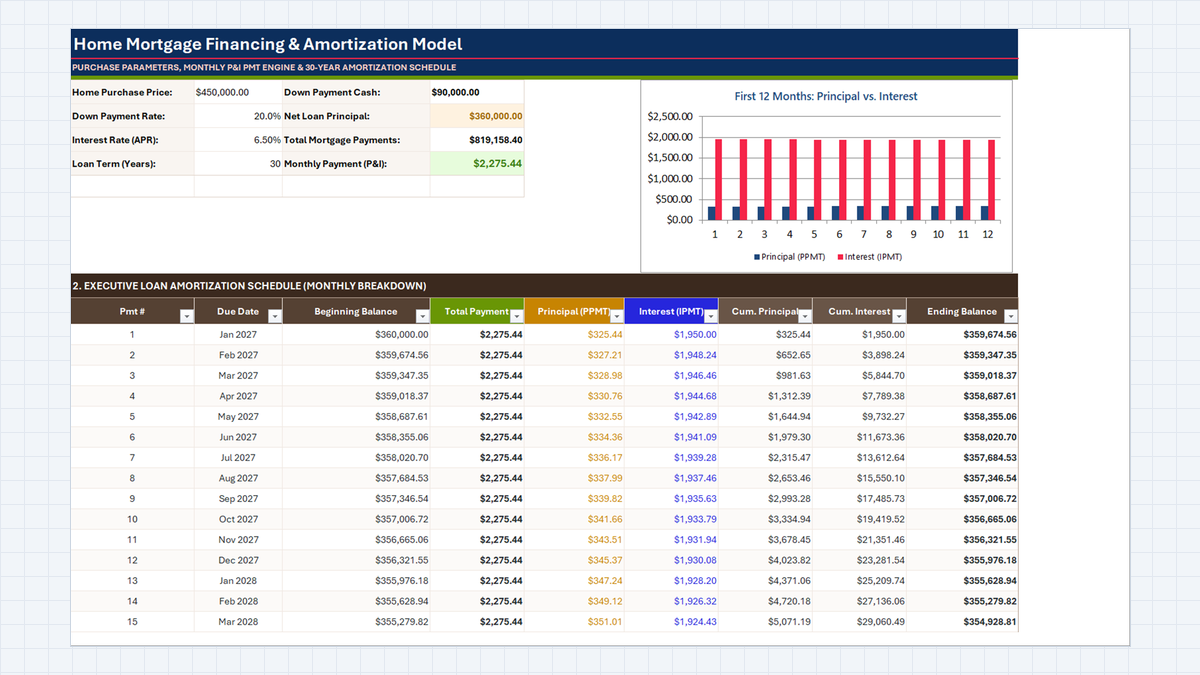
Mortgage Analysis, with the inputs on top and the schedule below. Over 30 years you would pay $819,158.40 in total, so $459,158.40 is interest. One look at that number changes how you shop.What a Mortgage Payment Calculator Excel File Needs
| Cells | What it holds | How it is filled |
|---|---|---|
C5:C8 | Price $450,000.00, down payment 20.0%, APR 6.50%, term 30 years | Typed inputs |
E5:E6 | Down Payment Cash $90,000.00, Net Loan Principal $360,000.00 | Price times rate, then price minus cash |
E8, E7 | Monthly Payment (P&I) $2,275.44, Total Mortgage Payments $819,158.40 | PMT rounded to cents, then payment times months |
B:C from row 14 | Pmt # and Due Date (starting Jan 2027) | Typed number, date stepped by month |
D:E | Beginning Balance, Total Payment | Loan principal first, then the last ending balance |
F:G | Principal (PPMT), Interest (IPMT) | One function each |
H:I | Cum. Principal, Cum. Interest | Running totals |
J | Ending Balance | Beginning minus principal, never below zero |
Build the Foundation of Your Mortgage Calculator Excel Template in 5 Steps
1Step 1: Lay Out the Loan Inputs and Format the Numbers
A good Home Loan Calculator Excel sheet keeps every input in one block. Put the labels in column B and type the values in C5:C8: 450000, 0.2, 0.065, and 30.
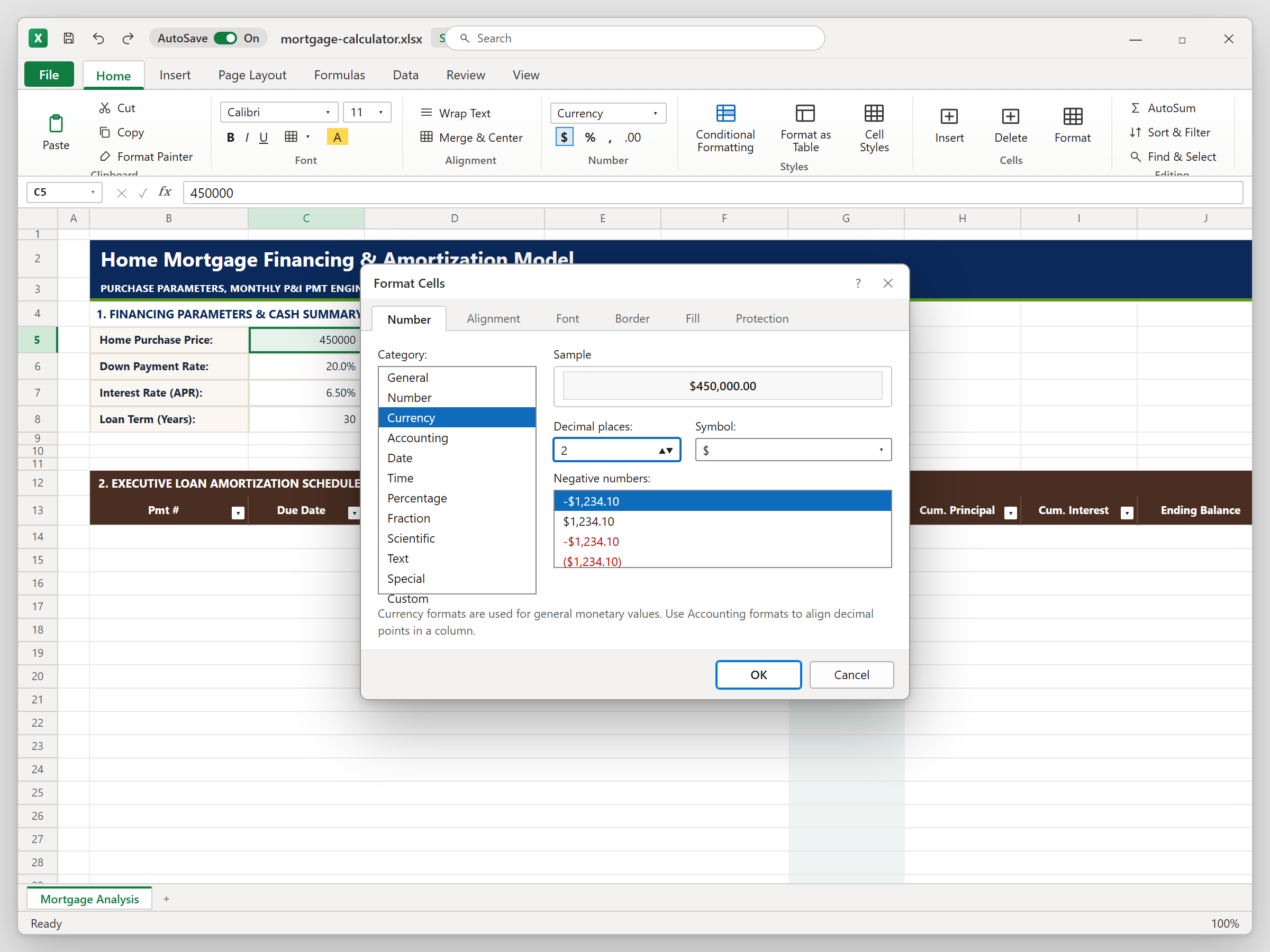
Now make them readable. Select C5, press Ctrl+1, choose Currency with two decimals and the $ symbol. Format C6 as a percentage with one decimal and C7 with two. Excel still stores 0.2, so only the look changes, not the math.
2Step 2: Calculate the Monthly Payment with PMT
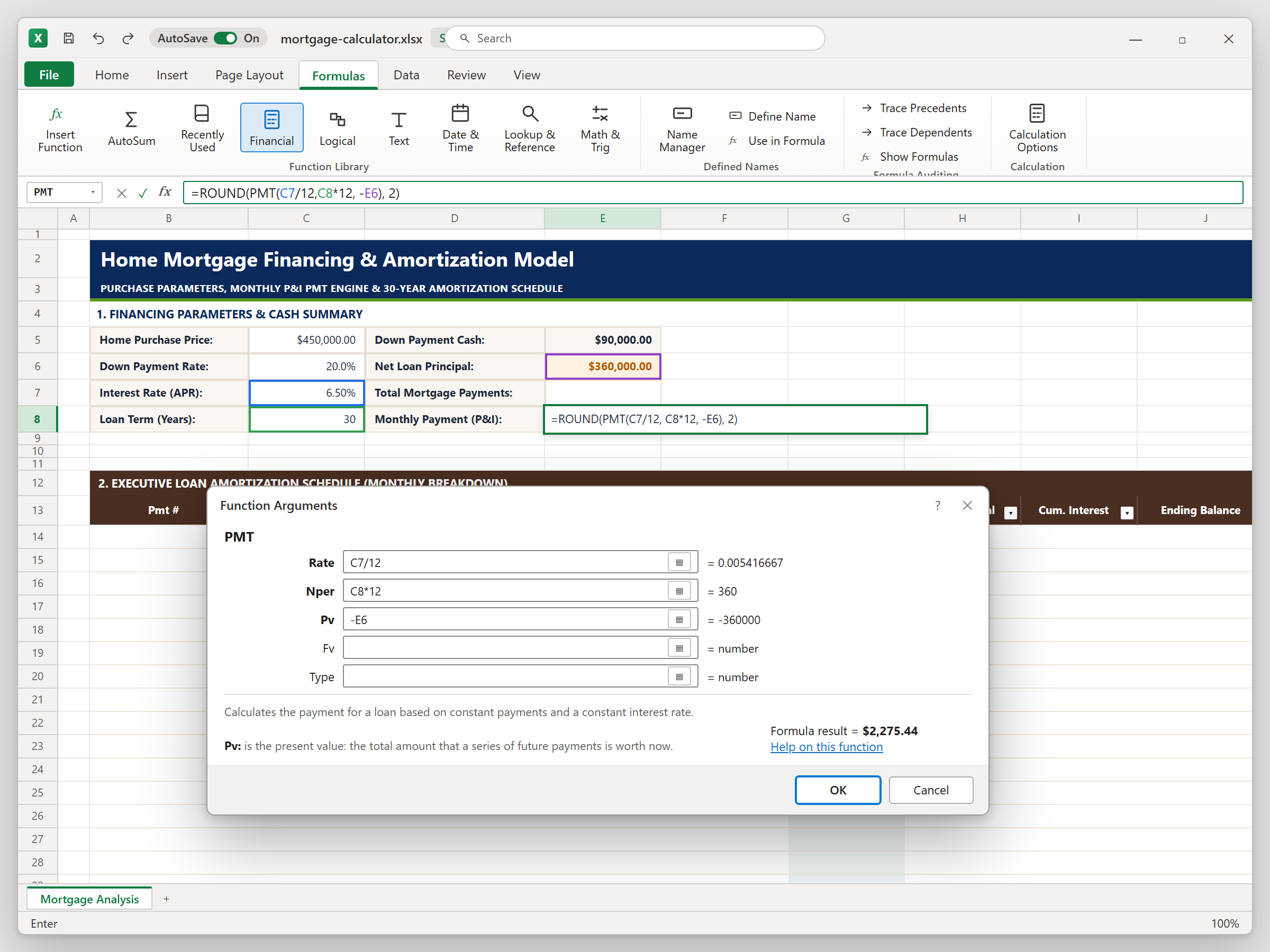
First fill E5 (price times down payment rate) and E6 (price minus cash). Then click E8 and open Formulas > Financial > PMT.
PMT needs three things: the monthly rate (APR divided by 12), the number of payments (years times 12), and the loan principal from E6, entered as a negative so the payment appears positive. Wrap it in ROUND to two decimals, because banks bill in whole cents. You should see $2,275.44. Multiply it by the number of months in E7 to get the lifetime total.
3Step 3: Split Out the Principal with PPMT
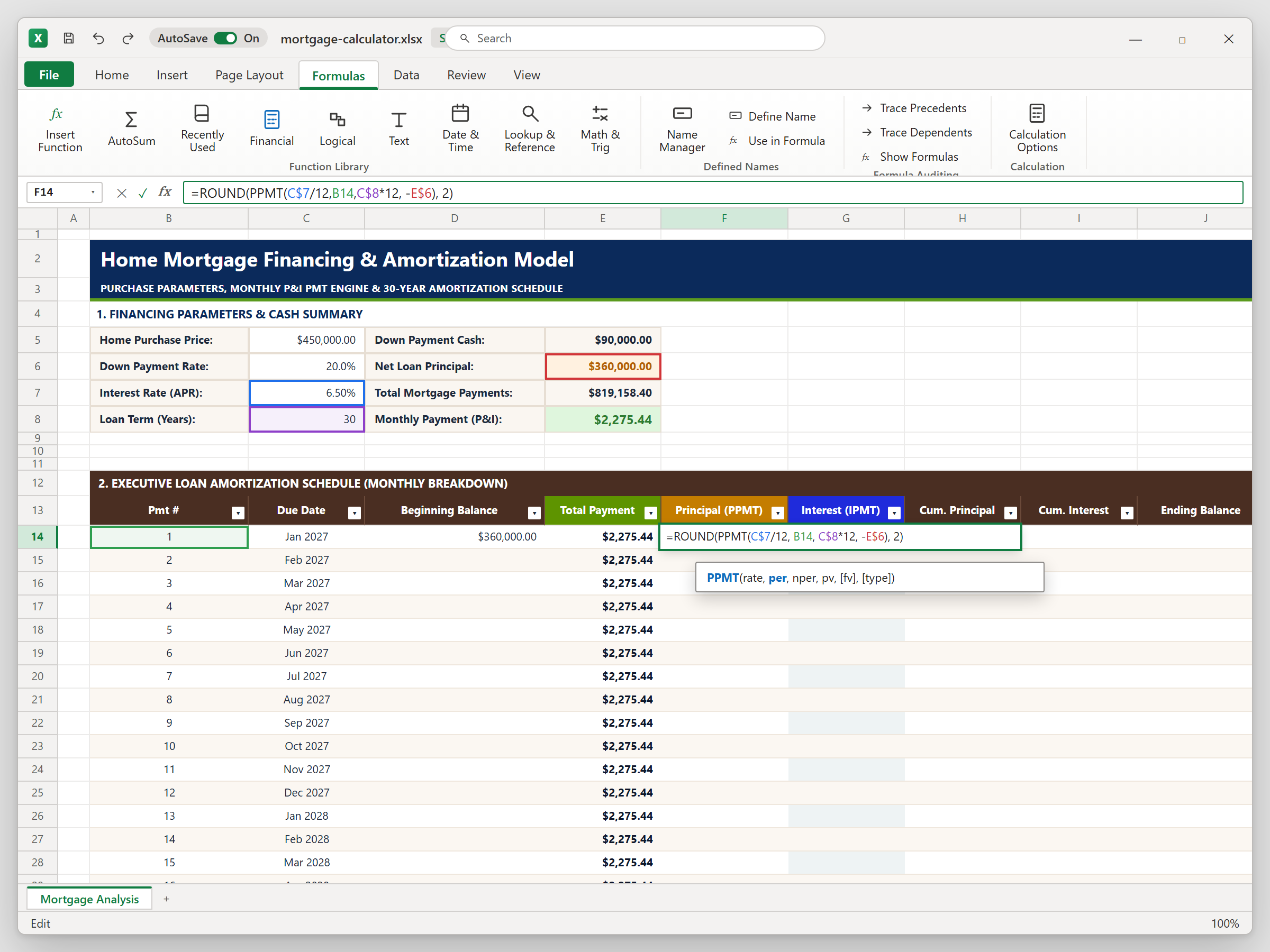
Build the schedule skeleton first: Pmt # in column B from row 14, due dates in column C starting Jan 2027 (EDATE moves one month at a time), the loan principal in D14, and the payment in column E.
Now press F2 in F14 to write PPMT. It takes the same rate, number of payments, and principal as PMT, plus the period number from B14. Lock the inputs with $ signs, so copying down changes only the period. Month one shows $325.44.
4Step 4: Isolate the Monthly Interest with IPMT
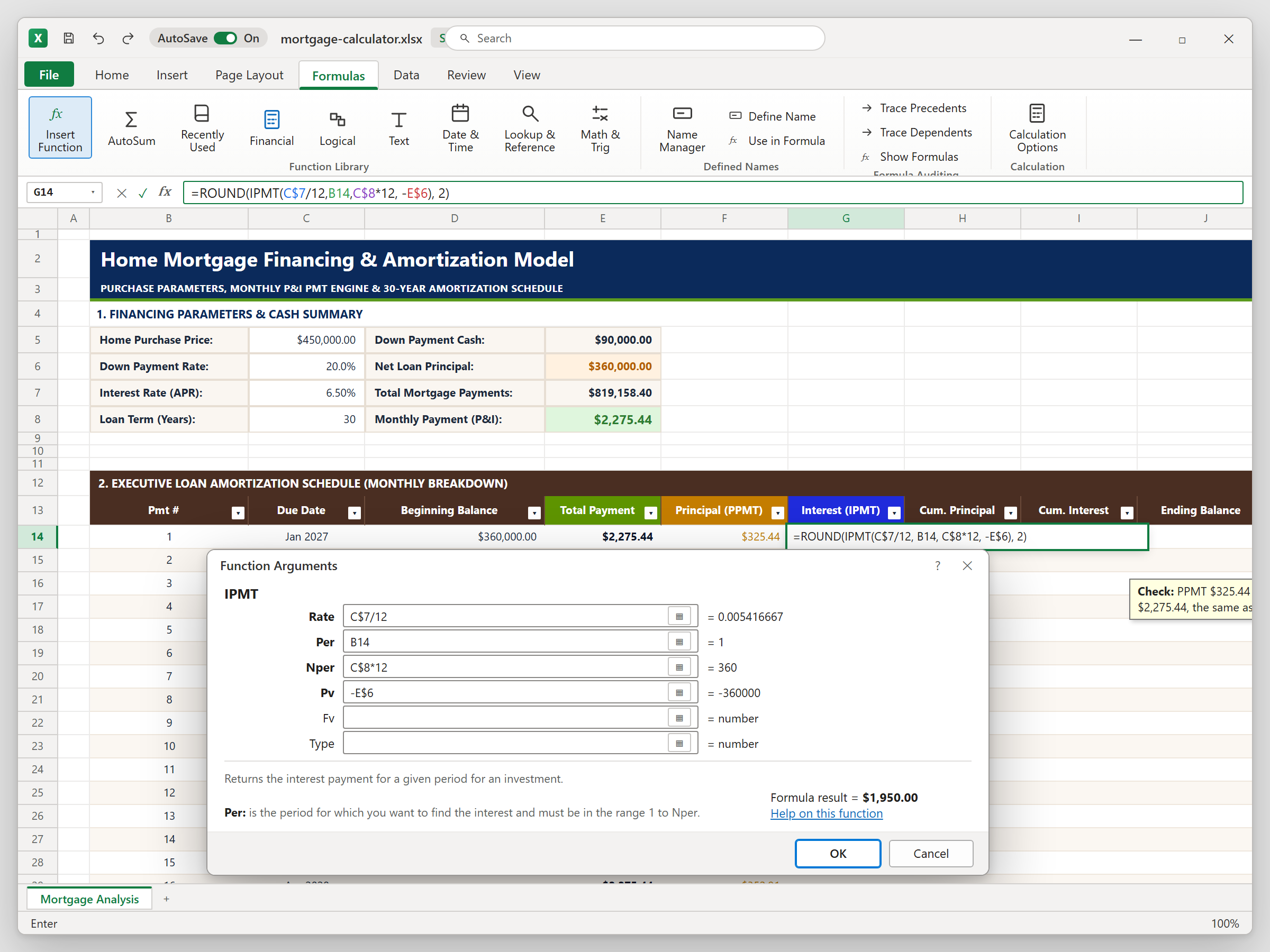
Click G14 and use Formulas > Insert Function to find IPMT. The arguments are the same as PPMT, so reuse the same references. Month one shows $1,950.00.
Check your work: principal plus interest should match the payment in column E ($325.44 + $1,950.00 = $2,275.44). Some later months may differ by one cent, because each part is rounded on its own. That is normal.
5Step 5: Track Equity, Ending Balance, and a Professional Border
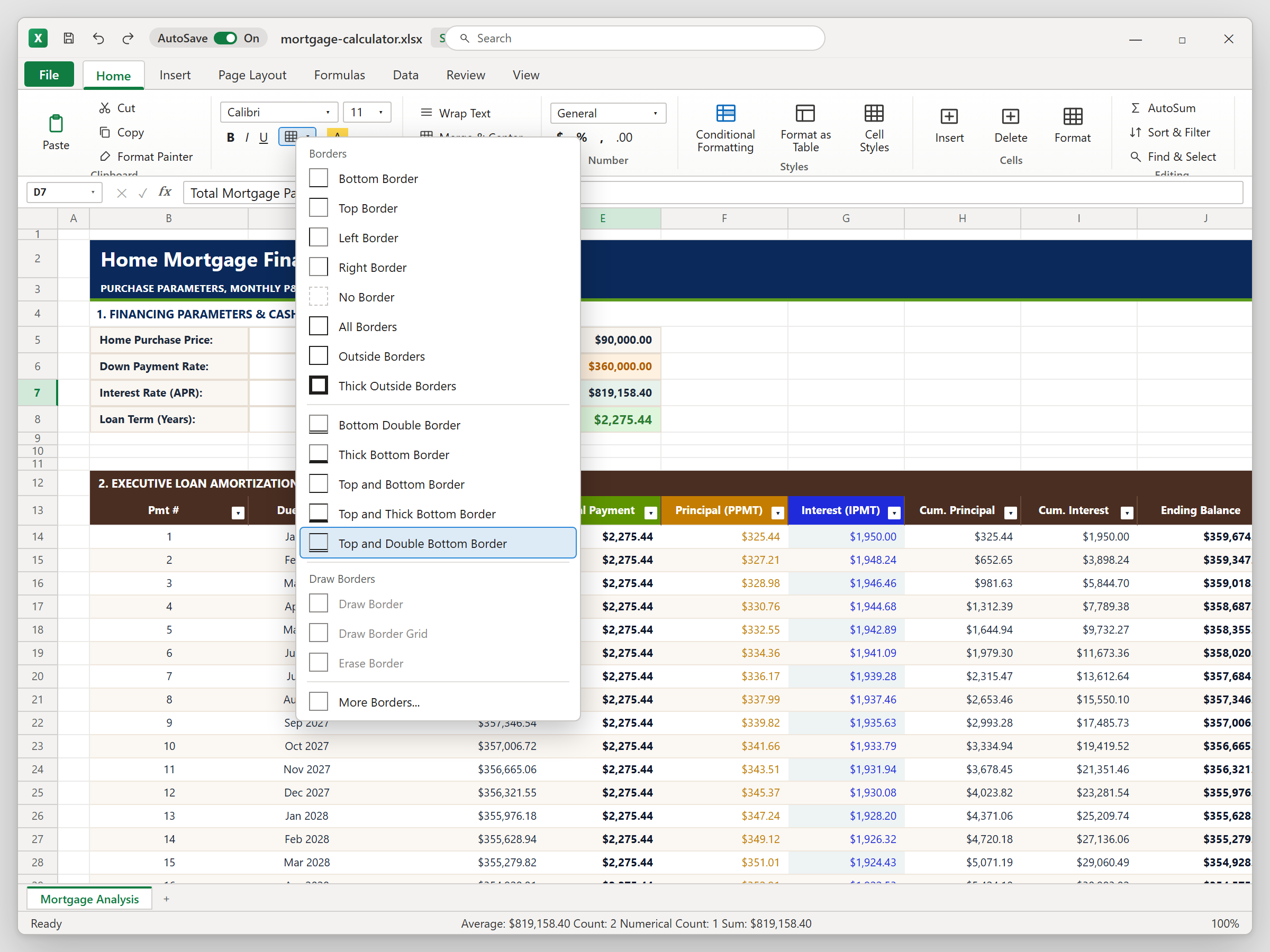
Column H starts with the first principal and then adds each new month to the total above it. Column I does the same for interest. Ending Balance in column J subtracts principal from the beginning balance, wrapped in MAX with zero so it never turns negative, and the next Beginning Balance simply picks up that value.
This Mortgage Amortization Schedule Excel view tells a clear story. After 12 payments you have built $4,023.82 of equity but paid $23,281.54 in interest, and the balance is $355,976.18. Finally, select D7:E7 and use Home > Borders > Top and Double Bottom Border to mark the lifetime total the way accountants do.
Down Payment Sizing Strategy: Why 20% Down Saves You from Private Mortgage Insurance (PMI)
C6 from 20% to 15% and watch everything recalculate: the loan grows to $382,500, the payment rises to $2,417.66, and total interest over 30 years goes up by about $28,700.Conclusion & Next Steps

Spreadsheet educator and web developer passionate about hands-on interactive spreadsheet practice.
Related Practical Exercises
Explore more hands-on spreadsheet models with downloadable practice workbooks.
 Productivity
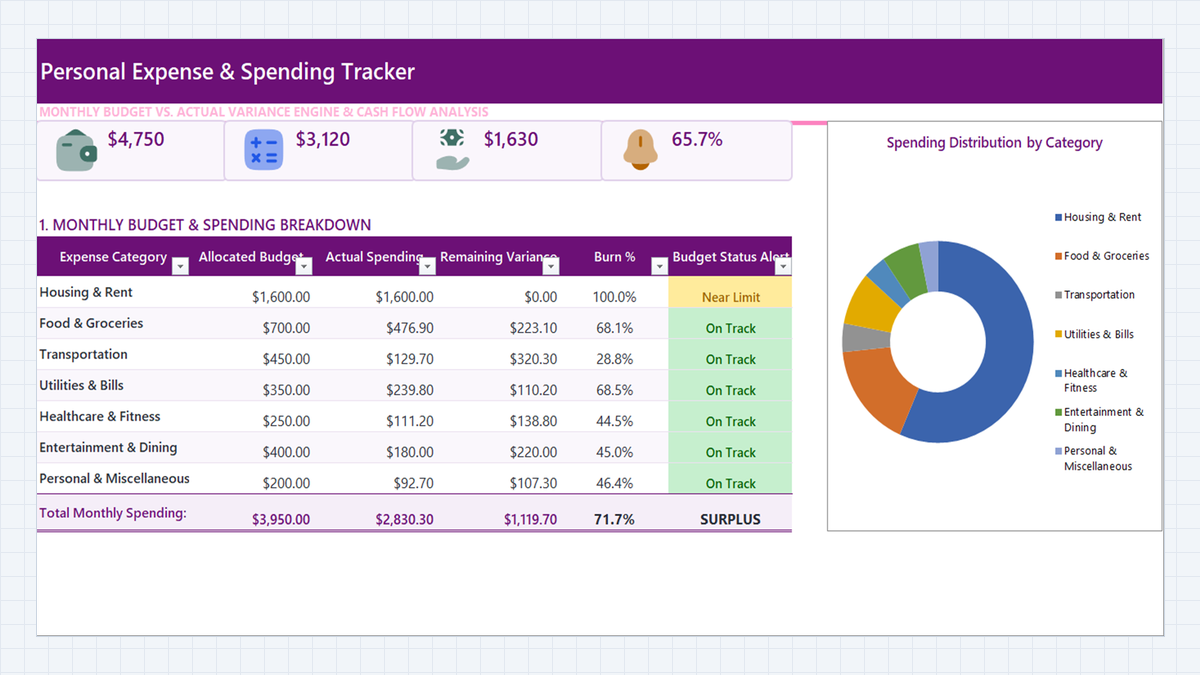
Personal Expense Tracker Excel Template
Turn a daily list of purchases into a clear monthly budget dashboard. Build a personal expense tracker in Microsoft Excel with a category dropdown, SUMIFS roll-ups, burn percentages, and three-level budget alerts.
 Human Resources
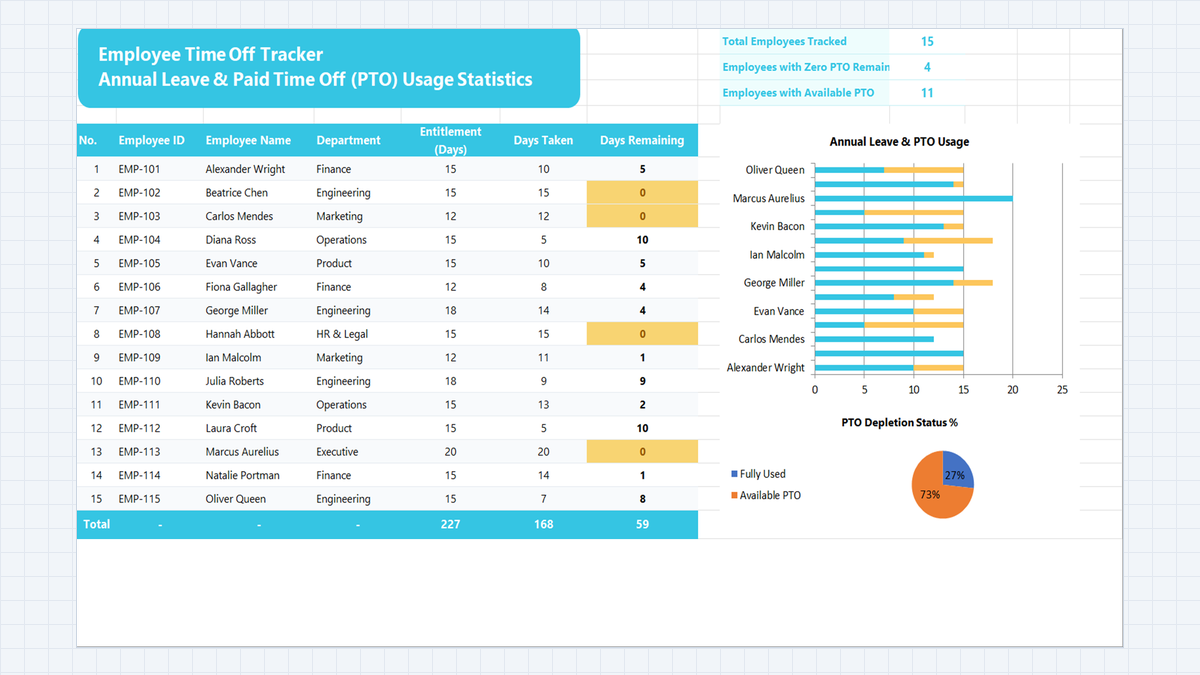
Employee Time Off Tracker Excel Template
Keep track of every employee's annual leave in one sheet. Build a time off tracker in Microsoft Excel with department dropdowns, automatic remaining-days balances, KPI cards built with COUNTA and COUNTIF, and an alert for staff who have used all their PTO.
 Finance
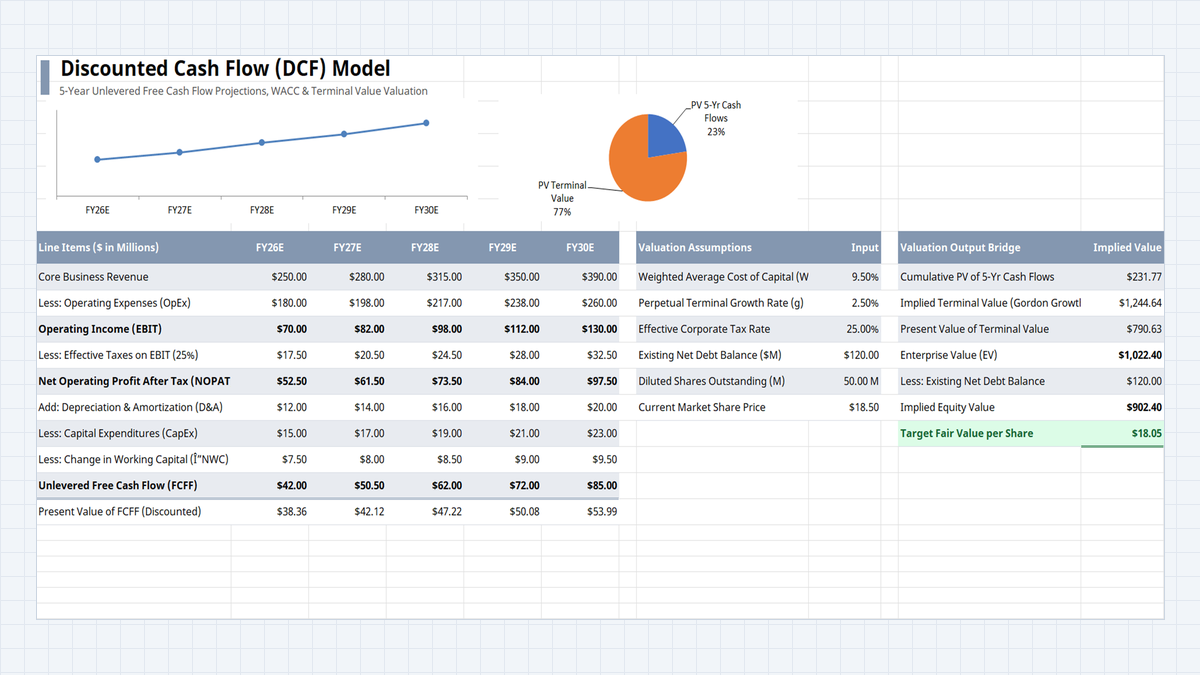
Discounted Cash Flow (DCF) Model Excel Template
Find out what a company is worth from the cash it will generate, not from a guess. Build a one-sheet DCF in Excel: five years of free cash flow, a WACC discount, a terminal value, and a fair value per share you can compare with the market price.
 Finance
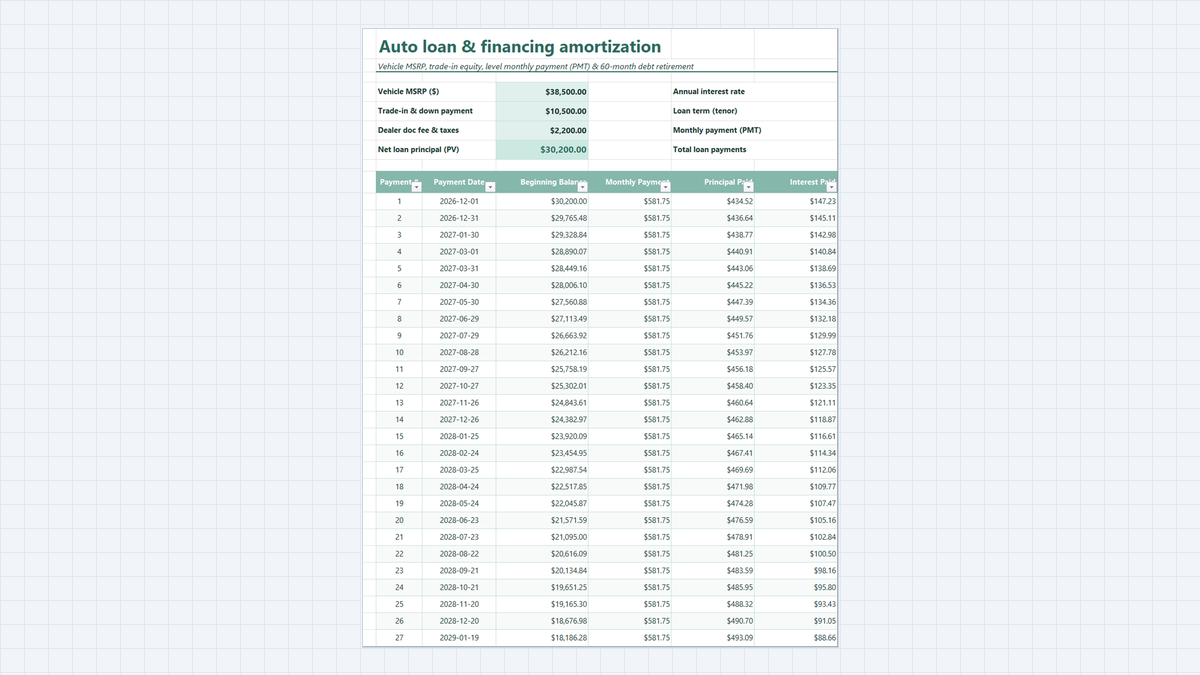
Auto Loan Calculator Excel Template
Know your exact monthly car payment and total loan interest before you visit the dealership. Learn how this auto loan calculator works, explore its workbook structure, and follow a clear step-by-step guide to build it in Excel with PMT and amortization formulas.
 Productivity
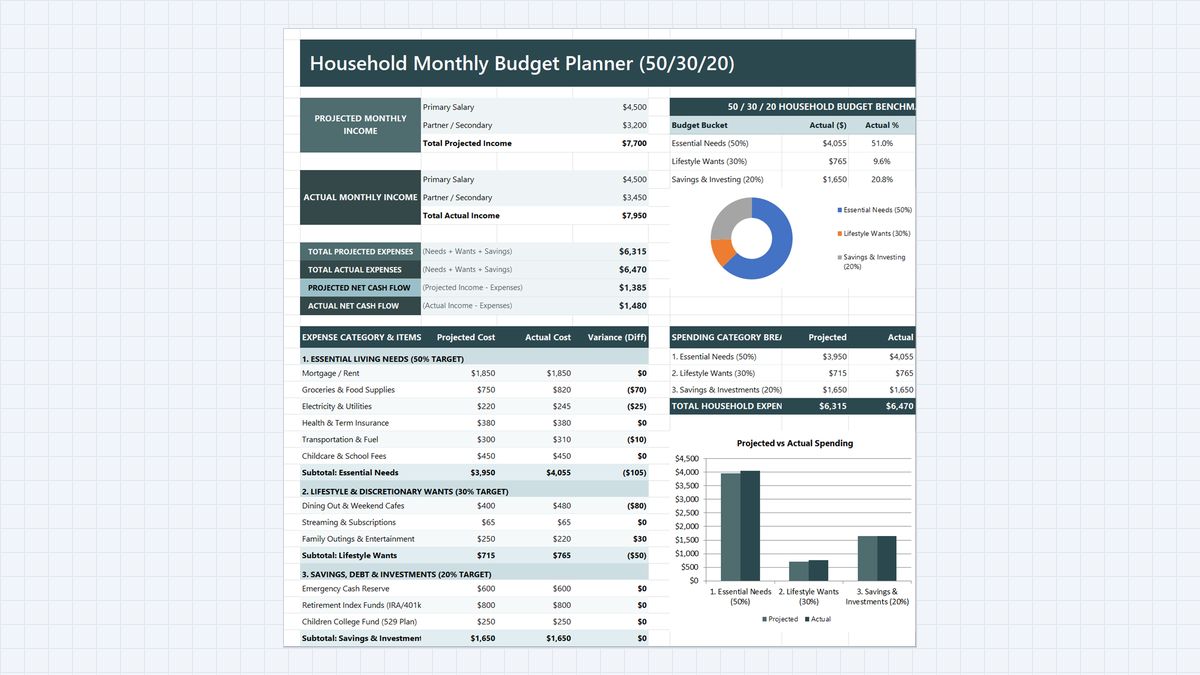
Household Budget Planner Excel Template
Find out where a two-income family's money really goes. Build a household budget planner in Microsoft Excel with 50/30/20 buckets, projected vs actual variance, a net cash flow card, and automatic over-budget alerts.
Discussion
Ask questions, share formula tips, or discuss alternative approaches with fellow spreadsheet builders.
Loading discussion...