NPV & XNPV Net Present Value Formulas
Learn how to calculate Net Present Value in Excel using NPV and XNPV. Discount irregular cash flows, avoid Year 0 discounting errors, and audit investments.

Corporate investment committees evaluate capital expenditure (CapEx) proposals by comparing initial cash outlays against future projected cash flows. To account for the time value of money and inflation, future cash flows must be discounted back to present value terms.
The most famous mistake in spreadsheet modeling happens when analysts use the standard NPV formula incorrectly. Understanding the difference between NPV and XNPV prevents misleading valuation estimates.
The Fatal "Year 0" Trap in Excel NPV
In financial textbooks, $NPV = sum rac{CF_t}{(1+r)^t} - CF_0$.
However, Excel's NPV formula assumes that the first value passed into the function happens at the end of Period 1! If you include your initial investment (C2) inside the NPV bracket:
=NPV(Rate, C2:C6) // WRONG: Discounts Day 0 money by a full year!This underestimates your project's return. The correct standard formula is:
=NPV(Rate, C3:C6) + C2 // CORRECT: Discount future cash, add Year 0 outsideWhy XNPV Is the Superior Modern Standard
In real life, cash flows do not arrive on identical 365-day cycles. Customer receipts, contractor milestones, and asset sales occur on irregular calendar dates. XNPV discounts cash flows based on actual daily timestamps:
=XNPV(rate, values, dates)- Unlike NPV,
XNPVincludes the Year 0 investment in the values range. It knows that the first date in your list is Day 0 and does not discount it. - Discounts each next cash flow using actual day counts:
(Date - Date0) / 365.
Investment Decision Rules
- NPV > 0: Accept the project. The investment generates returns exceeding the hurdle rate.
- NPV = 0: Break-even. The project generates returns equal to the cost of capital.
- NPV < 0: Reject the project. The investment destroys shareholder value.
Hands-on Practice Playground
Use the capital budgeting cash flow table below to calculate proper NPV and calendar-exact XNPV. Follow each objective to complete the exercise.
In cell E2, calculate proper NPV by discounting cash flows C3:C6 and adding initial outlay C2 outside.
In cell E2, calculate the correct Net Present Value: discount cash inflows C3:C6 at discount rate D2 using NPV, then add the initial Year 0 outflow from cell C2 outside the function.
In cell F2, calculate exact calendar Net Present Value using XNPV across C2:C6 and dates B2:B6.
In cell F2, calculate Net Present Value based on exact calendar dates using XNPV with discount rate D2, full cash flow range C2:C6, and calendar dates B2:B6.
In cell F3, test if the project is viable with an IF formula returning "Accept" or "Reject".
In cell F3, test if the XNPV in F2 is greater than 0 using an IF formula returning "Accept" or "Reject".
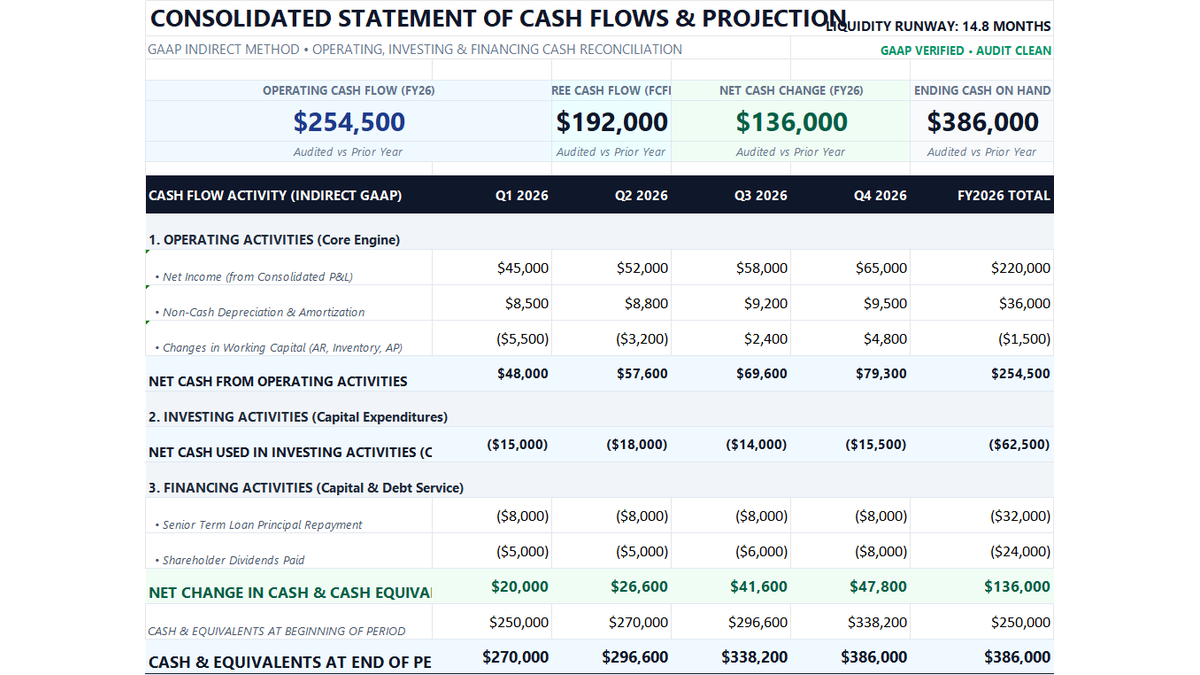
Ready to apply NPV & XNPV Net Present Value Formulas in a real workbook?
Put professional financial formulas into practice inside an executive cash flow model.
Open 12-Month Cash Flow StatementShare This Lesson
Spread the word with your peers and challenge your friends