PMT, PPMT & IPMT Loan Amortization Formulas
Learn how to calculate loan payments in Excel using PMT, IPMT, and PPMT. Split monthly installments into principal and interest without cash flow errors.

When financing corporate equipment or taking out a mortgage, borrowers make a fixed monthly payment to the bank. However, behind that fixed payment, the composition changes every month: early payments consist mostly of interest, while later payments go primarily toward reducing the principal balance.
Because interest expenses are tax-deductible for corporate taxes while principal repayments are balance sheet balance reductions, accountants must separate these two components. Excel provides three dedicated loan formulas: PMT, IPMT, and PPMT.
Quick Comparison: Loan Calculation Trio
| Formula | What It Calculates | Period Specific? | Mathematical Relationship |
|---|---|---|---|
PMT |
Total fixed payment per period | No (constant across all periods) | PMT = IPMT + PPMT |
IPMT |
Interest portion for a specific period | Yes (requires period number) | Decreases over time |
PPMT |
Principal repayment for a specific period | Yes (requires period number) | Increases over time |
The Golden Rules of Loan Modeling
1. Align Frequency (The 12-Month Rule)
Interest rates are typically quoted as annual percentages (e.g. 6% per year). If payments occur monthly, you must divide the annual rate by 12 and multiply the loan years by 12. Forgetting to divide by 12 calculates payments as if the bank charges 6% every single month!
2. Cash Flow Sign Convention
Excel represents money coming to you as positive and money leaving your wallet as negative. Because loan payments are money you pay out, PMT formulas return a negative number by default. To display positive payment numbers on client proposals, put a minus sign in front of the loan principal: =-PV.
Hands-on Practice Playground
Use the equipment financing schedule below to calculate fixed monthly payments and split Month 1 into interest and principal. Follow each objective to complete the exercise.
In cell D2, calculate the fixed monthly installment for the $120,000 loan using PMT.
In cell D2, calculate the fixed monthly installment for the $120,000 loan using PMT: divide annual rate $B$3 by payments per year $B$5, multiply loan term $B$4 by $B$5 for total periods, and reference present value -$B$2 (make payment positive).
In cell E2, calculate the interest portion for Month 1 using IPMT.
In cell E2, calculate the interest portion for month 1 (period C2) using the IPMT formula with monthly rate $B$3/$B$5, total periods $B$4*$B$5, and present value -$B$2.
In cell F2, calculate the principal repayment portion for Month 1 using PPMT.
In cell F2, calculate the principal repayment portion for month 1 using PPMT with monthly rate $B$3/$B$5, period C2, total periods $B$4*$B$5, and present value -$B$2.
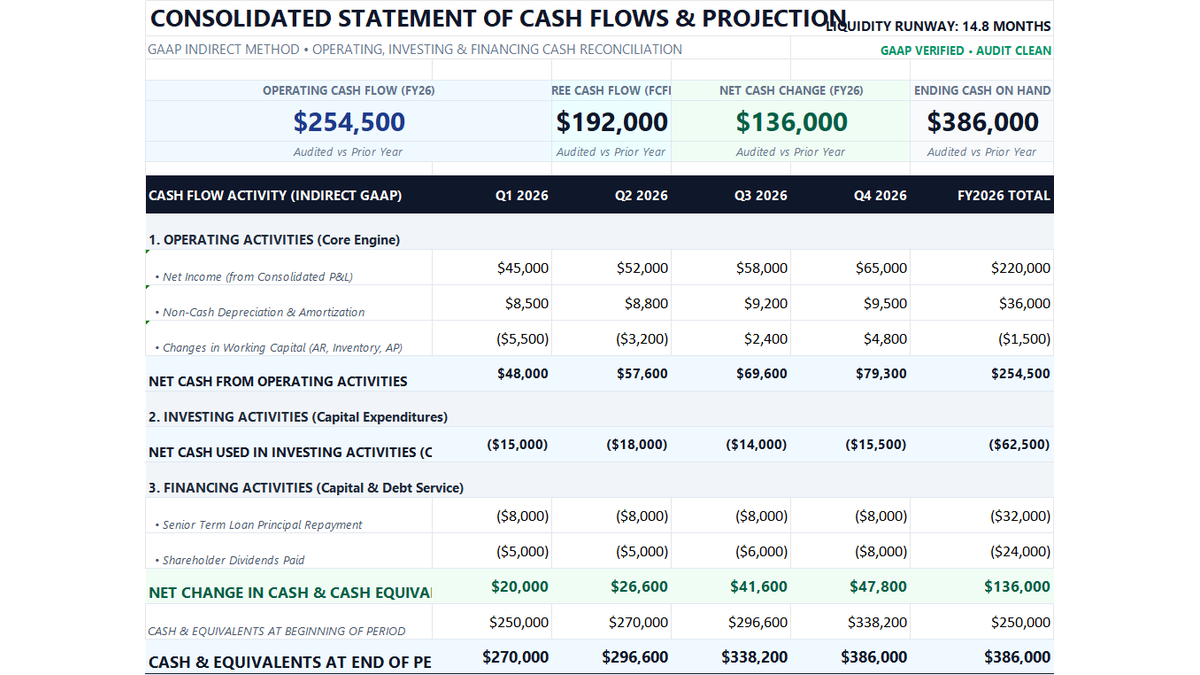
Ready to apply PMT, PPMT & IPMT Loan Amortization Formulas in a real workbook?
Put professional financial formulas into practice inside an executive cash flow model.
Open 12-Month Cash Flow StatementShare This Lesson
Spread the word with your peers and challenge your friends