
DOLLARDE & DOLLARFR Fractional Prices
Learn how to convert fractional bond prices to decimals in Excel using DOLLARDE and DOLLARFR. Audit 1/16th and 1/32nd Treasury security quotes cleanly.

In global bond markets and fixed income trading desks, government securities (like US Treasuries) are traditionally quoted using fractions rather than standard cents. For example, a bond quote of 100.16 does not mean $100.16—it means 100 plus 16/32nds of a dollar.
Because $16/32 = 0.50$, the actual economic price is $100.50. Treating quoted fractions as normal decimals leads to massive pricing errors on financial models. Excel provides two conversion formulas for fractional securities: DOLLARDE and DOLLARFR.
Quick Comparison: DOLLARDE vs DOLLARFR
| Formula | Input | Output | Fixed Income Trading Application |
|---|---|---|---|
DOLLARDE(fractional_dollar, fraction) |
Quoted fraction (e.g. 100.16 with 32) | True mathematical decimal (100.50) | Valuing bond portfolios and calculating portfolio gains. |
DOLLARFR(decimal_dollar, fraction) |
True decimal (e.g. 100.50 with 32) | Terminal fraction quote (100.16) | Formatting financial reports to match Bloomberg or Reuters terminal quotes. |
Common Fractional Denominators
- 16: 1/16th (Mortgage-backed securities)
- 32: 1/32nd (US Treasury bonds and notes)
- 64: 1/64th (Ultra-precise long-term bond options)
Hands-on Practice Playground
Audit the fixed income security quotes below by converting fractional terminal prices into true decimals and vice versa. Follow each objective to complete the exercise.
In cell D2, convert the Treasury price quote in B2 (100.16) into a true decimal value using DOLLARDE with denominator C2 (32).
In cell D2, convert the fractional Treasury price quote in B2 (100.16) into a true decimal value using the DOLLARDE formula with denominator C2 (32).
In cell E2, convert that decimal value back into terminal quote format using DOLLARFR.
In cell E2, convert the decimal price from D2 back into a fractional Treasury quote format using the DOLLARFR formula with denominator C2.
In cell D3, convert mortgage pool quote 98.08 using DOLLARDE with denominator 16.
In cell D3, convert the fractional quote in B3 (98.08) using DOLLARDE with denominator C3 (16).
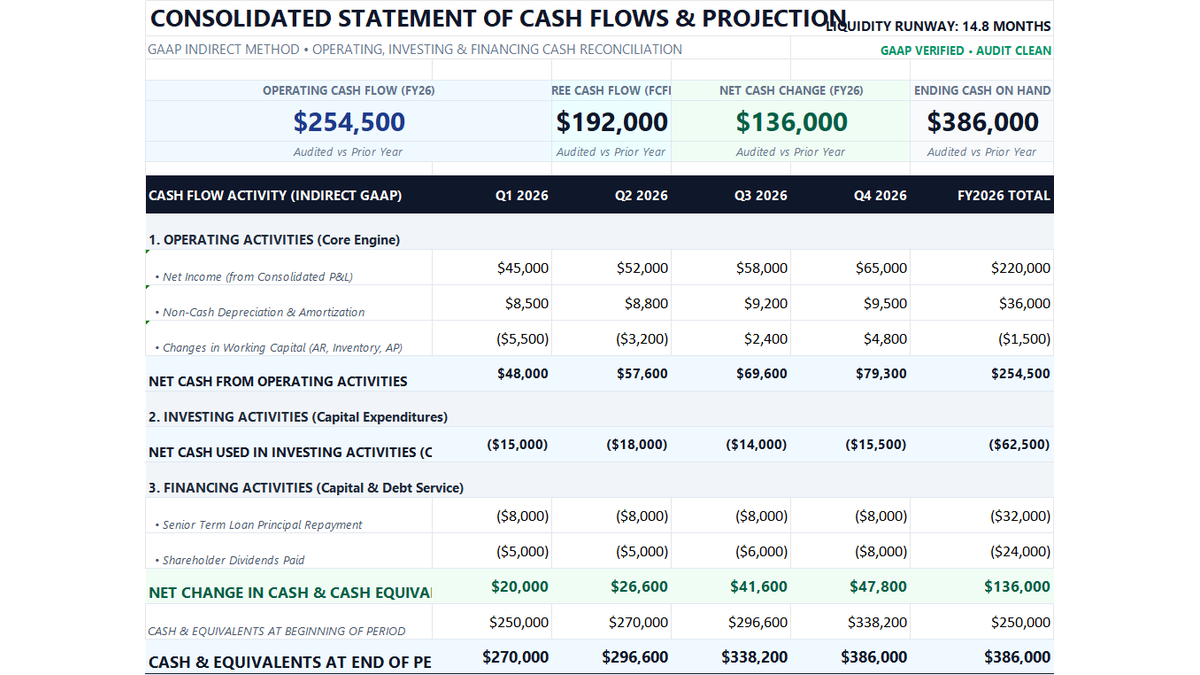
Ready to apply DOLLARDE & DOLLARFR Fractional Prices in a real workbook?
Put professional financial formulas into practice inside an executive cash flow model.
Open 12-Month Cash Flow StatementShare This Lesson
Spread the word with your peers and challenge your friends