
AND, OR & NOT Compound Logic Formulas
Learn how to combine logical operators in Excel with AND, OR, XOR, and NOT. Audit loan approvals, test multiple criteria, and avoid IF nesting traps.

Credit underwriting, hiring pipelines, and compliance screenings often require testing multiple rules at the same time. For example, a commercial mortgage might require a credit score above 700, income over $5,000, and a debt ratio below 35%. Stacking multiple IF statements to test all three rules makes formulas unnecessarily complex.
Excel provides four core logical building blocks: AND, OR, XOR, and NOT. These formulas combine conditions cleanly and return a simple TRUE or FALSE.
Quick Comparison of Logical Operators
| Formula | When It Returns TRUE | Typical Use Case |
|---|---|---|
AND(c1, c2, ...) |
When EVERY condition is TRUE | Strict compliance rules and multi-step qualification filters. |
OR(c1, c2, ...) |
When AT LEAST ONE condition is TRUE | Bonus qualification if sales exceed quota OR customer satisfaction is top tier. |
XOR(c1, c2, ...) |
When an ODD NUMBER of conditions are TRUE (exclusive choice) | Choosing between two mutually exclusive discounts (cannot combine both). |
NOT(condition) |
Reverses the logical state (TRUE becomes FALSE) |
Excluding specific account categories or filtering out inactive users. |
Syntax Rules and Common Mistakes
1. Do Not Write "AND" as an English Word Between Conditions
A common beginner mistake is writing:
=IF(B2 >= 700 AND C2 >= 5000, "Approved", "Declined") // Triggers #NAME? errorIn Excel, AND is a formula function that wraps its arguments inside parentheses:
=IF(AND(B2 >= 700, C2 >= 5000), "Approved", "Declined")2. Understanding XOR (Exclusive OR)
Unlike OR, which returns TRUE even if both conditions pass, XOR returns FALSE if both conditions are met. This makes it ideal for policy rules where a customer can pick perk A or perk B, but not both.
Hands-on Practice Playground
Use the credit underwriting table below to test loan eligibility criteria. Follow each objective to complete the exercise.
In cell E2, test whether Liam Henderson meets all loan criteria using the AND formula.
In cell E2, verify if Liam Henderson meets all loan standards: credit score B2 at least 700, monthly income C2 at least 5000, and DTI ratio D2 at most 0.35 using the AND formula.
In cell F2, check if the applicant qualifies for priority review using the OR formula.
Risk officers want to flag any candidate who has either an exceptional credit score (B2 >= 750) OR high income (C2 >= 7000). Test this in cell F2 using the OR formula.
In cell G2, test for exclusive VIP perk qualification using XOR.
Applicants qualify for a VIP perk if they have EITHER high credit (B2 >= 720) OR low DTI (D2 <= 0.25), but NOT both. Test this exclusive condition in cell G2 using XOR.
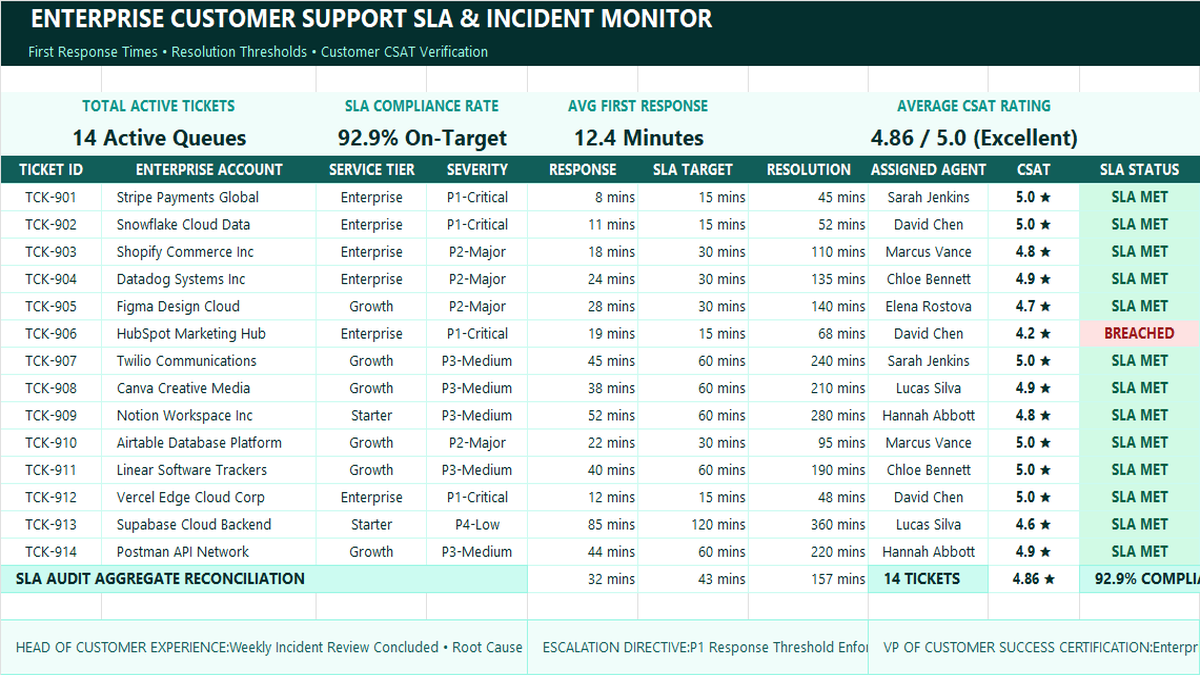
Ready to apply AND, OR & NOT Compound Logic Formulas in a real workbook?
Implement automated business rules and visual alert thresholds using logical conditions.
Open Customer Support SLA TrackerShare This Lesson
Spread the word with your peers and challenge your friends