Planning a major wedding or private event without a unified budget tracker leads to unexpected vendor charges, forgotten deposit deadlines, and stressful financial surprises right before the big day.
A structured event budget organizes vendor commitments alongside clear per-guest cost allocations. In this practical guide, we will build an executive Wedding Budget Tracker in Microsoft Excel. Featuring single-sheet architecture, deposit schedules, automated variance tracking, and contingency reserve monitors, this template delivers complete financial peace of mind.
Event Expense Architecture
An executive wedding tracker pairs overall event financial scorecards with an itemized vendor commitment ledger.
Our single-sheet layout includes event countdown metadata in rows 2 and 3, executive budget scorecards in rows 5 through 7, and an operational expense table across rows 11 through 20.
Expenses are organized across core event categories: Venue & Ceremony Site, Catering & Bar Service, Photography & Cinema, Floral Design, Attire & Beauty, Live Band, Stationery, and Day-of Contingency.
Review the schema below to understand how the operational expense table functions across columns B through K.
| Column | Field Name | Data Type | How It Is Used | |
|---|---|---|---|---|
| B | Event Expense Category | Text | B12:B19 | Major event cost category (Venue, Catering, Photography, Floral). |
| C | Primary Vendor | Text | C12:C19 | Contracted vendor entity (Grandview Estate, Artisan Culinary, Lumiere Films). |
| D | Budget Allocated ($) | Currency | D12:D19 | Pre-approved budget cap for the service category. |
| E | Invoiced ($) | Currency | E12:E19 | Recognized invoice amount billed to date. |
| F | Deposit Paid ($) | Currency | F12:F19 | Upfront retainer deposit disbursed to secure the booking. |
| G | Total Obligation ($) | Formula | G12:G19 | Total contractual liability: =E12+F12. |
| H | Variance ($) | Formula | H12:H19 | Budget cushion remaining: =D12-G12. |
| I | Per Guest ($) | Formula | I12:I19 | Expense amortized across confirmed 150 guests: =ROUND(G12/150, 0). |
| J | Due Date | Date | J12:J19 | Final payment balance settlement deadline. |
| K | Payment Status | Dropdown | K12:K19 | Settlement state: Deposit Paid, Pending 50%, or Drafting. |
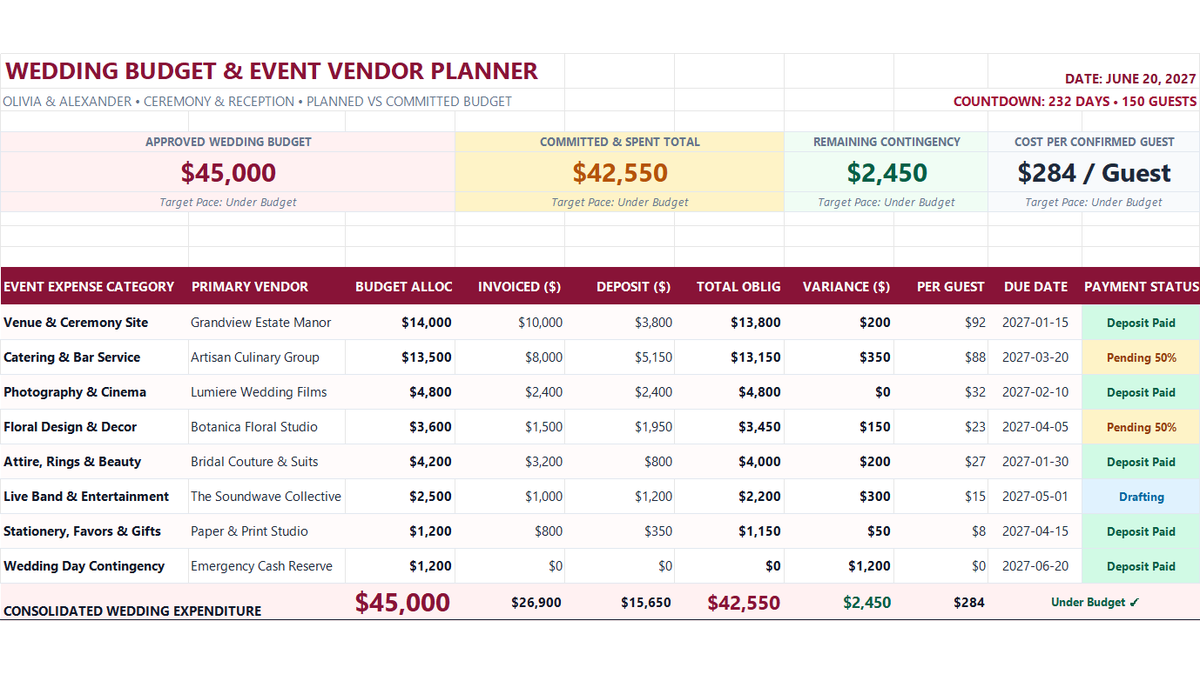
Workbook Blueprint: The Wedding Budget Tracker architecture displaying approved budget scorecards, vendor commitment rows, and payment status indicators.
With our expense layout established, let us write the primary calculations that quantify commitments and variances.
Calculating Obligations and Variances (Action vs Result)
Summing invoiced balances and deposits establishes your total contractual liability, while subtracting obligations from allocated budget reveals remaining spending headroom.
In cell G12, calculate the total contractual obligation for Venue & Ceremony Site: =E12+F12. With $10,000 invoiced and a $3,800 deposit paid, cell G12 evaluates to $13,800.
In cell H12, derive the category budget variance: =D12-G12. With $14,000 allocated against a $13,800 obligation, cell H12 reveals a favorable buffer of +$200.
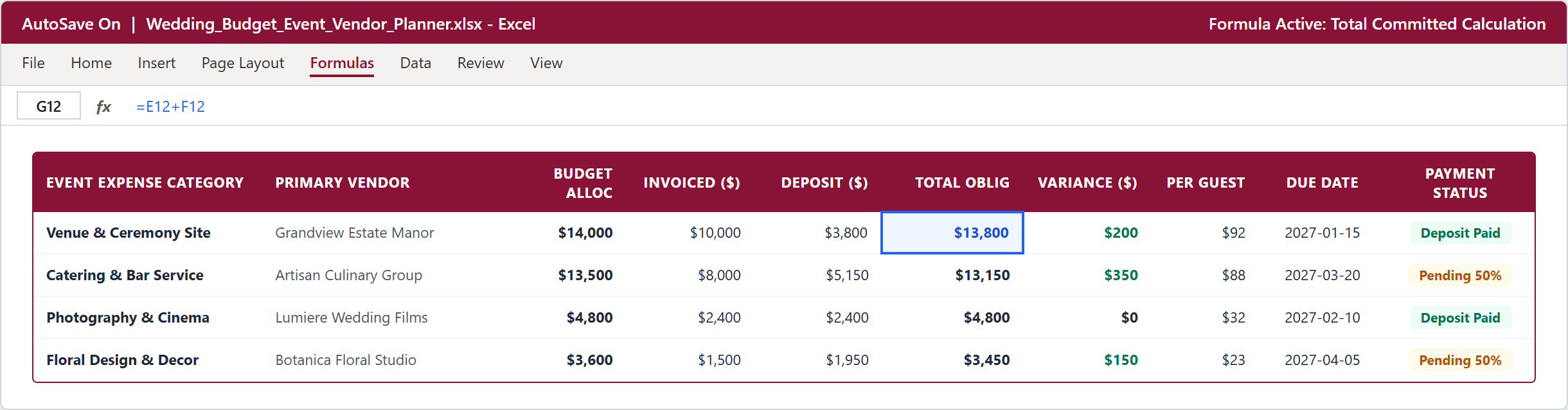
Step 1 [Action & Result]: Formula bar active with =E12+F12 in cell G12 and variance =D12-G12 in cell H12.
Tracking Status with Data Validation (Action vs Result)
To prevent inconsistent status notes across multiple vendors, column K uses Excel Data Validation to lock in standard payment milestones.
Select the status range K12:K19, navigate to Data > Data Validation, and set Allow to List.
Under Source, enter: Deposit Paid, Pending 50%, Drafting, Fully Paid. Check In-cell dropdown and click OK.
Couples and wedding planners can now quickly update vendor progress using clean, standardized status tags.
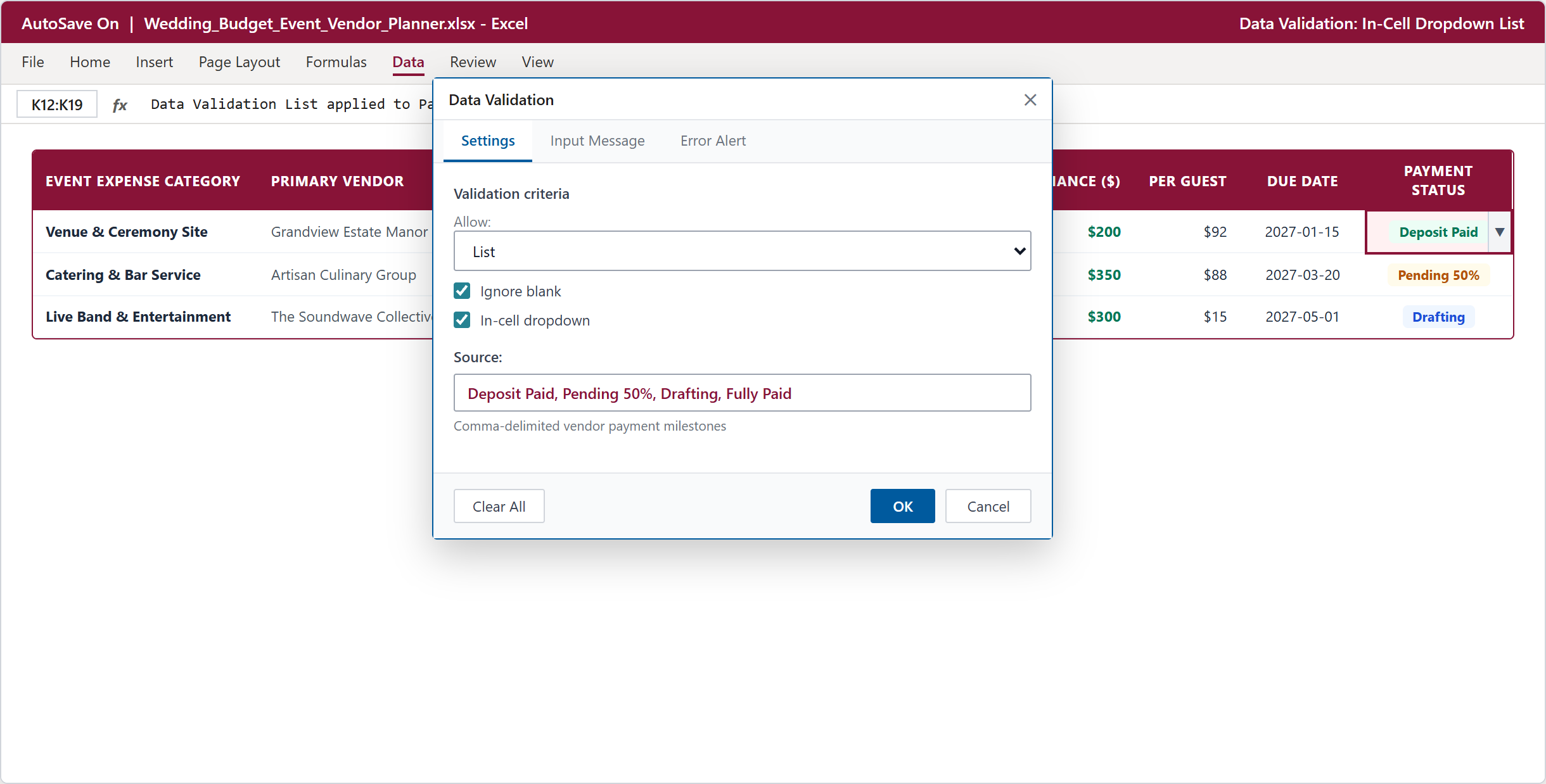
Step 2 [Action & Result]: Creating a standard in-cell dropdown list for payment milestones in the Data Validation dialog.
Executive Dashboard and Per-Guest Costs (Action vs Result)
With formulas and validation controls in place, the finished dashboard provides a complete executive summary of your wedding finances.
Four KPI summary cards across the top highlight your Approved Budget ($45,000), Committed & Spent Total ($42,550), Remaining Contingency ($2,450), and Cost Per Confirmed Guest ($284 / Guest across 150 guests).
Across the bottom summary row, cell H20 verifies that total commitments stay $2,450 safely under budget, ensuring financial calm leading into the wedding day.
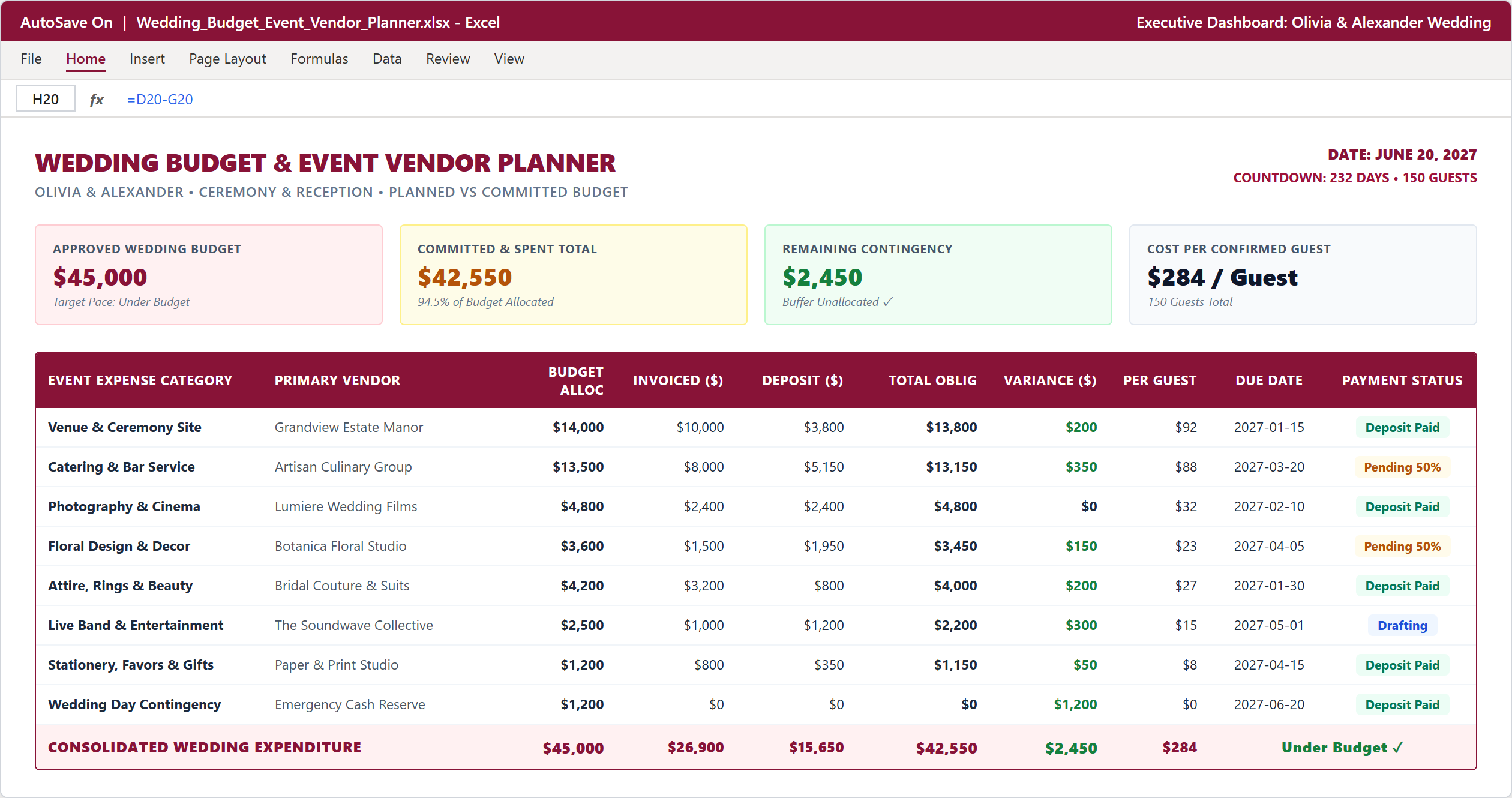
Step 3 [Action & Result]: The finished dashboard showing 4 KPI summary cards, vendor ledger, and under-budget confirmation.
Conclusion & Next Steps
You have built a production-ready Wedding Budget Tracker in Microsoft Excel that replaces scattered receipts with structured event financial planning.
Review your vendor commitments regularly as planning milestones approach. Maintaining disciplined budget tracking ensures a beautiful celebration without post-event financial stress.
Download the complete template below or practice modifying event expenses directly inside the ExcelClash spreadsheet playground.

Spreadsheet educator and web developer passionate about hands-on interactive spreadsheet practice.
Related Practical Exercises
Explore more hands-on spreadsheet models with downloadable practice workbooks.
 Sales
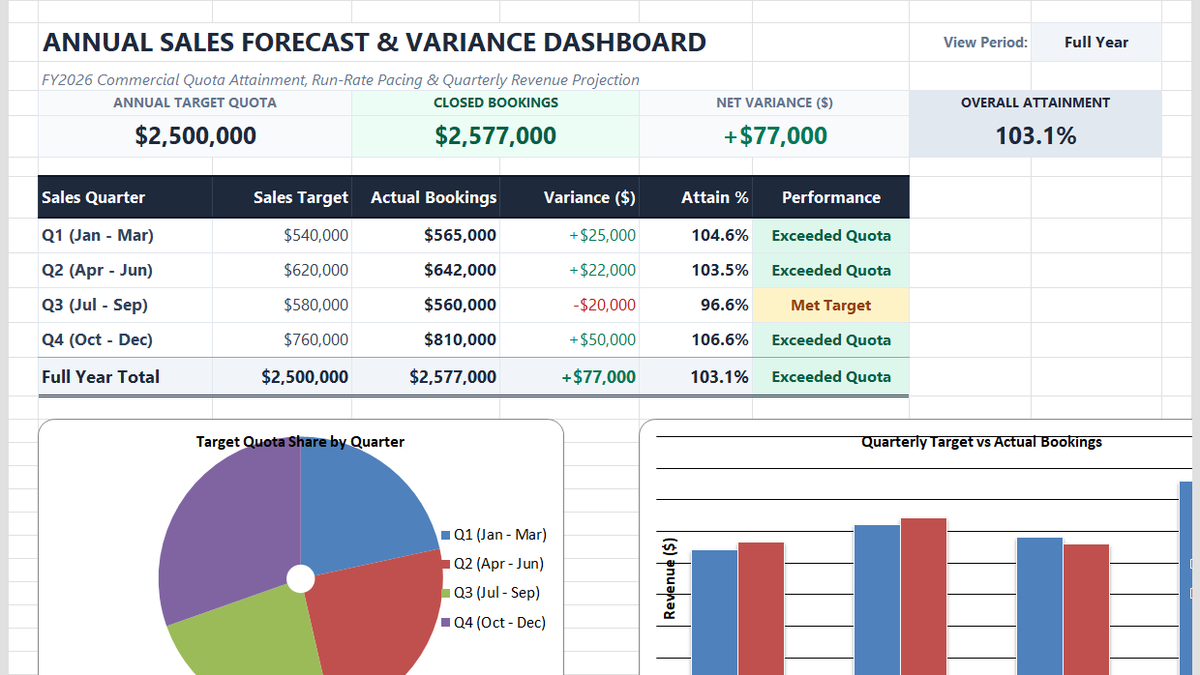
Annual Sales Forecasting Model Excel Template
Learn commercial revenue forecasting in Microsoft Excel. Build an annual sales forecasting dashboard featuring quarterly variance calculations, dynamic quota attainment metrics, clustered column comparison charts, and executive pacing scorecards.
 Finance
Budget vs Actual Variance Analysis Excel Template
Learn how to build a corporate OPEX budget vs actual variance model in Microsoft Excel featuring departmental cost ledgers, automated dollar variances, in-cell data bars, and executive reconciliation scorecards.
 Finance
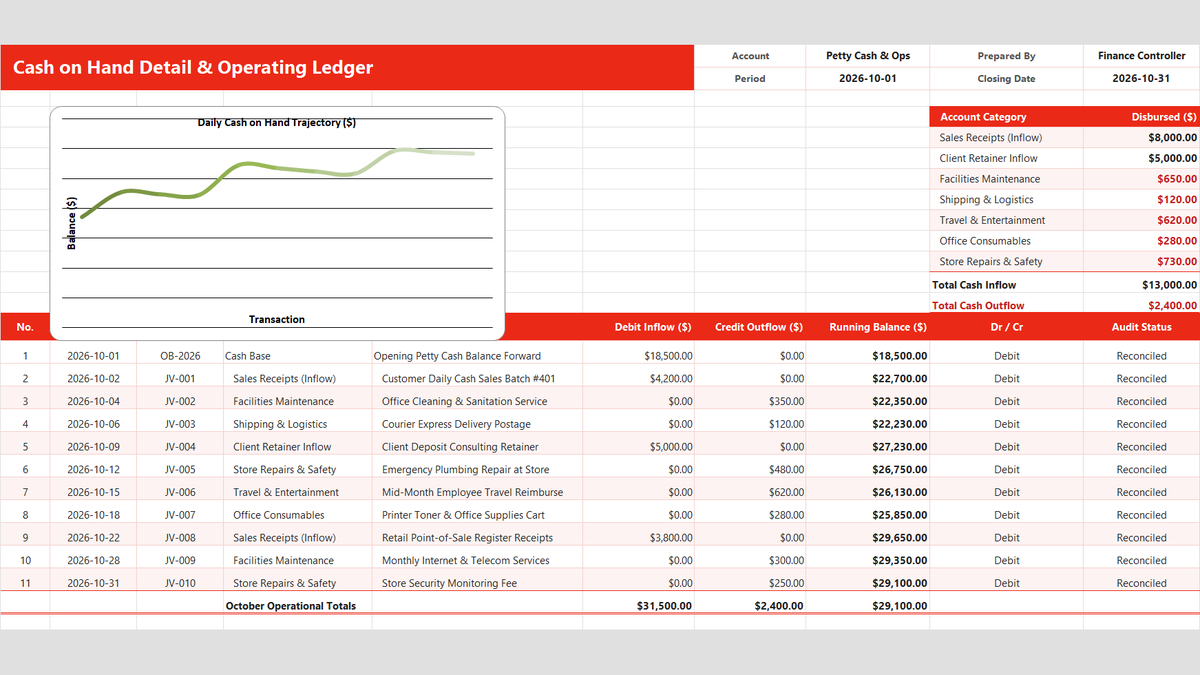
Daily Cash Book Ledger Excel Template
Keep track of physical cash, register receipts, and petty cash disbursements in Microsoft Excel. Build a daily cash book featuring category dropdowns with Data Validation, live running balance calculations, negative cash overdraft alerts, and month-end category expense rollups.
 Finance
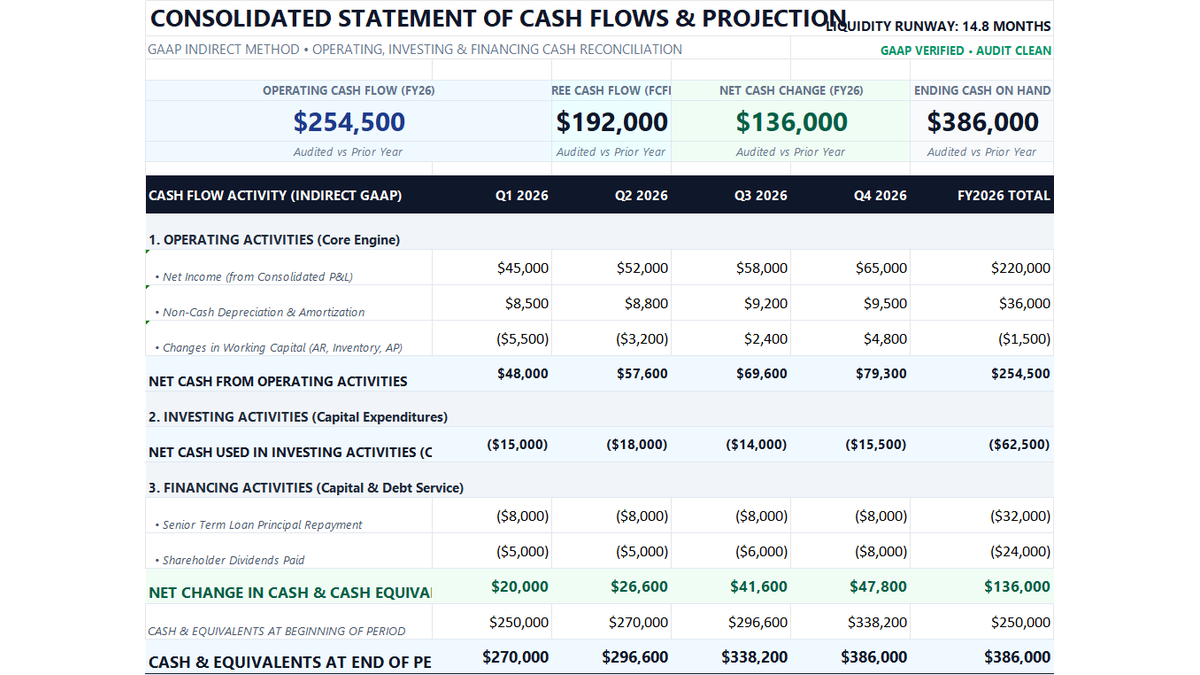
12-Month Cash Flow Statement Excel Template
Learn how to construct a GAAP-compliant 12-month indirect cash flow statement in Microsoft Excel featuring working capital rollforwards, Free Cash Flow to Firm (FCFF), liquidity runway defense, and executive treasury scorecards.
 Finance
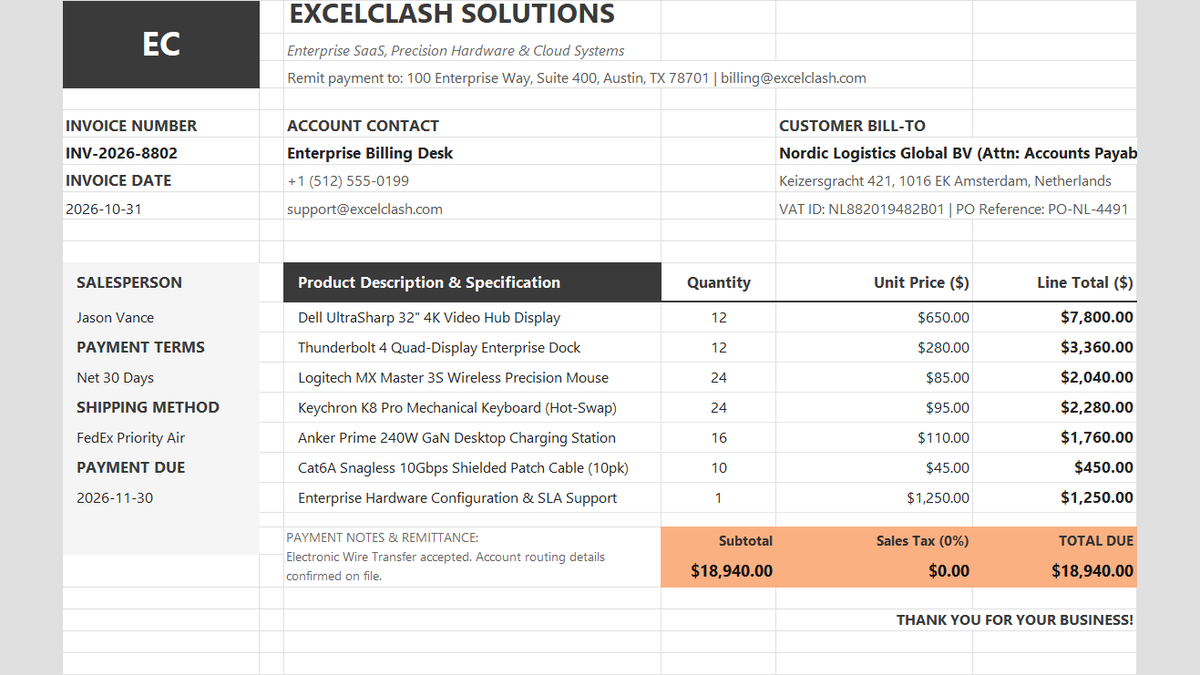
Commercial Sales Invoice Calculator Excel Template
Tired of billing disputes and calculation errors holding up payments? Learn how to build a clean Commercial Sales Invoice in Excel that automatically computes line item subtotals, reconciles sales taxes, and presents payment terms clearly for corporate finance teams.
Discussion
Ask questions, share formula tips, or discuss alternative approaches with fellow spreadsheet builders.
Loading discussion...