When executive leadership, finance, and engineering teams work across scattered personal calendars, high-stakes board reviews, quarterly financial audits, and payroll cutoff dates easily slip through the cracks.
A standardized monthly memorandum calendar centralizes key company milestones in one authoritative view. In this guide, we will build an executive Monthly Memo Calendar in Microsoft Excel. Featuring clean single-sheet architecture, working day rollups with NETWORKDAYS, conditional milestone highlights, and department directives, this template keeps leadership aligned.
Calendar Structure & Columns
An executive calendar combines top-line operational metrics with a clean Monday-to-Sunday weekly grid.
Our single-sheet layout includes executive KPI cards in rows 4 and 5, a 4-week calendar canvas across rows 7 through 19, and operational department notices in row 23.
Each calendar day features clear date headers (NOV 2 through NOV 29) paired with morning standups, sprint reviews, board sessions, and statutory company holidays.
Review the schema below to understand how the operational calendar operates across columns B through H.
| Column | Field Name | Data Type | How It Is Used | |
|---|---|---|---|---|
| B | Monday Schedule | Text | B8:B19 | All-hands kickoffs, FP&A reviews, leadership strategy sessions. |
| C | Tuesday Schedule | Text | C8:C19 | Engineering sprint planning, vendor audits, warehouse bin capacity checks. |
| D | Wednesday Schedule | Text | D8:D19 | Financial audits, sales pipelines, client townhall presentations. |
| E | Thursday Schedule | Text | E8:E19 | Product design reviews, security patching, executive board prep. |
| F | Friday Schedule | Text | F8:F19 | Carrier contract signings, team demos, statutory board meetings. |
| G:H | Weekend Schedule | Text | G8:H19 | Scheduled maintenance windows or weekend company recess. |
| B5 | Total Working Days KPI | Formula / Value | B5 | Total net business days computed via NETWORKDAYS (21 Days). |
| F5 | Board of Directors KPI | Text / Date | F5 | Primary corporate milestone alert (Nov 20 Meeting). |
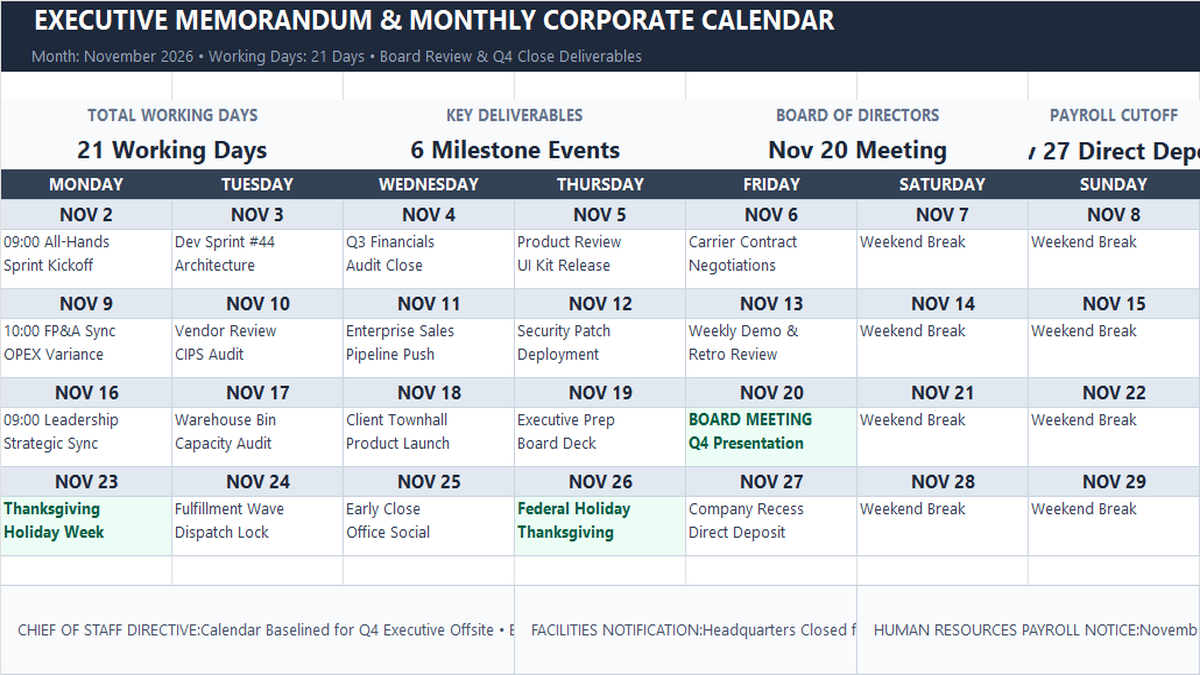
Workbook Blueprint: The Monthly Memo Calendar layout displaying executive scorecards, 7-day calendar grids, and operational department memos.
With our calendar layout defined, let us set up the date sequence and milestone highlights.
Generating Sequential Calendar Dates (Action vs Result)
Rather than typing every calendar date manually, we set up continuous dates by referencing the previous day.
Enter your starting date in cell B8 (e.g., NOV 2). In cell C8, write the date increment formula: =B8+1.
Copy this formula across columns D through H to fill out the first week. For subsequent weeks, link the first cell of the new row (cell B11) to Sunday (=H8+1) and drag horizontally. This dynamic link lets you update an entire monthly calendar simply by changing the opening date.
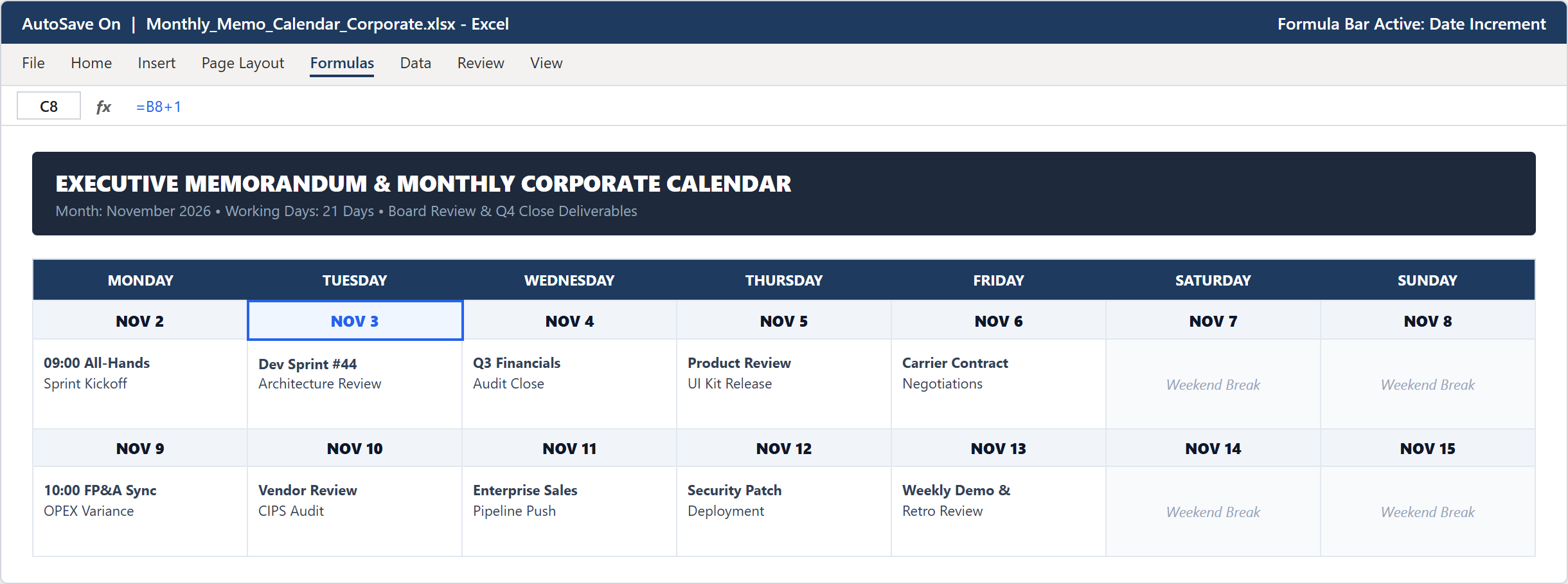
Step 1 [Action & Result]: Entering =B8+1 in cell C8 to create dynamic, sequential calendar dates across the schedule.
Highlighting Milestones with Conditional Formatting (Action vs Result)
In a full monthly schedule with dozens of daily tasks, executive milestones and company holidays need to stand out immediately.
Select the calendar event range B9:H20, open the Home ribbon tab, and click Conditional Formatting > New Rule.
Choose Format only cells that contain. Under Rule Description, configure Specific Text containing BOARD, then click Format... to set a light green fill (#ECFDF5) and dark emerald text (#047857).
Repeat this rule for other major events like Thanksgiving or Holiday. Key leadership commitments now pop with clean visual badges while routine tasks stay neutral.
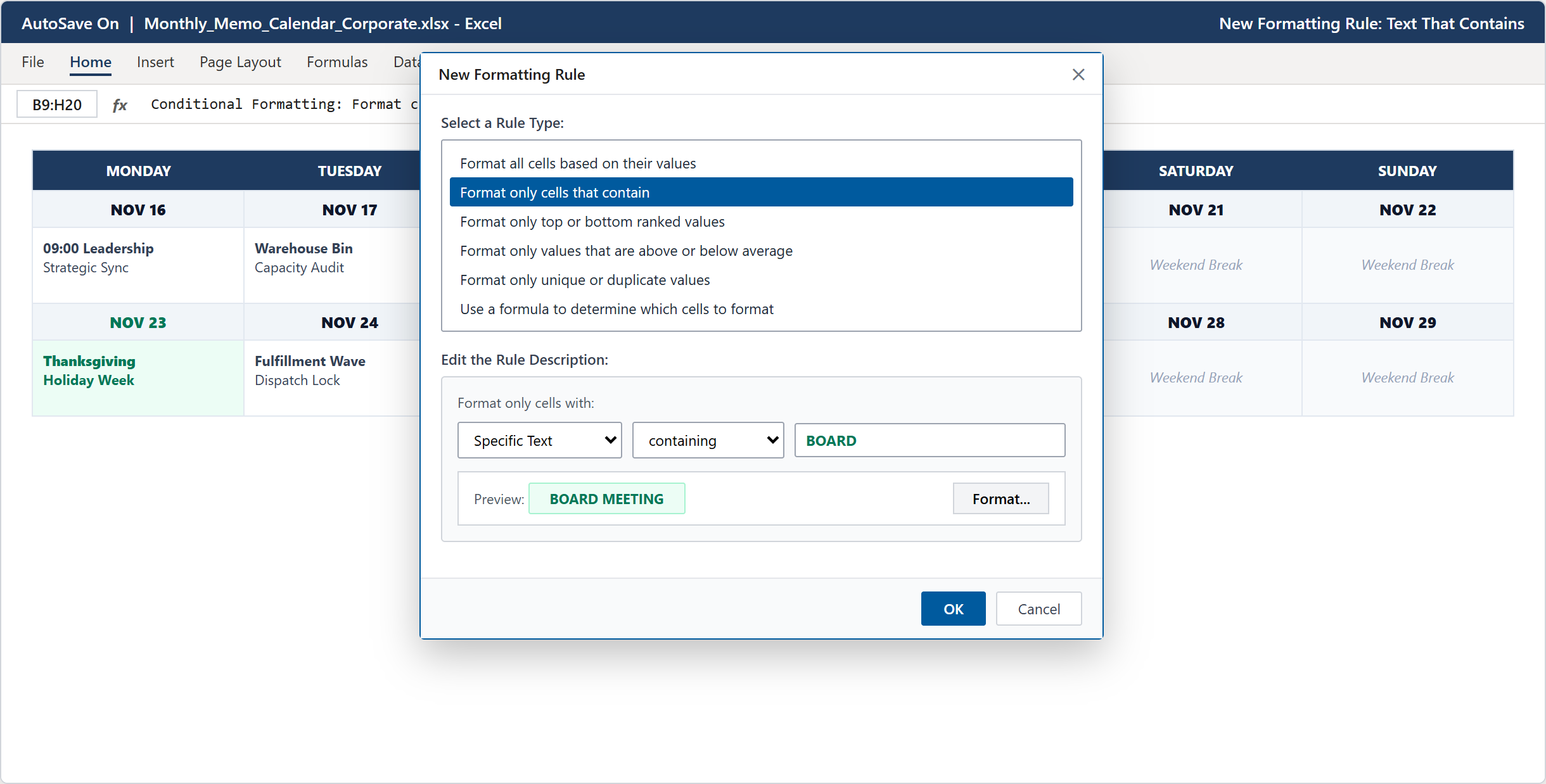
Step 2 [Action & Result]: Creating a text-containment conditional formatting rule in the New Formatting Rule dialog.
Executive Dashboard and Corporate Directives (Action vs Result)
With date sequencing and visual rules configured, the finished monthly memo calendar serves as an executive command center.
Across row 5, four KPI summary cards show Total Working Days (21 Working Days via =NETWORKDAYS(...)), Key Deliverables (6 Milestones), Board Meeting date (Nov 20), and Payroll Cutoff (Nov 27).
Across the bottom footer (row 23), three operational notice boxes broadcast actionable directives from the Chief of Staff, Facilities Management, and Human Resources, ensuring company-wide compliance.
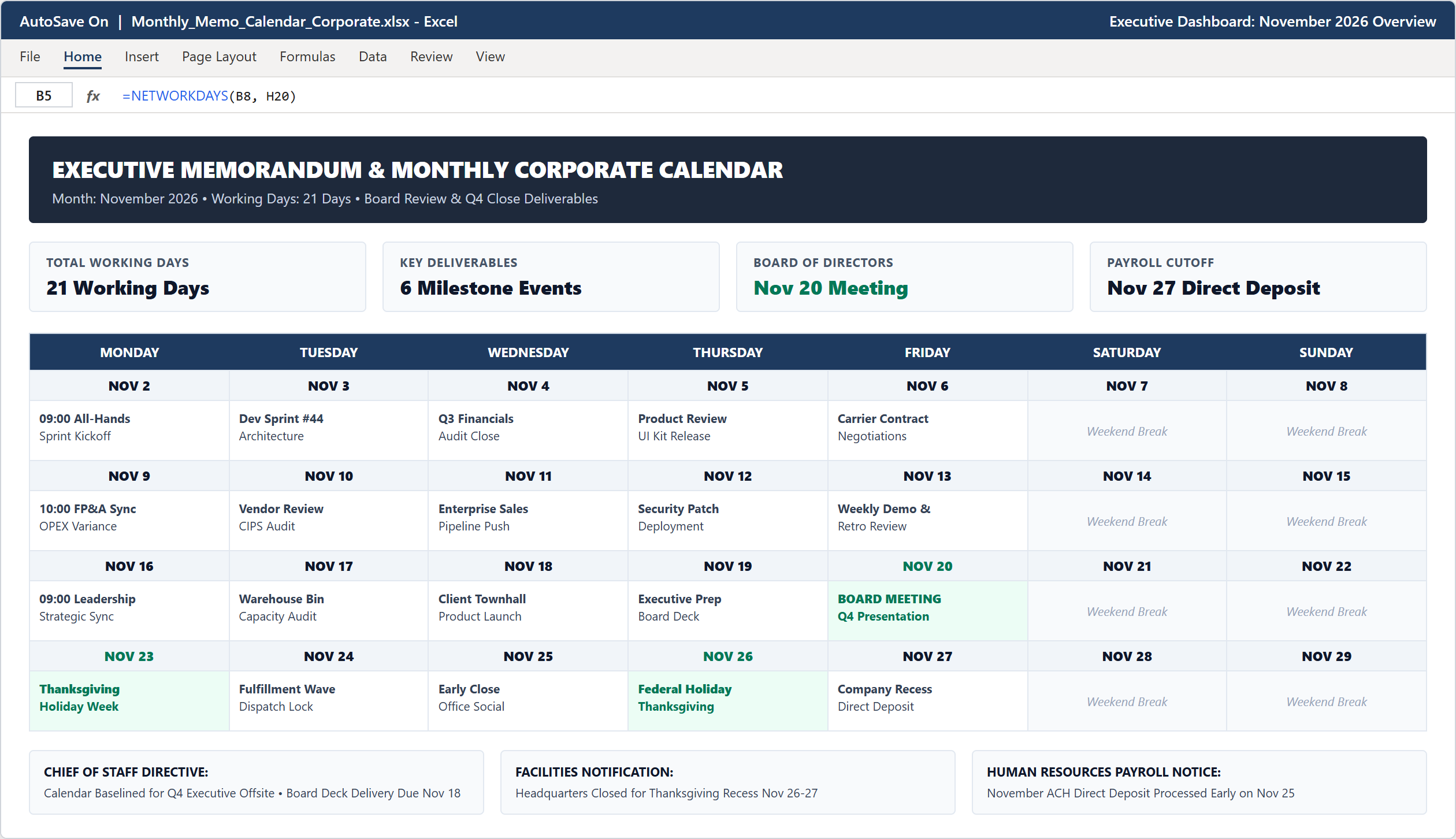
Step 3 [Action & Result]: The finished corporate dashboard showing top KPI scorecards, color-highlighted calendar matrix, and bottom directive memos.
Conclusion & Next Steps
You have built a production-ready Monthly Memo Calendar in Microsoft Excel that synchronizes corporate milestones across all business units.
Circulating this confirmed calendar at the start of each month prevents scheduling conflicts and keeps corporate leadership focused on key quarterly deliverables.
Download the complete template below or practice modifying calendar events directly inside the ExcelClash spreadsheet playground.

Spreadsheet educator and web developer passionate about hands-on interactive spreadsheet practice.
Related Practical Exercises
Explore more hands-on spreadsheet models with downloadable practice workbooks.
 Productivity
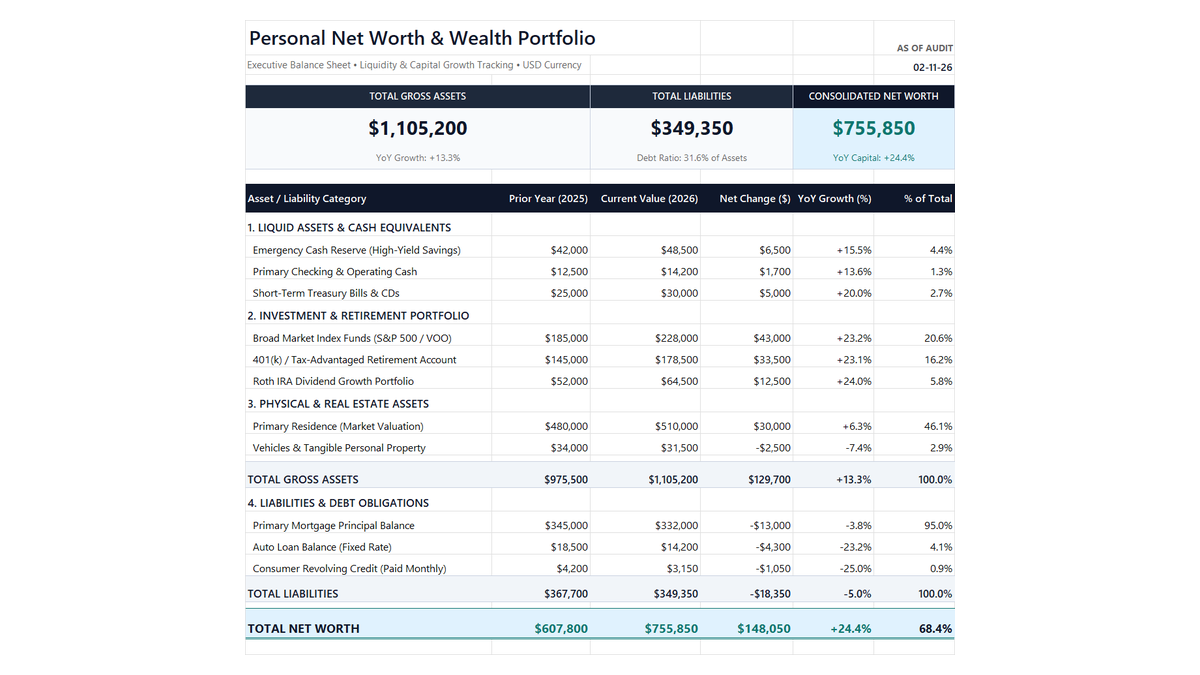
Personal Net Worth Tracker Excel Template
Build a clean personal net worth tracker in Microsoft Excel to monitor liquid savings, retirement accounts, real estate equity, and debt paydown with automated balance sheet math.
 Finance
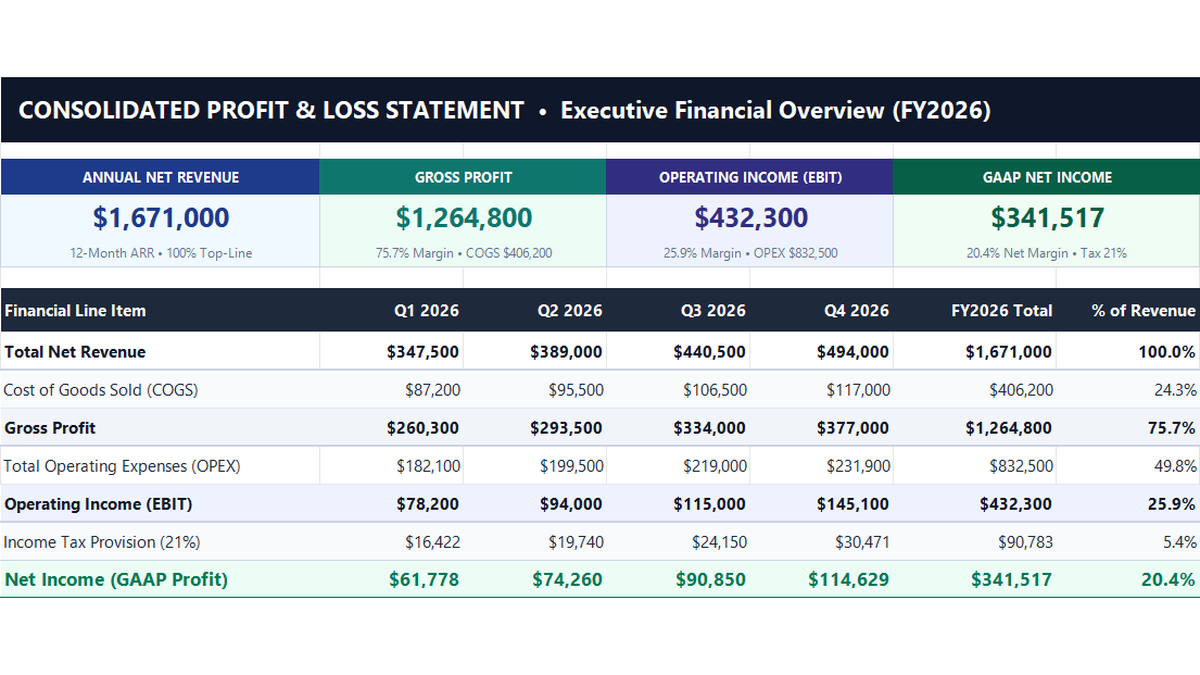
Profit and Loss Statement Excel Template
Build a standard 12-month corporate profit and loss statement in Microsoft Excel to track revenue lines, cost of goods sold, operating expenses, and net profit margins.
 Project Management
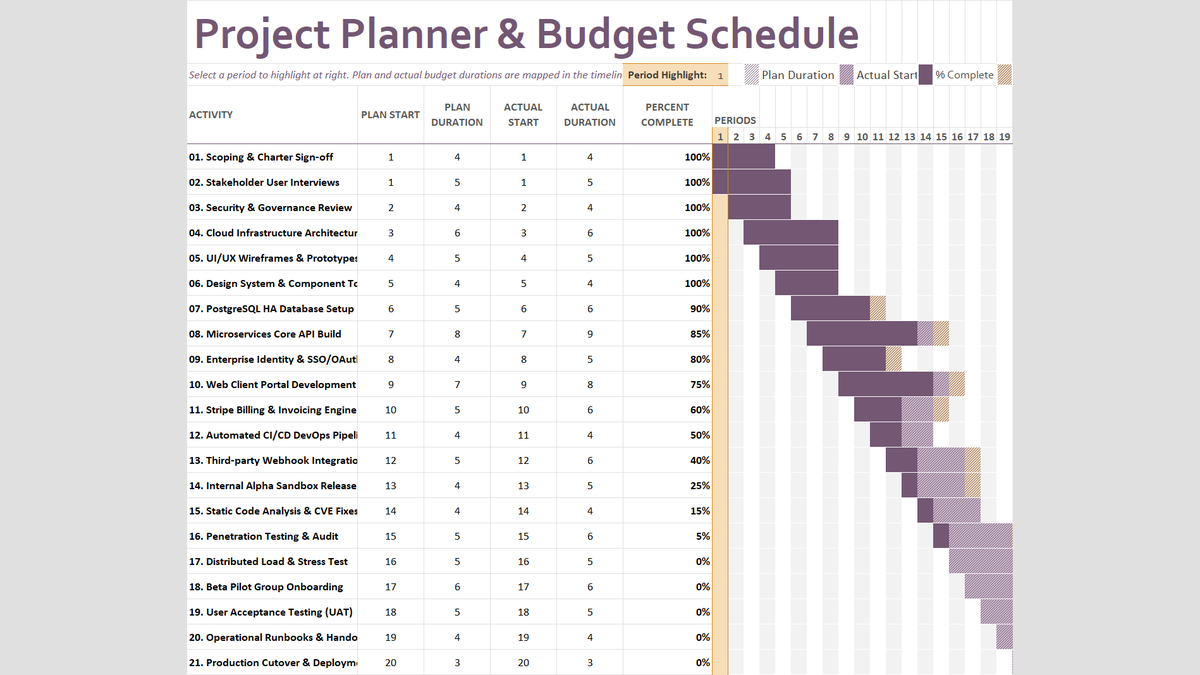
Project Budget Estimator Excel Template
Build a practical project planner and budget schedule in Microsoft Excel to track planned versus actual durations, percent complete milestones, and dynamic timeline periods.
 Project Management
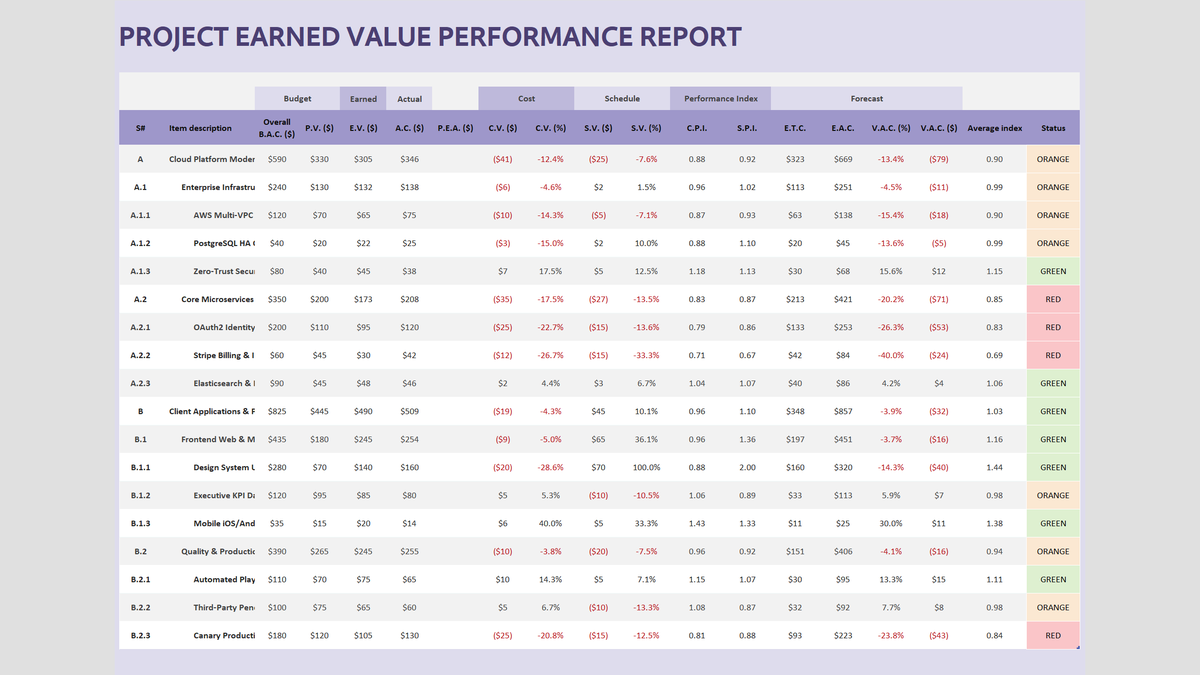
Project Earned Value Performance Report Excel Template
Track capital project budgets and delivery deadlines using Earned Value Management (EVM) in Microsoft Excel. Calculate Cost Variance (CV), Schedule Variance (SV), Cost Performance Index (CPI), and Estimate at Completion (EAC) with automated red-amber-green status badges.
 Project Management
Project Risk Register Excel Template
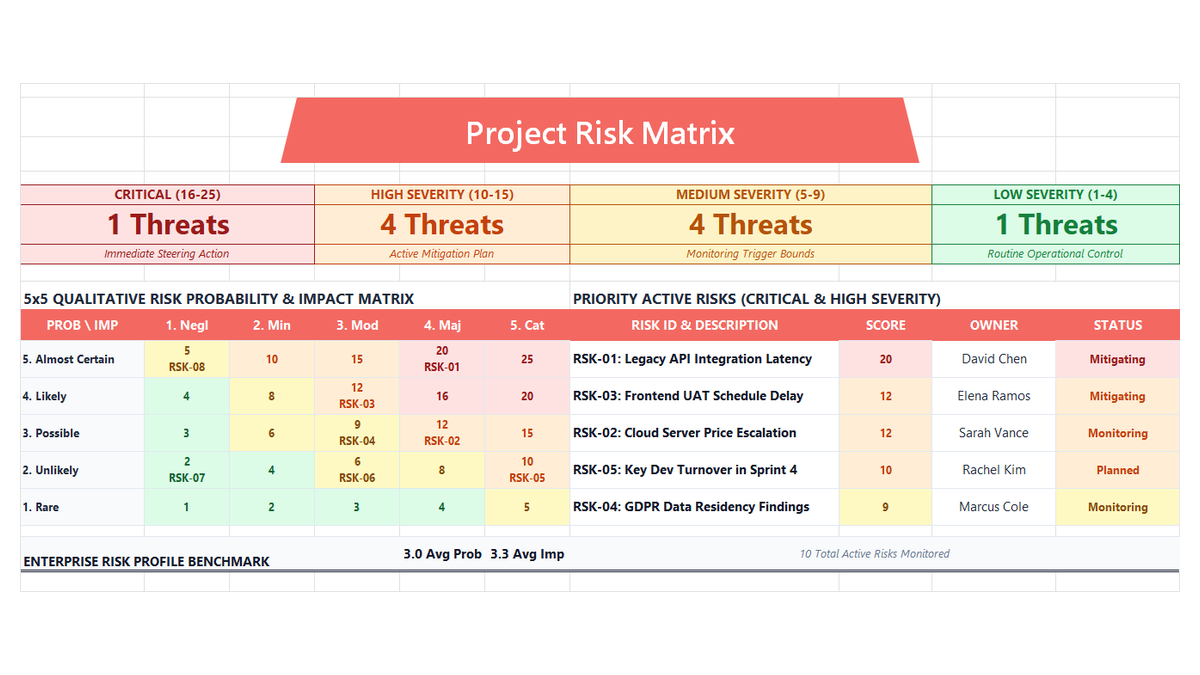
Learn enterprise risk governance in Microsoft Excel. Build an ISO 31000 and PMBOK-compliant 5x5 qualitative risk heatmap, automate probability and impact scoring, engineer multi-tier severity formulas, and enforce accountability with data validation.
Discussion
Ask questions, share formula tips, or discuss alternative approaches with fellow spreadsheet builders.
Loading discussion...