Relying on broad monthly averages to estimate your emergency fund leaves you either under-protected during an unexpected emergency or keeping too much cash that loses value to inflation. Building genuine financial resilience requires separating true baseline necessities from non-essential spending.
In this practical exercise, we will build an executive Emergency Fund Planner & Cash Runway Calculator in Microsoft Excel. This clean single-sheet workbook calculates bare-bones monthly needs, 3-month and 6-month runway targets, and exact timelines to full funding.
Essential Baseline Expenses
An emergency fund protects you against unexpected income loss, sudden medical bills, or urgent repairs. It should not cover your full regular monthly lifestyle, but your bare-bones survival overhead.
Our workbook features an emerald green header bar with an instant executive status indicator, four KPI parameter cards for baselines and targets (rows 5:11), and a comprehensive category breakdown table for essential living expenses.
Review the data dictionary below to understand how baseline needs and multipliers connect.
| Field Name | Cell Range | Data Type | How It Is Used | |
|---|---|---|---|---|
| B | Essential Expense Category | Text | B15:B22 | Core living necessity (Housing, Groceries, Healthcare, Debt, etc.). |
| C | Monthly Bare-Bones Need | Currency | C15:C22 | Minimum non-negotiable monthly cash outflow. |
| D | 3-Month Baseline Target | Formula | D15:D22 | Minimum safe buffer computed via =C15*3. |
| E | 6-Month Resilient Target | Formula | E15:E22 | Recommended robust reserve computed via =C15*6. |
| F | Category Share (%) | Percentage | F15:F22 | Portion of total monthly burn: =C15/$C$23. |
| C6 | Total Essential Need | Currency | C6 | Consolidated monthly essential spend ($7,500.00). |
| C9 | Current Liquid Savings | Currency | C9 | Actual cash reserves in high-yield accounts ($38,000.00). |
| G7 | 6-Month Goal Amount | Formula | G7 | Overall emergency target: =C6*6 ($45,000.00). |
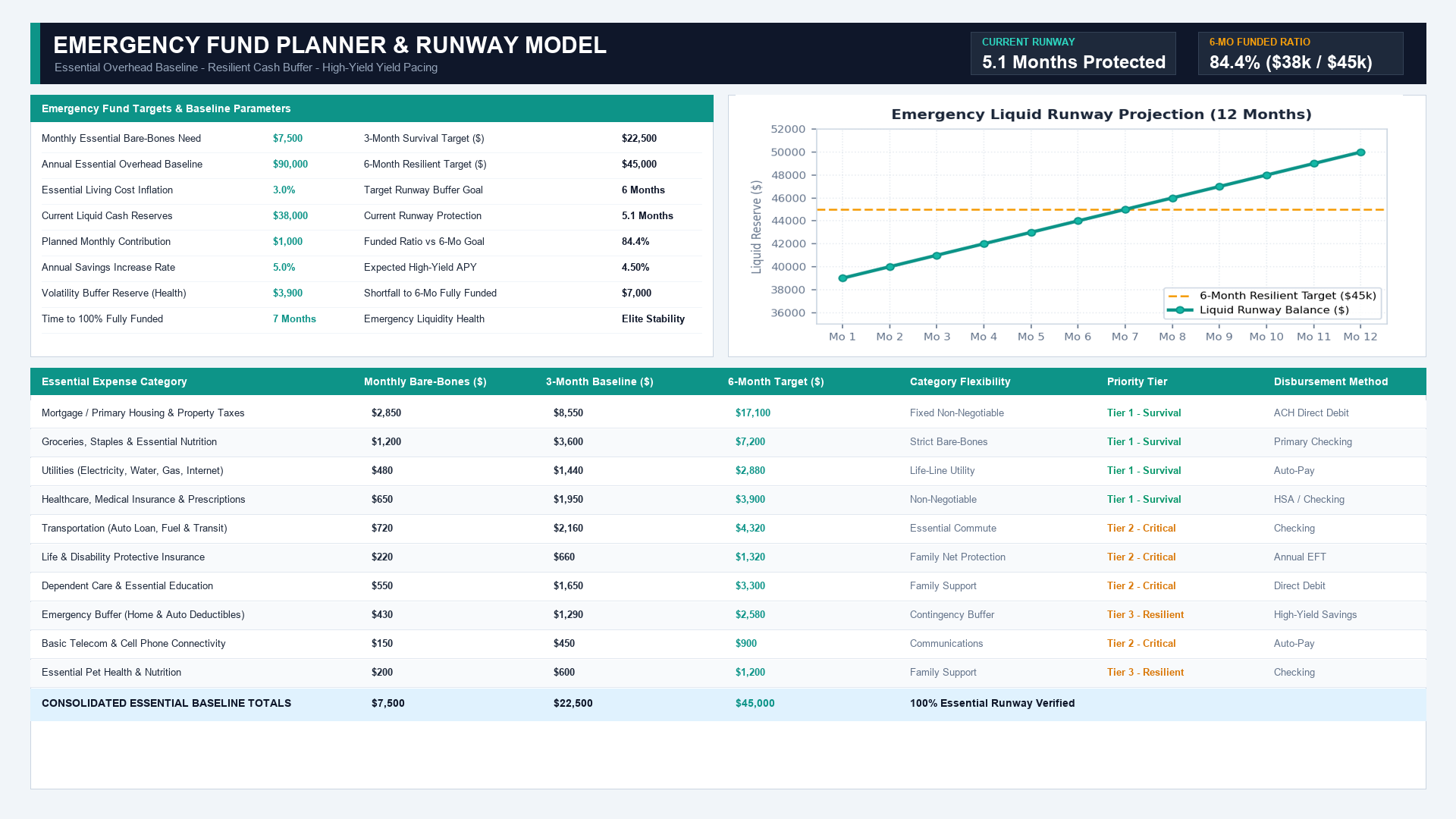
Workbook Blueprint: The Emergency Fund Planner layout featuring parameter cards, bare-bones expense ledger, and liquidity runway milestones.
With our baseline structure defined, let us write the primary calculations that quantify your required reserves.
Calculating Runway Protection (Action vs Result)
A cash savings balance alone does not tell you how long your household can survive without fresh income. Translating your liquid balance into months of runway protection gives you a direct, practical measure of household safety.
In cell G9, compute your active runway protection by dividing your current liquid savings in cell C9 by your monthly essential burn rate in cell C6: =C9/C6. With $38,000.00 in liquid reserves against a $7,500.00 monthly baseline, your household is protected for 5.1 Months.
In cell G10, calculate your progress toward the 6-month goal: =C9/G7, which reveals you have achieved 84.4% of your target.
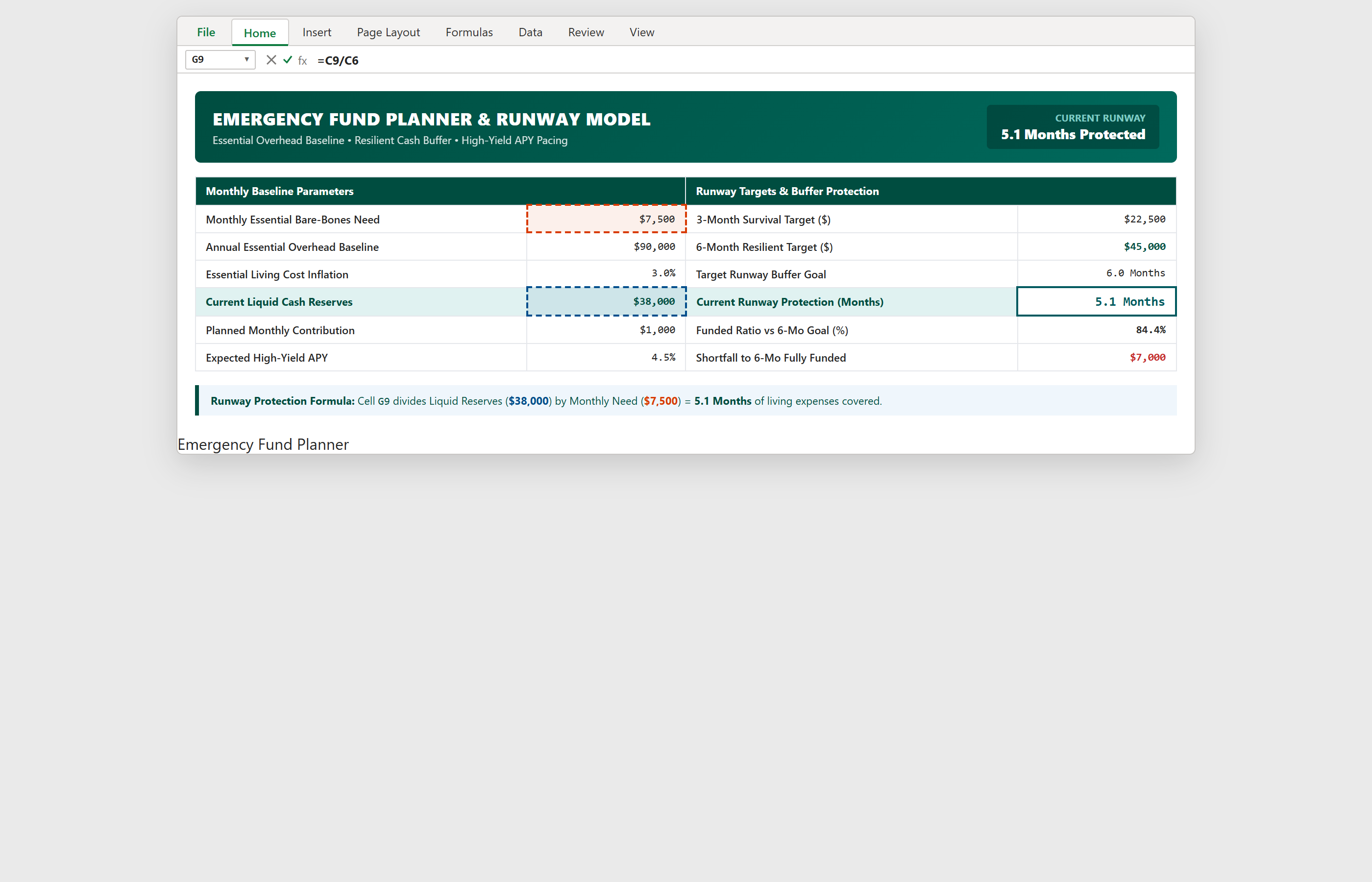
Step 1 [Action & Result]: Entering =C9/C6 in cell G9 to calculate active months of runway protection.
Formatting Currency Numbers (Action vs Result)
To keep your planner clean and easy to read during stressful financial moments, round numbers to whole dollars across your expense ledger.
Select the monthly expense range C15:E23, press Ctrl+1 to open the Format Cells dialog box, select Currency, set Decimal places to 0, and choose $ as the symbol.
Applying this consistent format ensures your totals and category breakdowns align neatly across all three target columns.
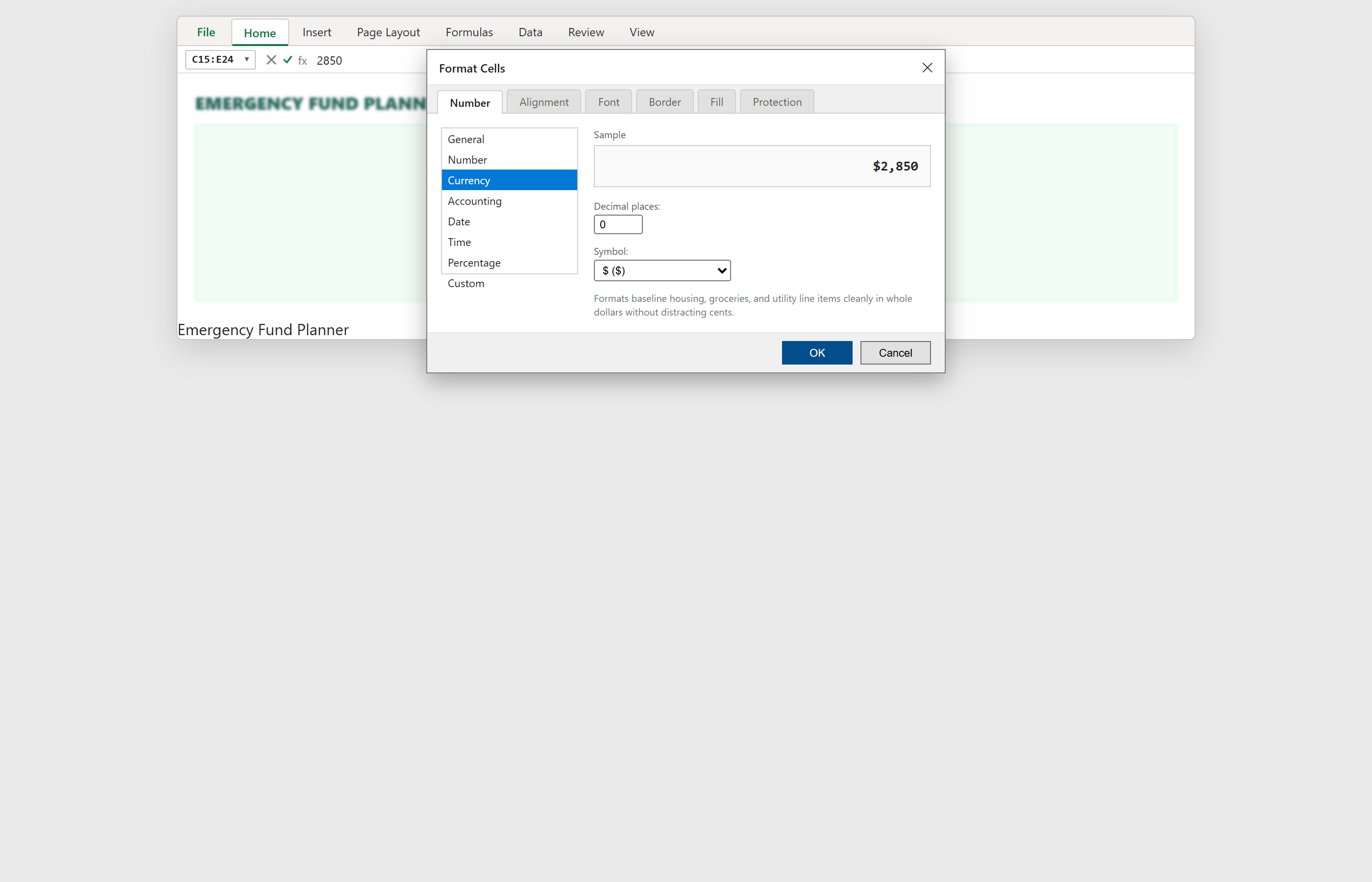
Step 2 [Action & Result]: Configuring whole-dollar Currency formatting in the Format Cells dialog for range C15:E23.
Reading the Emergency Fund Dashboard (Action vs Result)
With your calculations and formatting in place, your emergency fund dashboard gives you an instant executive summary of your financial health.
Four KPI summary cards across the top display your Monthly Essential Need ($7,500), 6-Month Resilient Target ($45,000), Current Savings Balance ($38,000), and Runway Protection (5.1 Months).
To see how quickly you will reach full funding, cell G11 calculates the remaining shortfall (=G7-C9 = $7,000). At a planned monthly savings rate of $1,000, you will reach full 6-month resilience in exactly 7 Months.
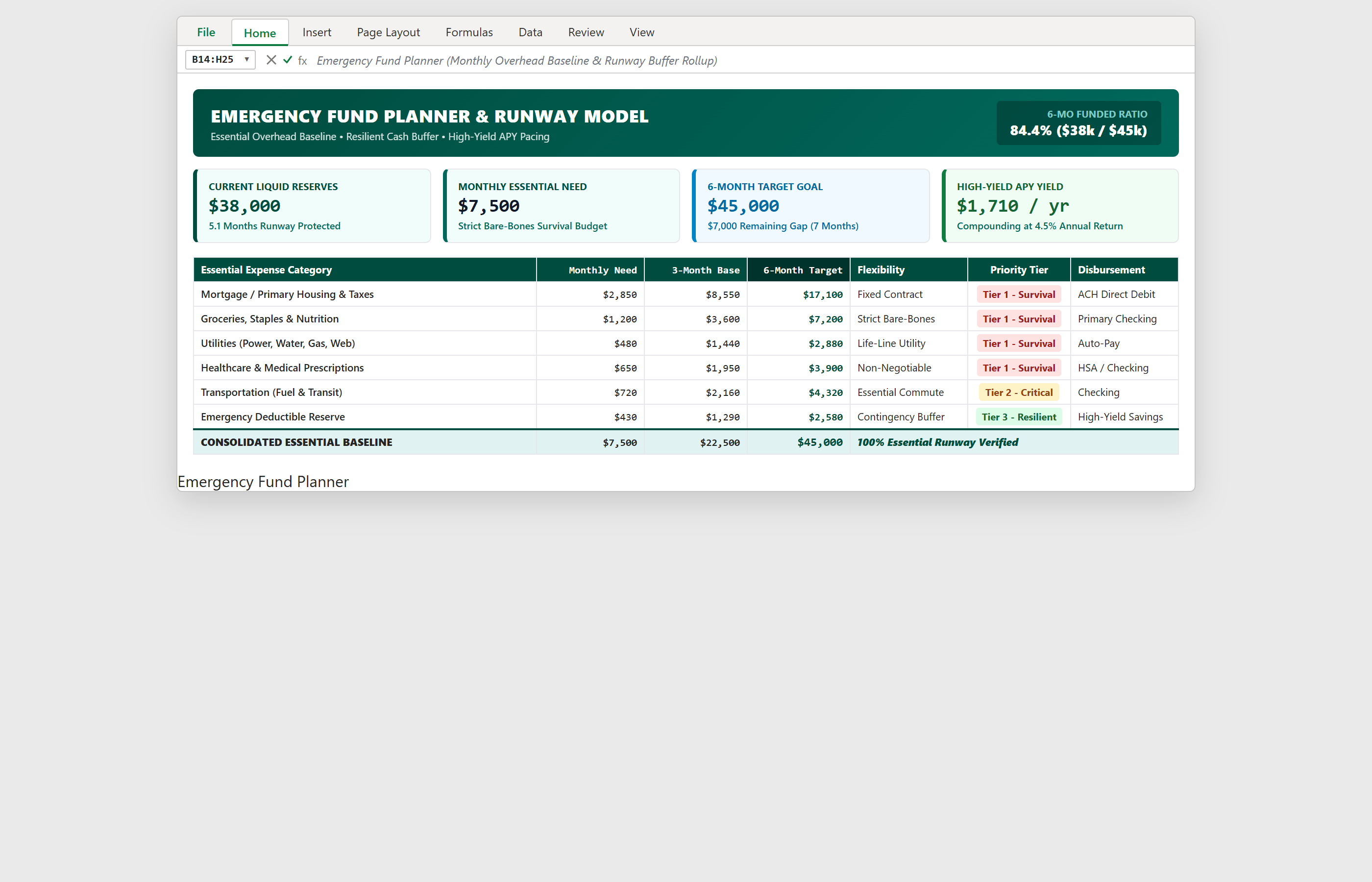
Step 3 [Action & Result]: The finished executive dashboard displaying 4 KPI summary cards and prioritized expense categories.
Conclusion & Next Steps
You have built a clean, practical Emergency Fund Planner in Microsoft Excel that replaces vague guesswork with disciplined financial clarity.
By tracking bare-bones monthly needs and monitoring active runway months, you can confidently protect your household against unforeseen emergencies.
Download the complete template below or practice modifying monthly savings rates directly in the ExcelClash spreadsheet playground.

Spreadsheet educator and web developer passionate about hands-on interactive spreadsheet practice.
Related Practical Exercises
Explore more hands-on spreadsheet models with downloadable practice workbooks.
 Finance
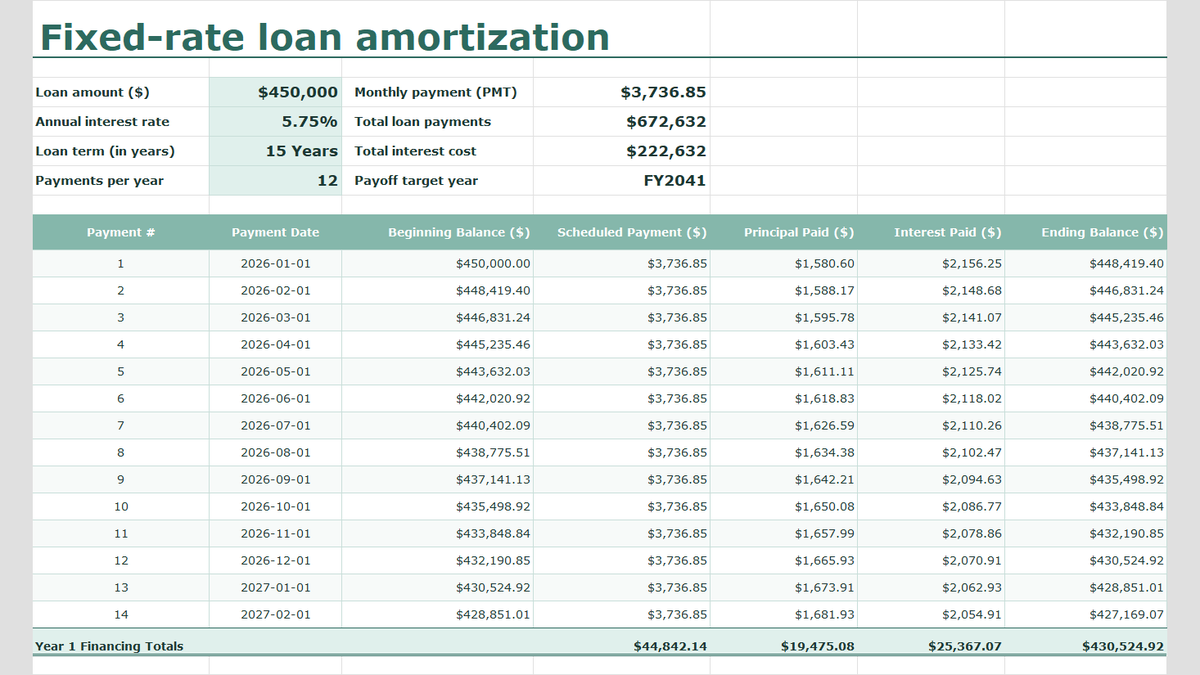
Fixed-Rate Loan Amortization Schedule Excel Template
Learn fixed-rate commercial debt structuring in Microsoft Excel. Build a rigorous amortization schedule featuring level debt service calculations with =PMT(), interest and principal bifurcation, dynamic balance rollforwards, accounting ledger formatting, and annual debt covenant rollups.
 Productivity
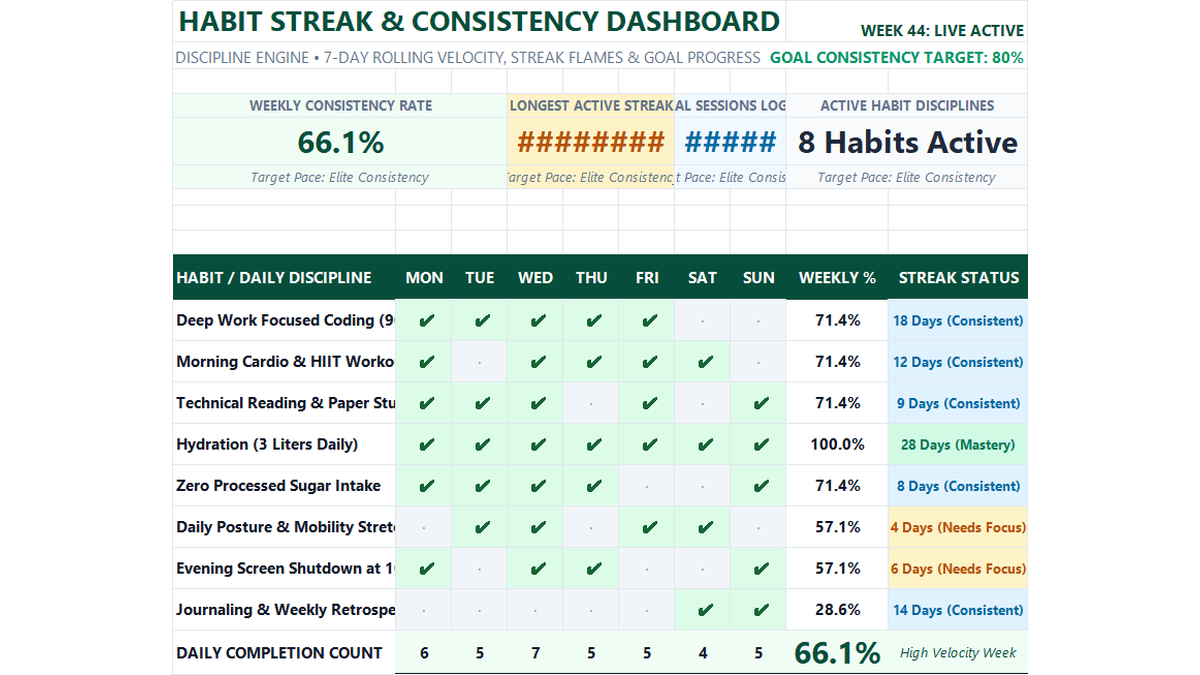
Daily Habit Tracker Excel Template
Build a practical daily habit tracker in Microsoft Excel to track 7-day consistency rates, checkmark styling, streak milestones, and overall productivity scorecards.
 Sales
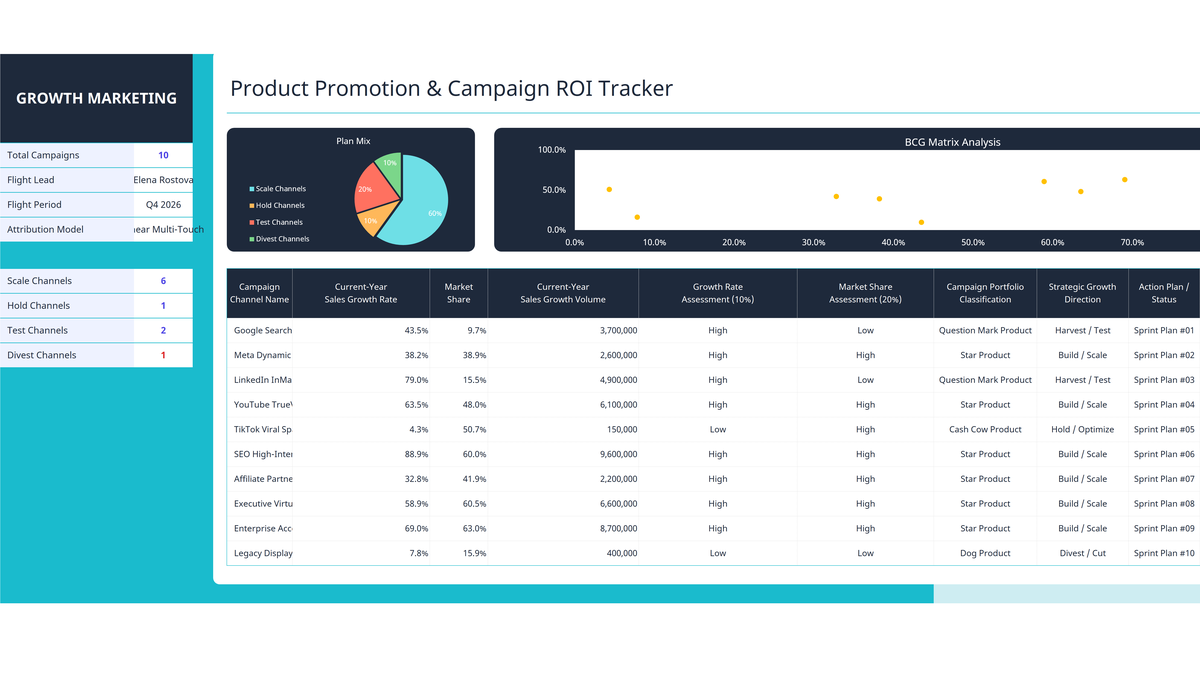
Marketing Campaign ROI Tracker Excel Template
Evaluate marketing channels, advertising returns, and campaign growth in Microsoft Excel. Build an executive campaign ROI tracker featuring growth rate percentage formatting, automated BCG matrix portfolio classification (Star, Cash Cow, Question Mark, Dog), and executive dashboard visualizations.
 Productivity
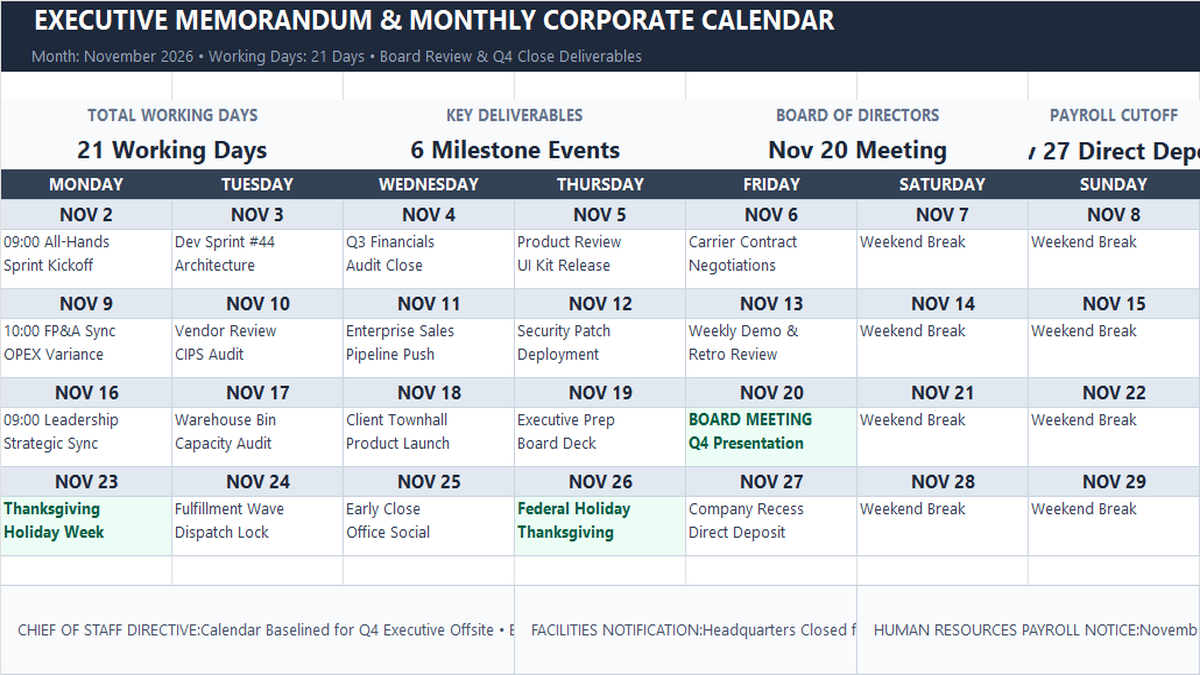
Monthly Memo Calendar Excel Template
Learn how to construct a monthly executive memo calendar in Microsoft Excel featuring single-sheet architecture, working days rollups with NETWORKDAYS, milestone event highlights, and department directive memos.
 Productivity
Personal Net Worth Tracker Excel Template
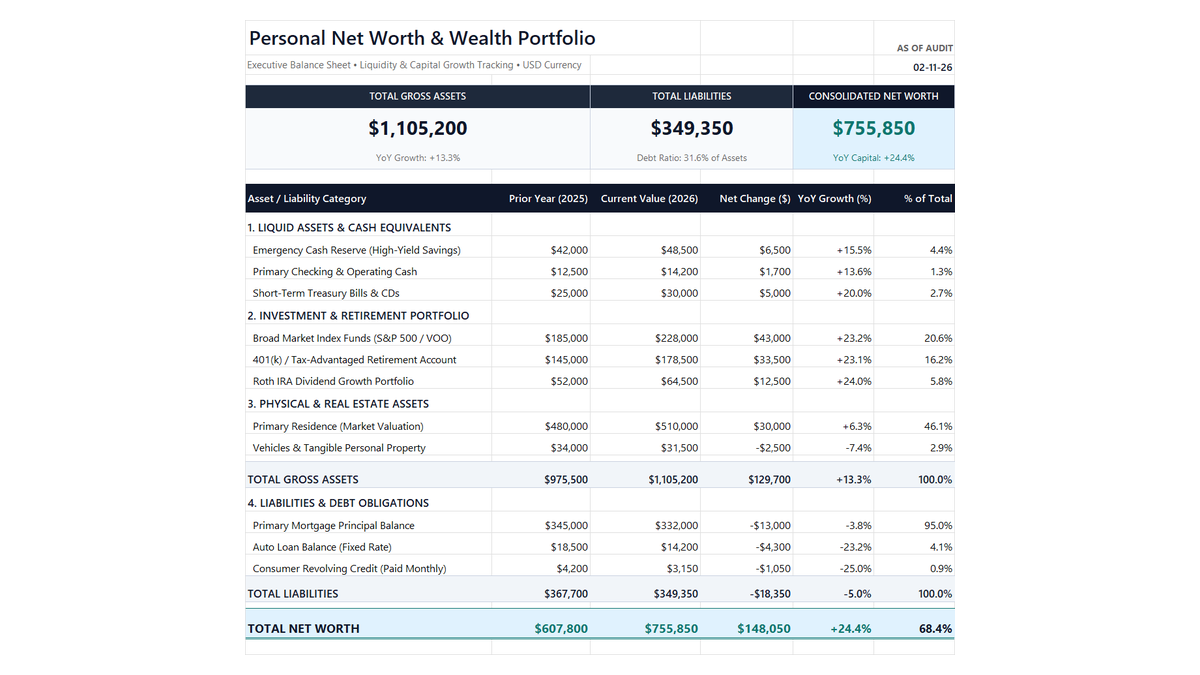
Build a clean personal net worth tracker in Microsoft Excel to monitor liquid savings, retirement accounts, real estate equity, and debt paydown with automated balance sheet math.
Discussion
Ask questions, share formula tips, or discuss alternative approaches with fellow spreadsheet builders.
Loading discussion...